 Rated 5 star on

Landing Pages for Events, Webinars and Launches
Quick answer
A good event page states what, when with a time zone, where and who it's for, then asks only for name and email. Offer add-to-calendar right away. Send a confirmation and reminders, by text only with consent. Use countdowns only for real deadlines. After the event, turn it into a replay page.
Event, webinar and launch pages have one thing ordinary landing pages don't: a date. That deadline helps, because people act when time is limited. It also creates problems. Missing time zones, long forms and no reminders cut sign-ups and attendance, and pages left up after the date frustrate visitors who arrive late.
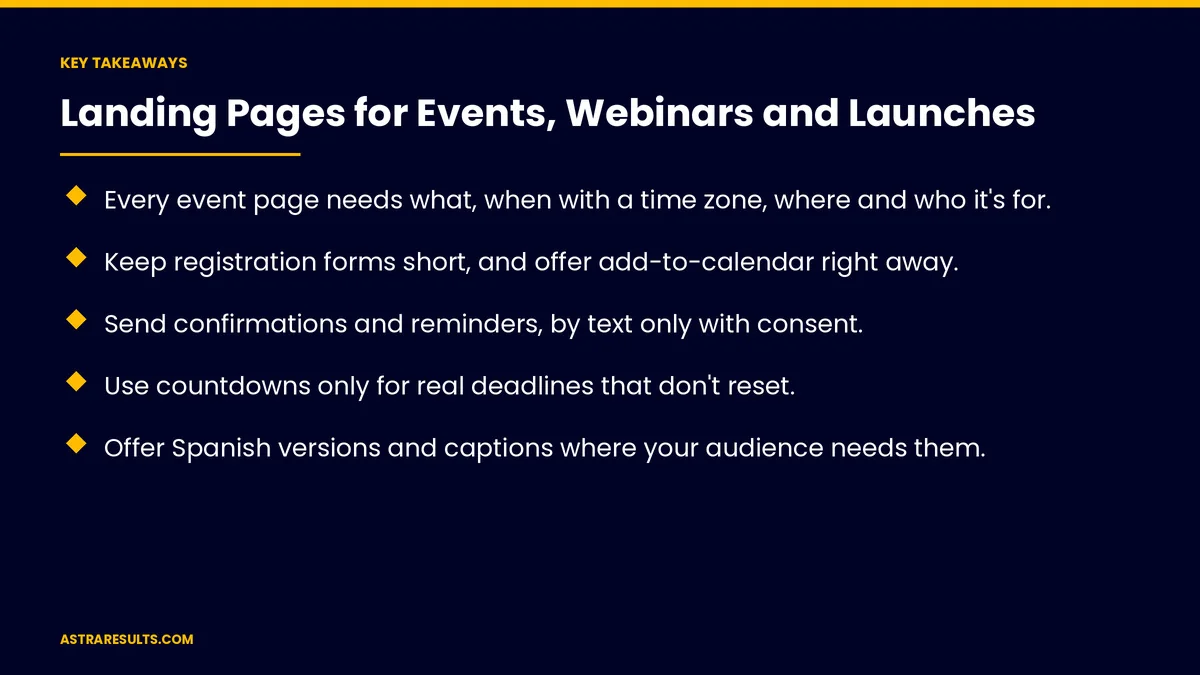
Key Takeaways
- Every event page needs what, when with a time zone, where and who it's for.
- Keep registration forms short, and offer add-to-calendar right away.
- Send confirmations and reminders, by text only with consent.
- Use countdowns only for real deadlines that don't reset.
- Offer Spanish versions and captions where your audience needs them.
- After the date, turn the page into a replay or a next-event page.
Published: October 11, 2026 | Reading Time: ~8 minutes | Category: Landing Pages
This guide covers pages for events, webinars and launches: the details every page needs, registration forms, reminders, real deadlines, capacity and waitlists, Spanish versions and accessibility, the page before, during and after, launch-day traffic and what to measure. Put plainly: make the details clear, keep the form short, remind people and update the page when the date passes.
In This Playbook
- The details every page needs
- How short should an event registration form be?
- Reminders
- When is a countdown timer honest on an event page?
- Capacity and waitlists
- Spanish versions and accessibility
- Before, during and after
- Launch pages
- Ads and testing
- What to measure
- The first three months
The details every page needs
What it is. One sentence on what people will get.
When, with the time zone. "Tuesday, 2 p.m. Eastern," never just "2 p.m."
Where. The link for online events; the address and parking for in-person ones.
Who it's for. So the right people sign up.
Speakers and agenda. Short, with real names and topics.
How short should an event registration form be?
Short. Name and email, plus one or two questions if needed, as covered in form length.
One clear action. As covered in one page, one offer, one action.
Add to calendar. Right after sign-up.
Calendar and booking tools. Connected to your systems, as covered in website integrations.
Reminders
Confirmation. Right after sign-up, with the details and link.
Reminders. The day before and an hour before.
Text reminders. Only with consent.
Last-minute changes. Tell registrants quickly.
When is a countdown timer honest on an event page?
Countdowns for real deadlines. Registration close, event start or early pricing.
No resetting timers. Fake urgency misleads visitors, as covered in creative compliance.
Early pricing. Clear dates and amounts.
Capacity and waitlists
Show limits only if real. Room size or seat counts.
Waitlists. When an event fills, collect interest for the next one.
Spanish versions and accessibility
Spanish pages. Written natively, as covered in Spanish landing pages.
Spanish sessions. Or interpretation, if the audience needs it.
Captions. For webinars and recordings.
Accessible venues. Say so on in-person event pages.
Before, during and after
Before. Details, registration and reminders.
During. A clear "join now" link for webinars, or directions for in-person events.
After. A replay, slides or a summary, plus the next event.
Never a dead page. Expired pages waste ad clicks and search visits.
Launch pages
Waitlists before launch. Collect interest with a short form.
Early access. A clear benefit for signing up early.
Seasonal sales. Planned months ahead, as in Black Friday planning.
Launch-day traffic. Watch the site closely, as covered in uptime monitoring.
Ads and testing
Match the ad. Same event, same date, same offer, as covered in message match.
Test headlines early. While there's time to change, as covered in landing page testing.
What to measure
Registration rate. Visitors who sign up.
Show-up rate. Registrants who attend.
Replay views. After the event.
Results after. Bookings, sales or sign-ups from attendees.
Cost per attendee. For paid promotion.
The first three months
Days 1–30: build the template
Create an event page template with details, time zone, a short form, add-to-calendar and confirmation and reminder messages.
Days 31–60: run the first events
Launch pages with matching ads, send reminders, use countdowns only for real deadlines and add Spanish versions where needed.
Days 61–90: after the date
Turn finished event pages into replay or next-event pages, and compare registration, show-up and results after each event.
How Astra builds event and launch pages
Astra Results Marketing builds pages for events, webinars and launches. We make details and time zones clear, keep forms short, set up reminders, use real deadlines only and turn pages into replays after the date.
Engagements begin with an event page plan through our landing pages team.
Related reading
Frequently asked questions
What should an event landing page include?
What it is, when it happens with the time zone, where it is, who it's for, speakers and agenda, and a short registration form.
How long should a webinar registration form be?
Short: name and email, plus one or two questions if they truly matter.
How do we improve webinar attendance?
Offer add-to-calendar, send a confirmation and reminders the day before and an hour before, and text reminders only with consent.
Are countdown timers allowed?
Yes, for real deadlines. Timers that reset or invent urgency mislead visitors and should be avoided.
What should happen to the page after the event?
Turn it into a replay or summary page with the next event, so late visitors and ad clicks aren't wasted.
Should event pages be in Spanish?
If your audience includes Spanish speakers, yes, with native writing and Spanish sessions or interpretation where needed.
Ready for event pages that fill seats? Astra Results Marketing builds event, webinar and launch pages with clear details, short forms, reminders and real deadlines, and turns them into replays after the date. ▸ CALL (786) 321-2866 · ▸ REQUEST YOUR CONSULTATION





