 Rated 5 star on

OpenAI in Business: Where It Fits
Quick answer
OpenAI fits businesses for drafting, summarizing, sorting, extracting and answering questions from their own documents. It should not make final decisions or state unsourced facts. Staff should use business plans, which OpenAI says are not used for training by default. Costs come from per-user subscriptions or usage-based API fees. A written policy keeps teams safe.
Most businesses already use OpenAI's tools, whether they planned to or not. Someone on the sales team drafts emails in ChatGPT. Someone in operations summarizes reports with it. The question isn't whether to use it, but where it helps, where it doesn't, and how to use it without putting customer data or your reputation at risk.
Key Takeaways
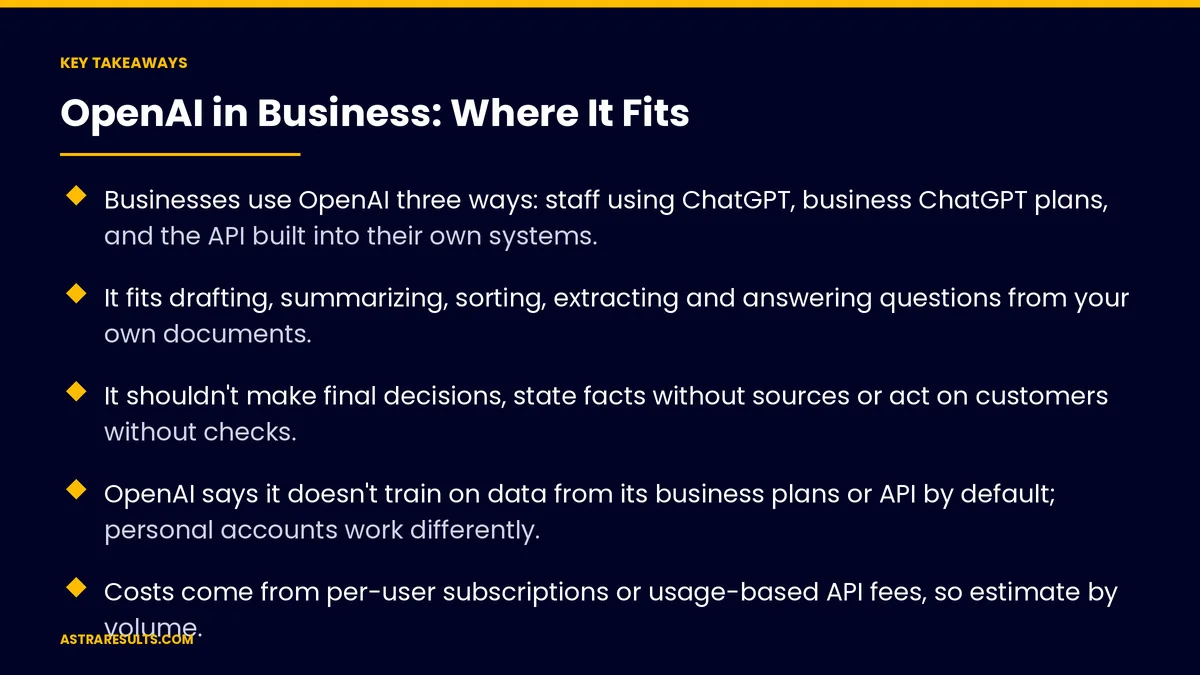
- Businesses use OpenAI three ways: staff using ChatGPT, business ChatGPT plans, and the API built into their own systems.
- It fits drafting, summarizing, sorting, extracting and answering questions from your own documents.
- It shouldn't make final decisions, state facts without sources or act on customers without checks.
- OpenAI says it doesn't train on data from its business plans or API by default; personal accounts work differently.
- Costs come from per-user subscriptions or usage-based API fees, so estimate by volume.
- A short written policy on approved tools, allowed data and review keeps teams safe.
Published: October 30, 2026 | Reading Time: ~10 minutes | Category: Generative AI Services
This guide covers the three ways businesses use OpenAI, the jobs it does well, the jobs it shouldn't do alone, how data is handled on personal versus business accounts, what it costs, and the rules a team needs. Put plainly: use it for drafting, summarizing and sorting, keep people on decisions, and keep business data on business accounts.
AI products, plans and terms change often. Check OpenAI's current terms, and your own legal and privacy obligations, before you set a policy.
In This Playbook
- Three ways businesses use OpenAI
- Where it fits well
- Where it shouldn't work alone
- Personal versus business accounts
- Choosing models and vendors
- What it costs
- Rules every team needs
- Building OpenAI into your systems
- How to judge AI use
- The first three months
Three ways businesses use OpenAI
Staff using ChatGPT. People sign in and use it for writing, research and analysis. Fast to start, but often on personal accounts.
Business ChatGPT plans. The same tool under a company workspace, with admin controls, shared settings and business data terms.
The API. Developers build OpenAI's models into your own systems, such as support tools, intake, document processing or product copy. This is where most custom work happens, as described in generative AI at work.
Where it fits well
Drafting. Emails, proposals, product descriptions and social posts, for a person to review. Product copy at scale is covered in generative AI product copy.
Summarizing. Long documents, meeting notes, call transcripts and reports.
Sorting and extracting. Classifying requests, pulling details from forms and emails, tagging feedback.
Answering from your documents. Policies, manuals and past answers, when the system retrieves the right documents first.
Analysis help. Explaining data, drafting formulas and suggesting charts, checked by someone who knows the numbers.
Many languages. Drafting and understanding messages in Spanish and other languages, checked by native speakers, as covered in multilingual NLP.
Where it shouldn't work alone
Final decisions. Hiring, credit, coverage, medical and legal judgments need qualified people.
Facts without sources. Models can state wrong information confidently. Give them your documents and check what they produce.
Exact calculations. Pricing, payroll and financial figures need proper tools and checks.
Acting on customers. Sending messages, issuing refunds or changing records automatically needs limits and approvals, as covered in agent security.
Sensitive data on the wrong account. Customer, health and financial data shouldn't go into personal accounts.
Personal versus business accounts
Business plans and the API. OpenAI states that it doesn't train its models on data from its business plans and API platform by default, and that customers own their inputs and outputs (OpenAI enterprise privacy).
Personal accounts. Conversations on personal accounts may be used to improve models unless the user turns that setting off.
Admin controls. Business workspaces let you manage who has access and, on some plans, how long data is kept.
Your own obligations still apply. Health, financial and personal data may carry legal rules regardless of the vendor's terms.
The practical rule. Company work goes on company accounts.
Choosing models and vendors
OpenAI isn't the only option. Several companies offer capable models with their own strengths and terms.
Test on your task. Compare quality on your real documents and requests, not on general benchmarks.
Compare the terms. Data use, retention, security and where data is processed.
Stay portable. Keep prompts, documents and data in your own systems, so switching providers later is practical.
What it costs
Subscriptions. Business ChatGPT plans charge per user per month.
API usage. Charged by how much text the models read and write, so cost grows with volume.
Estimate by volume. Count the requests, documents or messages per month, then test a sample to see real cost.
Count the build. Custom systems also cost design, development, testing and upkeep.
Compare with the time saved. The return is hours returned and errors removed, measured against a baseline.
Rules every team needs
Approved tools. Which accounts and products staff may use for company work.
Allowed data. What may and may not be entered, especially customer, health and financial information.
Review before sending. A person checks anything going to customers or the public.
Disclose where needed. Follow industry rules about telling customers when AI is involved.
One owner. Someone responsible for the policy, access and updates.
Building OpenAI into your systems
Understand, then generate. Classify the request, retrieve the right facts, then generate and check, as covered in GenAI + NLP.
Limits and logs. Restrict what the system can access and do, and log every action.
Start small. Pilot one workflow, measure it and expand, as in AI pilots that fail safely.
Clean data first. Good answers depend on current, organized documents and records, as covered in data pipelines explained.
How to judge AI use
Hours saved. Time returned on drafting, summarizing and sorting.
Edit rate. How much people change AI drafts before using them.
Errors caught. Mistakes found in review, and their type.
Policy compliance. Use of approved accounts and tools across the team.
Cost per task. Subscription and API spend divided by work completed.
The first three months
Days 1–30: policy and accounts
Find out how staff already use AI tools. Move company work onto business accounts. Write a one-page policy on approved tools, allowed data and review. Pick one workflow to improve.
Days 31–60: pilot
Pilot the chosen workflow, on a business plan or through the API with limits and logs. Measure hours saved, edit rate and errors against a baseline.
Days 61–90: decide and expand
Review results and costs, compare providers if needed, and decide whether to expand. Train the team on the policy and plan the next workflow.
How does Astra help businesses use OpenAI?
Astra Results Marketing helps businesses use OpenAI and other AI providers where they fit. We move company work onto business accounts, write a short policy your team can follow, and build AI into your systems with retrieval, checks, limits and logs.
We test providers on your real tasks, keep your data and prompts portable, and measure hours saved and errors caught against a baseline. Engagements begin with an AI use and policy review through our generative AI services team.
Related reading
Frequently asked questions
Where does OpenAI fit in a business?
Drafting, summarizing, sorting and extracting information, answering questions from your own documents and helping with analysis, with people reviewing the output and making the decisions.
Does OpenAI train on our business data?
OpenAI states that it doesn't train its models on data from its business ChatGPT plans or API platform by default. Personal accounts work differently, so company work should stay on company accounts. Check the current terms.
Should staff use personal ChatGPT accounts for work?
No. Move company work onto a business plan with admin controls, and write a policy on which tools and data are allowed.
What shouldn't AI do on its own?
Make final decisions on hiring, credit, coverage, health or legal matters, state facts without sources, run exact calculations without checks, or act on customers without limits and approvals.
Is OpenAI the only option?
No. Several providers offer capable models. Test them on your real tasks, compare data terms and costs, and keep your prompts and data portable.
How much does it cost?
Business ChatGPT plans charge per user per month, and the API charges by usage. Estimate monthly volume, test a sample, and compare the cost with hours saved.
Ready to use AI where it fits, safely? Astra Results Marketing moves your team onto business accounts, writes a policy they can follow, and builds AI into your systems with retrieval, checks and limits, measured by hours saved and errors caught. ▸ CALL (786) 321-2866 · ▸ REQUEST YOUR CONSULTATION





