 Rated 5 star on

Staffing Agency Android Apps for Workers
Quick answer
Staffing Android apps must follow Android's own rules on notifications, location and battery, or workers miss shifts. Explain why shift alerts matter before asking for notification permission. Check location only while the app is open at clock-in. Don't rely on background tasks for clock-ins. Test on budget phones, and use work profiles to separate work data.
Many staffing agency workers use Android phones, often budget or older models. The features they need are the same on any phone: shift offers, clock-in, timesheets and messages. But Android has its own rules on notifications, location and battery, and apps that ignore them miss shift alerts and fail at clock-in.
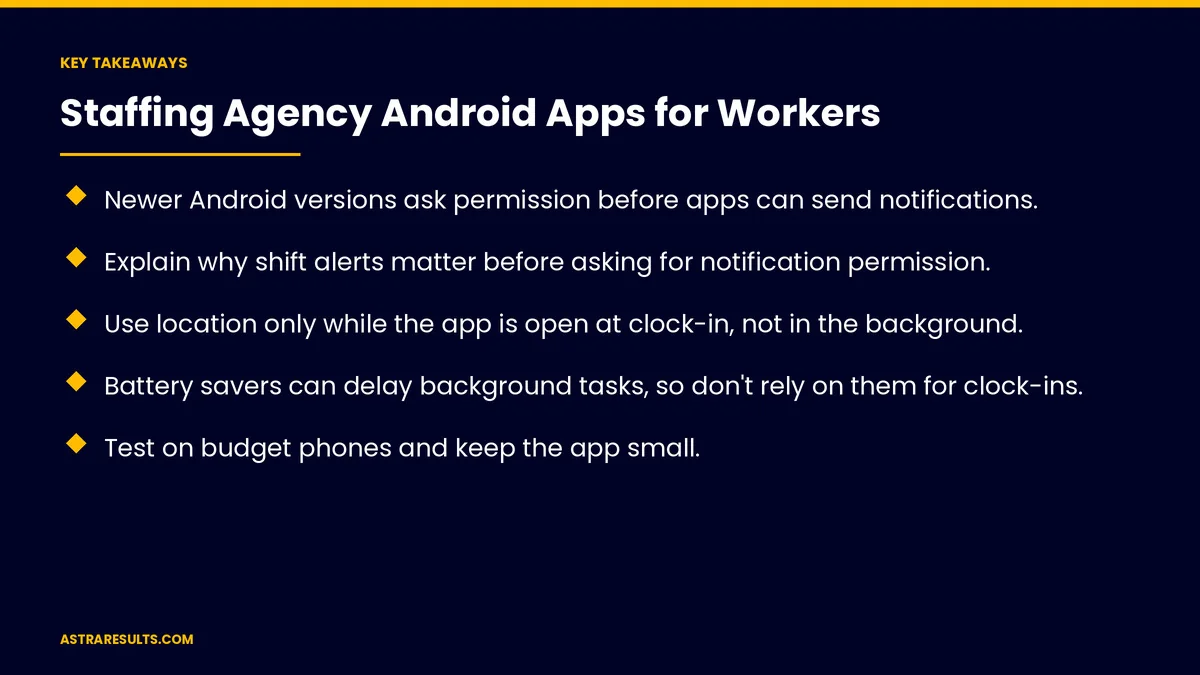
Key Takeaways
- Newer Android versions ask permission before apps can send notifications.
- Explain why shift alerts matter before asking for notification permission.
- Use location only while the app is open at clock-in, not in the background.
- Battery savers can delay background tasks, so don't rely on them for clock-ins.
- Test on budget phones and keep the app small.
- Work profiles keep work data separate on workers' personal phones.
Published: October 26, 2026 | Reading Time: ~8 minutes | Category: Android App Development
This guide covers the Android side of staffing apps: notification permission, location at clock-in, battery savers, budget phones, work profiles on personal phones, how to distribute the app, keeping up with Android changes and what to measure. Put plainly: design for Android's rules and for budget phones, and shift alerts and clock-ins will work.
The features themselves are covered in staffing apps for a workforce on mixed devices.
In This Playbook
- Do Android apps need permission to send shift alerts?
- Location at clock-in
- Battery savers
- Budget phones
- Work profiles on personal phones
- Distribution
- Keep up with Android changes
- Recruiting side
- What to measure
- The first three months
Do Android apps need permission to send shift alerts?
Android asks first. Since Android 13, apps must ask permission before sending notifications.
Explain before asking. "Turn on alerts so you don't miss shift offers."
Ask at the right moment. When a worker first sets availability, not at install.
Backup channels. Text messages for workers who decline alerts, with consent.
Location at clock-in
Only while the app is open. Check location when the worker taps clock-in.
Avoid background location. It needs a separate permission and extra Google Play review, and workers distrust it.
Clear notice. Say what's checked and when, as in the main staffing guide.
No tracking off shift. Ever.
Battery savers
Android limits background work. To save battery, it can delay or stop background tasks.
Phone makers add more limits. Some brands are stricter than others.
Design around it. Clock-in happens when the worker taps, not in the background.
Reminders. Use scheduled notifications rather than constant background checks.
Budget phones
Small download. Many workers have little storage.
Low data use. Limited data plans are common.
Low-memory devices. Test on them, including Android Go phones.
Offline clock-in. Saved and sent when signal returns.
Real-device testing. As covered in evaluating Android vendors.
Work profiles on personal phones
Separate work space. Android work profiles keep work apps and data apart from personal ones.
Privacy for workers. The agency manages the work profile, not the whole phone.
Easy removal. Work data can be removed when an assignment ends.
Company devices. Fully managed, as with enterprise mobile apps.
Distribution
Google Play. The easiest path for most workers.
Private company distribution. For apps only your workers should see.
Direct installs. Possible, with Google's developer verification rules to follow, as covered in Play Store vs direct distribution.
Play policies. Data safety forms and permissions explained, as covered in Google Play review and policy basics.
Keep up with Android changes
Yearly updates. New Android versions and Google Play deadlines, as covered in iOS and Android updates.
Test new versions early. Permission and battery rules often change.
Recruiting side
Profiles from resumes. As covered in staffing agency resume parsing.
Shift offers matched to workers. Then sent to their phones.
What to measure
Notification opt-in rate. Workers who allow alerts.
Shift alert delivery. Alerts received on time.
Clock-in success rate. First-try clock-ins.
App size and data use. Kept low.
Crash-free users by device. Including budget models.
The first three months
Days 1–30: plan for Android
Survey workers' phones, plan notification and location permission requests, and decide on distribution and work profiles.
Days 31–60: build and test
Build clock-in that works while the app is open, scheduled reminders and offline mode. Test on budget phones and several brands.
Days 61–90: launch and measure
Launch through Google Play or private distribution, track notification opt-ins, alert delivery and clock-in success and fix device-specific issues.
How Astra builds staffing Android apps
Astra Results Marketing builds Android apps for staffing agency workers. We design for Android's notification, location and battery rules, test on budget phones, use work profiles where they fit and choose the right distribution path.
Engagements begin with a worker app review through our Android app development team.
Related reading
Frequently asked questions
Why do some workers miss shift alerts on Android?
Newer Android versions require permission for notifications, and battery savers can delay background tasks. Ask for permission clearly and use scheduled notifications.
Should a staffing app track location in the background?
No. Check location only while the app is open at clock-in. Background location needs extra permission and Google Play review, and workers distrust it.
How do we make the app work on budget phones?
Keep the download small, limit data use, support offline clock-in and test on low-memory devices.
What is an Android work profile?
A separate space on the phone for work apps and data, managed by the company, while personal apps stay private.
Do workers need Google Play to install the app?
Not always. Google Play is easiest, but private company distribution and direct installs are options, following Google's verification rules.
How do Android updates affect the app?
New versions often change permission and battery rules, so test early and plan yearly updates.
Ready for a staffing app that works on every Android phone? Astra Results Marketing builds staffing Android apps that respect Android's permission and battery rules, run on budget phones and keep work data separate on personal devices. ▸ CALL (786) 321-2866 · ▸ REQUEST YOUR CONSULTATION





