 Rated 5 star on

React Native + Cross-Platform Strategy
Quick answer
React Native builds iPhone and Android apps from one codebase and suits teams that already build their website in React. Plan for small native modules when a feature needs deeper phone access. Heavy graphics or single-platform apps may be better built natively. Upgrade regularly, since small frequent upgrades are cheaper than catching up later.
Choosing React Native usually starts as a decision about one app for iPhone and Android. The bigger question is the next five years. Can your website and app share code and design? Who will maintain it? What happens when you need a feature only native code can do? A good strategy answers those questions before the first screen is built.
Key Takeaways
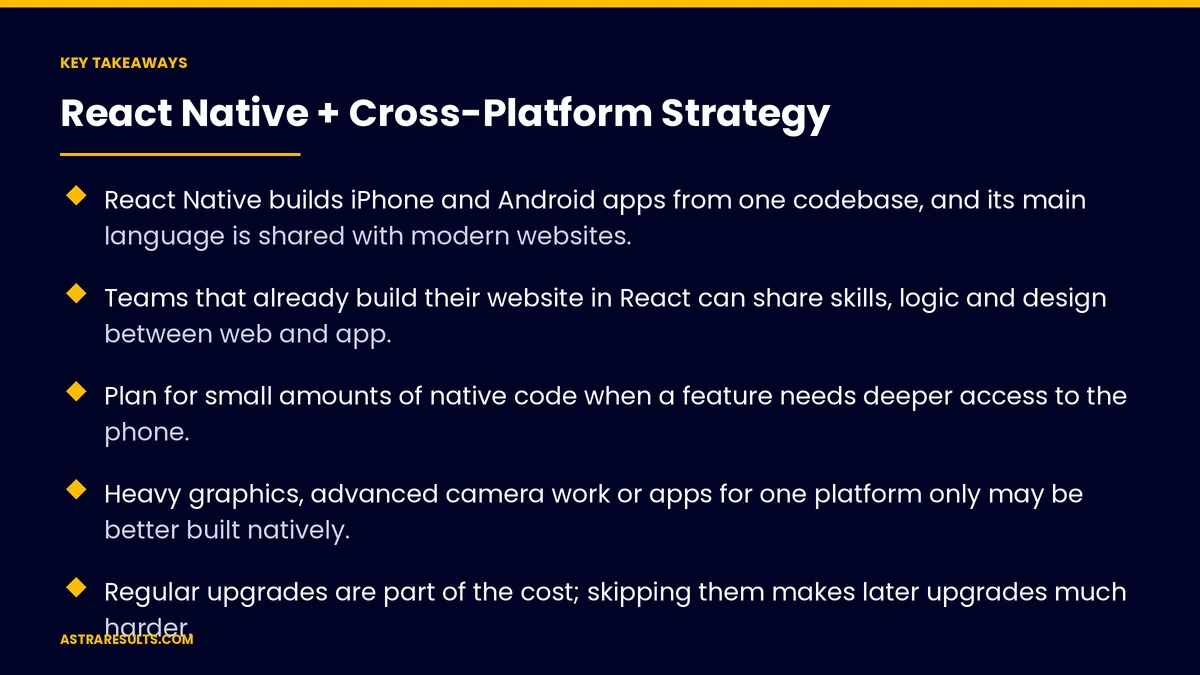
- React Native builds iPhone and Android apps from one codebase, and its main language is shared with modern websites.
- Teams that already build their website in React can share skills, logic and design between web and app.
- Plan for small amounts of native code when a feature needs deeper access to the phone.
- Heavy graphics, advanced camera work or apps for one platform only may be better built natively.
- Regular upgrades are part of the cost; skipping them makes later upgrades much harder.
- A shared design system keeps the website and apps consistent as the product grows.
Published: October 11, 2026 | Reading Time: ~10 minutes | Category: React Native Development
This guide looks at React Native as part of a long-term product strategy: sharing code and design with your website, choosing it over other options, knowing when to go native, keeping it upgraded and building the team to run it. Put plainly: choose React Native for the roadmap, not just the first release.
In This Playbook
- Beyond the first release
- Sharing with your website
- React Native or another option
- When to add native code
- Keeping it current
- Building the team
- Where this strategy pays off
- Which metrics show a React Native strategy is working?
- The first three months
Beyond the first release
The first app is the easy part. The real test is the second year: new features, new devices, new platform rules and new team members.
Think in products, not apps. Most businesses run a website, an iPhone app and an Android app that should feel like one product.
Strategy decides cost. Choices made at the start determine how much each future feature costs to build on every platform. The one-team model is covered in one team, two app stores.
Sharing with your website
One language family. React Native apps are written in JavaScript or TypeScript, the same languages used to build many modern websites with React.
Shared business logic. Rules for pricing, validation and data handling can often be written once and used on web and mobile.
Shared skills. Developers who build the website can work on the app with less retraining.
Shared design. A design system of colors, type, buttons and components keeps the website and apps consistent.
Not everything is shared. Screens and navigation usually differ between web and mobile. Share the logic and design rules, not every line of code. The website side is covered in website development.
React Native or another option
React Native. A strong fit when your team knows JavaScript and you want to share with a React website.
Other cross-platform frameworks. Alternatives like Flutter also build for both platforms from one codebase, with their own language and strengths.
Web apps. For occasional use with no deep phone features, a web app may be enough, as weighed in native, cross-platform or web.
Native. Best for heavy graphics, deep device features or a single platform, as covered in Swift native iOS.
Decide by team and roadmap. The best choice is the one your team can build and maintain well for years.
When to add native code
Some features need it. Advanced camera work, Bluetooth devices, background tasks and the newest platform features.
Native modules fill the gap. Small pieces of Swift or Kotlin connect to the shared app without rebuilding it.
Plan the skills. Have someone who can write and maintain that native code, even if it's a small part of the work.
Watch the balance. If most of the app becomes native code, cross-platform may no longer be the right choice.
Keeping it current
Upgrades are regular work. React Native, its libraries and the phone platforms all release updates through the year.
Small, frequent upgrades. Easier and cheaper than jumping several versions at once.
Fewer libraries, less risk. Each outside library is something that must keep up with every upgrade.
Budget for it. Upgrade time belongs in every year's plan, as covered in app maintenance.
Small fixes faster. Some fixes to app logic can ship without a full app store release, within each store's rules. Larger changes still go through review.
Building the team
JavaScript and TypeScript skills. The core of the team, often shared with web.
At least one native-capable developer. For native modules, builds and platform issues.
Design system owner. Someone responsible for keeping web and app consistent.
Testing on real devices. Both platforms, older phones included, before every release.
Clear ownership. Accounts, code and build tools registered to your business.
Where this strategy pays off
Products with web and mobile versions. Booking, ordering, accounts and member areas.
Multi-location businesses. One app for every location, as in franchise apps.
Loyalty and repeat-use apps. Fast feature delivery on both platforms, as covered in loyalty apps.
Growing teams. Hiring from the large pool of JavaScript developers.
Which metrics show a React Native strategy is working?
Time to ship features. How long a feature takes to reach both platforms and the website.
Shared code. The share of logic and components used across web and mobile.
Native code share. How much of the app needs platform-specific code.
Upgrade lag. How far behind current versions the app is.
Crash-free sessions. On both platforms, after each release.
The first three months
Days 1–30: plan the product
Map your website, apps and roadmap as one product. Decide what logic and design to share. List features that may need native code. Confirm React Native fits your team and roadmap.
Days 31–60: build the foundation
Set up the shared design system and shared logic. Build core screens for both platforms, add native modules where needed, and set up testing on real devices.
Days 61–90: release and plan upkeep
Release to both stores. Measure time to ship, crashes and shared code. Set a regular upgrade schedule and a yearly maintenance budget.
How Astra plans cross-platform products
Astra Results Marketing plans React Native as part of a product strategy, not a single app. We map your website and apps as one product, share logic and design where it saves time, add native code only where features need it, and keep everything upgraded on a steady schedule.
You get faster delivery across iPhone, Android and the web, with code and accounts you own. Engagements begin with a product and roadmap review through our React Native app development team.
Related reading
Frequently asked questions
Can React Native share code with our website?
Often, yes. React Native uses JavaScript or TypeScript, the same languages used for React websites. Business logic and design rules can be shared, while screens and navigation usually differ between web and mobile.
When should we choose native instead of React Native?
When the app depends on heavy graphics, advanced camera work, deep device features or targets only one platform. In those cases native development often gives better results.
Will we ever need native code in a React Native app?
Sometimes. Features like Bluetooth devices, background tasks or the newest platform capabilities may need small native modules in Swift or Kotlin. Plan for someone who can maintain them.
How often does a React Native app need upgrades?
Regularly. React Native, its libraries and the phone platforms all update during the year. Small, frequent upgrades are cheaper than catching up several versions at once.
Is React Native better than Flutter?
Neither is better for everyone. React Native suits teams with JavaScript skills and React websites. Flutter uses a different language and suits teams that prefer it. Choose the one your team can build and maintain well.
What team do we need for a React Native product?
JavaScript or TypeScript developers, at least one developer who can handle native code and builds, someone who owns the design system, and testing on real devices for both platforms.
Ready to plan apps and web as one product? Astra Results Marketing plans React Native as part of your product roadmap, sharing logic and design with your website, adding native code only where needed and keeping everything upgraded on a steady schedule. ▸ CALL (786) 321-2866 · ▸ REQUEST YOUR CONSULTATION





