 Rated 5 star on

Summarization: Meeting Notes to Action Items
Quick answer
AI can turn a meeting transcript into a summary, decisions and action items with owners and due dates. In Florida, recording a private conversation requires every participant's consent. The meeting owner should review each recap before it goes out. Keep sensitive meetings out of automatic recording. Send action items straight into your task tool.
Most meetings end with good intentions and no record. Nobody sends notes, decisions live in a few memories and action items fade by Friday. AI summarization can turn a meeting into a clear recap within minutes: what was decided, who owns what and by when. Done carelessly, it records people without consent or invents tasks.
Key Takeaways
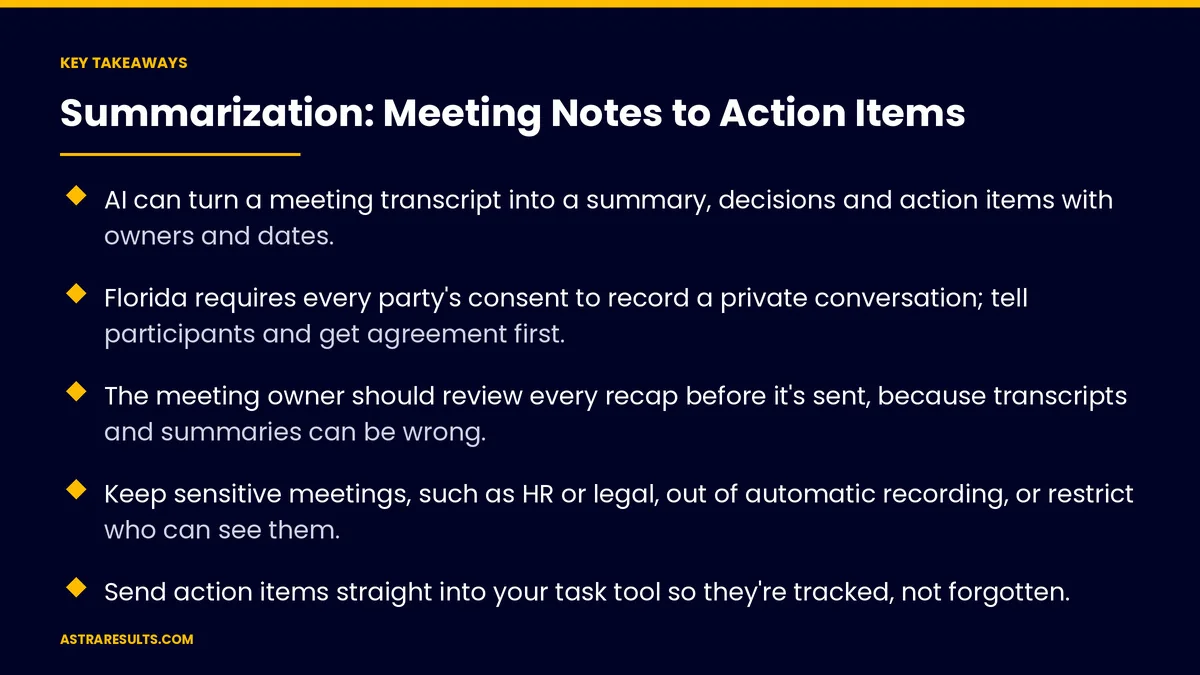
- AI can turn a meeting transcript into a summary, decisions and action items with owners and dates.
- Florida requires every party's consent to record a private conversation; tell participants and get agreement first.
- The meeting owner should review every recap before it's sent, because transcripts and summaries can be wrong.
- Keep sensitive meetings, such as HR or legal, out of automatic recording, or restrict who can see them.
- Send action items straight into your task tool so they're tracked, not forgotten.
- Measure recap speed, action items completed and fewer repeat discussions.
Published: October 17, 2026 | Reading Time: ~8 minutes | Category: Natural Language Processing
This guide covers turning meetings into summaries and action items, consent rules for recording, keeping output accurate, handling sensitive meetings and sending action items to your team's tools. Put plainly: get consent, let AI draft the recap, and have the meeting owner check it before anyone acts on it.
In This Playbook
- What meeting summarization produces
- How it works
- Consent comes first
- Keeping recaps accurate
- Sensitive meetings
- From recap to real work
- Spanish and mixed-language meetings
- Data and tools
- What should we measure in AI meeting summarization?
- The first three months
What meeting summarization produces
A short summary. The main points in a few sentences.
Decisions. What was agreed, stated clearly.
Action items. Who will do what, and by when.
Open questions. What still needs an answer, and who will find it.
The basics of language AI are covered in NLP for business.
How it works
Record or join. A meeting tool records audio, or an assistant joins the call.
Transcribe. Speech becomes text, with speakers identified where possible.
Understand. The system finds decisions, tasks, owners and dates in the transcript.
Draft. It writes the recap in your team's format. The two steps of reading, then writing, are covered in GenAI + NLP.
Consent comes first
Florida requires all-party consent. Recording a private conversation in Florida generally requires every participant's consent.
Other places vary. Some states and countries have similar rules, so calls with people elsewhere need care.
Tell people clearly. Put a notice in the meeting invite and announce recording at the start.
Make opting out easy. If someone objects, don't record, and take notes another way.
Check with counsel. Especially for calls with customers or people outside your company.
Keeping recaps accurate
Transcripts make mistakes. Names, numbers, accents and crosstalk can confuse transcription.
Speakers get mixed up. The system may assign a comment to the wrong person.
Summaries can add things. AI can state a decision more firmly than the room did, or list a task nobody agreed to.
The owner reviews. The meeting owner checks the recap and fixes errors before sending it.
Link to the source. Let reviewers jump to the moment in the transcript behind each action item.
Sensitive meetings
Leave some out. HR conversations, performance reviews, legal discussions and medical topics may need no recording at all.
Legal privilege. Recording and summarizing conversations with lawyers can raise privilege questions. Ask counsel first.
Restrict access. Where sensitive meetings are recorded, limit who can open the transcript and summary.
Set retention. Delete recordings and transcripts after a set time, keeping only the approved recap.
From recap to real work
Send action items to your task tool. Each item becomes a task with an owner and due date, as covered in AI task management.
Follow up automatically. Reminders go out before due dates.
Keep access right. Tasks inherit the right permissions, as covered in task manager security.
Sales calls too. The same idea drafts customer follow-ups after calls, as in dealer AI follow-ups.
Spanish and mixed-language meetings
Transcribe both languages. Meetings that move between English and Spanish need tools that handle both.
Recap in the reader's language. Summaries can be written in either language.
Check with a fluent reviewer. Especially for decisions and commitments. Multilingual tools are covered in the future of NLP.
Data and tools
Business accounts only. Use tools with clear terms about how your data is stored and used.
Know where data goes. Recordings, transcripts and summaries may be stored by the vendor.
Limit integrations. Connect only the calendars and task tools you need.
Write a simple policy. Which meetings are recorded, who reviews recaps and how long data is kept.
What should we measure in AI meeting summarization?
Recap speed. Minutes from meeting end to recap sent.
Action items completed on time. Before and after.
Repeat discussions. Fewer meetings revisiting the same decision.
Corrections. How often owners fix errors in drafts, which shows accuracy.
Time saved. Hours no longer spent writing notes.
The first three months
Days 1–30: rules and tools
Write a short policy: which meetings are recorded, how consent works, who reviews recaps and how long data is kept. Choose a business-grade tool and connect your calendar and task tool.
Days 31–60: pilot with one team
Run summarization for one team's internal meetings, with consent notices in every invite. The meeting owner reviews each recap. Track corrections and recap speed.
Days 61–90: expand with care
Add more teams and send action items straight into the task tool. Keep sensitive meetings excluded. Measure on-time completion, repeat discussions and time saved.
How Astra builds meeting summarization
Astra Results Marketing builds meeting summarization that turns conversations into decisions and action items your team acts on. We set up consent notices, transcription and recaps in your format, with the meeting owner reviewing each one before it's sent.
Action items flow into your task tool, sensitive meetings stay excluded, and data follows a clear retention policy. Engagements begin with a meetings and tools review through our natural language processing team.
Related reading
Frequently asked questions
What does AI meeting summarization produce?
A short summary, the decisions made, action items with owners and due dates, and open questions, drafted from the meeting transcript in your team's format.
Do we need consent to record meetings?
In Florida, recording a private conversation generally requires every participant's consent. Rules vary elsewhere. Put a notice in the invite, announce recording at the start, offer an easy opt-out and check with counsel for calls with outside parties.
How accurate are AI meeting summaries?
Usually good, but not perfect. Transcription can mishear names and numbers, mix up speakers or overstate decisions. The meeting owner should review every recap before sending it.
Should we record every meeting?
No. Leave out sensitive meetings such as HR conversations, performance reviews and legal discussions, or restrict access tightly. Ask counsel about meetings with lawyers.
How do action items get tracked?
The recap sends each action item to your task tool with an owner and due date, and reminders go out before deadlines.
Can it handle meetings in Spanish?
Yes, with tools that transcribe both languages. Recaps can be written in either language, and a fluent reviewer should check decisions and commitments.
Ready to turn every meeting into clear next steps? Astra Results Marketing builds meeting summarization with consent built in, recaps reviewed by the meeting owner, action items sent to your task tool and sensitive meetings kept out. ▸ CALL (786) 321-2866 · ▸ REQUEST YOUR CONSULTATION





