 Rated 5 star on

AI Task Manager vs Project Tools
Quick answer
Choose a project tool for planned projects and an AI task manager for recurring work that starts from events. In project tools, people create and chase tasks. AI task managers start tasks automatically, follow up and escalate. Both need clear owners and access rules. Many teams use both, connected so work flows between them.
Project management tools and AI task managers both organize work, but they're built for different kinds of work. Project tools shine when a team plans a project with phases, deadlines and a finish line. AI task managers shine with recurring work that starts from events, like a new order or an overdue invoice.
Key Takeaways
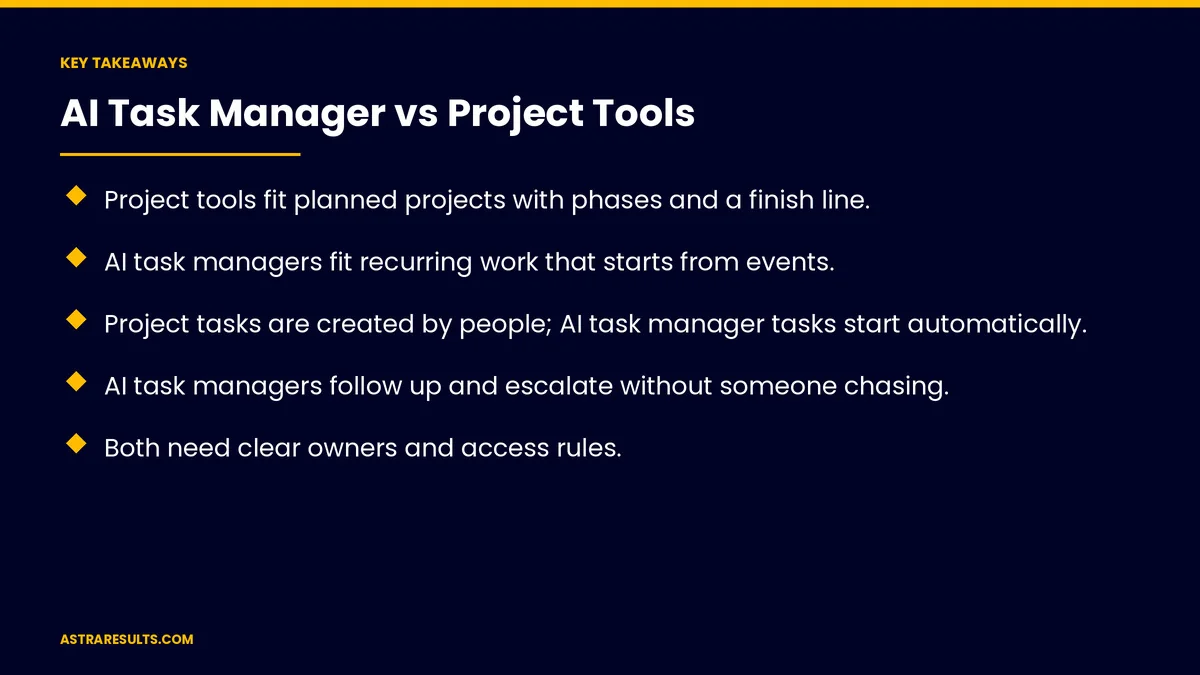
- Project tools fit planned projects with phases and a finish line.
- AI task managers fit recurring work that starts from events.
- Project tasks are created by people; AI task manager tasks start automatically.
- AI task managers follow up and escalate without someone chasing.
- Both need clear owners and access rules.
- Many teams use both, connected so work flows between them.
Published: October 2, 2026 | Reading Time: ~8 minutes | Category: AI Task Manager
This guide covers AI task managers versus project tools: what each is built for, how tasks start, follow-up, tracking and reporting, setup and upkeep, costs, using both together and how to decide. Put plainly: use project tools for planned projects, an AI task manager for recurring work, and connect the two.
For comparing with a person instead of software, see AI task manager vs virtual assistant.
In This Playbook
- What each is built for
- How do tasks start in each type of tool?
- Follow-up
- Tracking and reporting
- Setup and upkeep
- Costs
- Risks
- Using both together
- How to decide
- What to measure
- The first three months
What each is built for
Project tools. Launches, renovations, campaigns and implementations.
AI task managers. Daily operations: orders, requests, renewals and follow-ups.
The core idea is covered in AI task management.
How do tasks start in each type of tool?
Project tools. People plan and create tasks, usually up front.
AI task managers. Events create tasks automatically, as covered in task manager triggers.
Follow-up
Project tools. Due dates and reminders; people chase overdue work.
AI task managers. Automatic nudges and escalation, as covered in work that never stalls.
Tracking and reporting
Project tools. Progress toward a finish line: phases, milestones and timelines.
AI task managers. Flow of recurring work: volume, speed and what's stuck.
Setup and upkeep
Project tools. Quick to start; templates for repeat projects.
AI task managers. Triggers and rules to map first, then little daily effort.
Fix the process first. As covered in fixing the process first.
Costs
Project tools. Usually per-user subscriptions.
AI task managers. Subscription plus setup of triggers and connections.
Compare by work type. Not by price alone.
Risks
Project tools. Recurring work gets lost in boards nobody updates.
AI task managers. Broken triggers can stop work silently, as covered in automation failures.
Access for both. As covered in task manager security.
Using both together
Projects in project tools. Planned work with phases.
Operations in the AI task manager. Recurring work from events.
Connected. Project milestones can trigger operational tasks, as covered in connecting the task manager.
How to decide
Mostly projects? A project tool may be enough.
Mostly recurring work from events? An AI task manager fits better.
Both? Use both, connected, with clear rules about where each kind of work lives.
What to measure
Recurring tasks completed on time. Before and after.
Work stuck waiting. Count and age.
Projects delivered on schedule. In project tools.
Hours spent chasing. Each week.
Tools in use. Daily active users.
The first three months
Month one: sort the work
List your work, mark what's planned project work and what's recurring work that starts from events.
Month two: place it
Keep projects in project tools and move recurring work into an AI task manager with triggers and follow-up.
Month three: connect and measure
Connect the two, then track on-time completion, stuck work and hours spent chasing.
How Astra helps teams choose
Astra Results Marketing helps teams decide where work should live. We sort planned projects from recurring work, set up AI task management for operations and connect it with your project tools.
Engagements begin with a workflow review through our AI task manager team.
Related reading
Frequently asked questions
What's the difference between an AI task manager and a project tool?
Project tools organize planned projects; AI task managers run recurring work that starts from events.
Can a project tool handle recurring work?
It can, but people must create and chase the tasks, and recurring work often gets lost.
Can an AI task manager run projects?
It can help, but planned projects with phases usually fit project tools better.
Should we use both?
Many teams do: projects in project tools, operations in an AI task manager, connected.
What are the risks of each?
Lost recurring work in project tools; silently broken triggers in AI task managers.
What should we measure?
On-time recurring tasks, stuck work, projects on schedule, hours spent chasing and tool use.
Not sure where your team's work should live? Astra Results Marketing sorts planned projects from recurring work, sets up AI task management for operations and connects it with your project tools. ▸ CALL (786) 321-2866 · ▸ REQUEST YOUR CONSULTATION





