 Rated 5 star on

Connecting the Task Manager to Your Existing Tools
Quick answer
Connect your task manager to the tools where work begins, so tasks start from real events and status syncs back. Use built-in integrations, integration platforms, webhooks or custom work. Decide which system owns each field before syncing both ways. Send notifications where people already work. Monitor connections and add one tool at a time.
A task manager on its own is just another place to check. Connected to the tools your team already uses, it becomes the place where work starts, moves and finishes. Emails become tasks and finished tasks update records. Done carelessly, connections create duplicates and noise; done well, they end double entry.
Key Takeaways
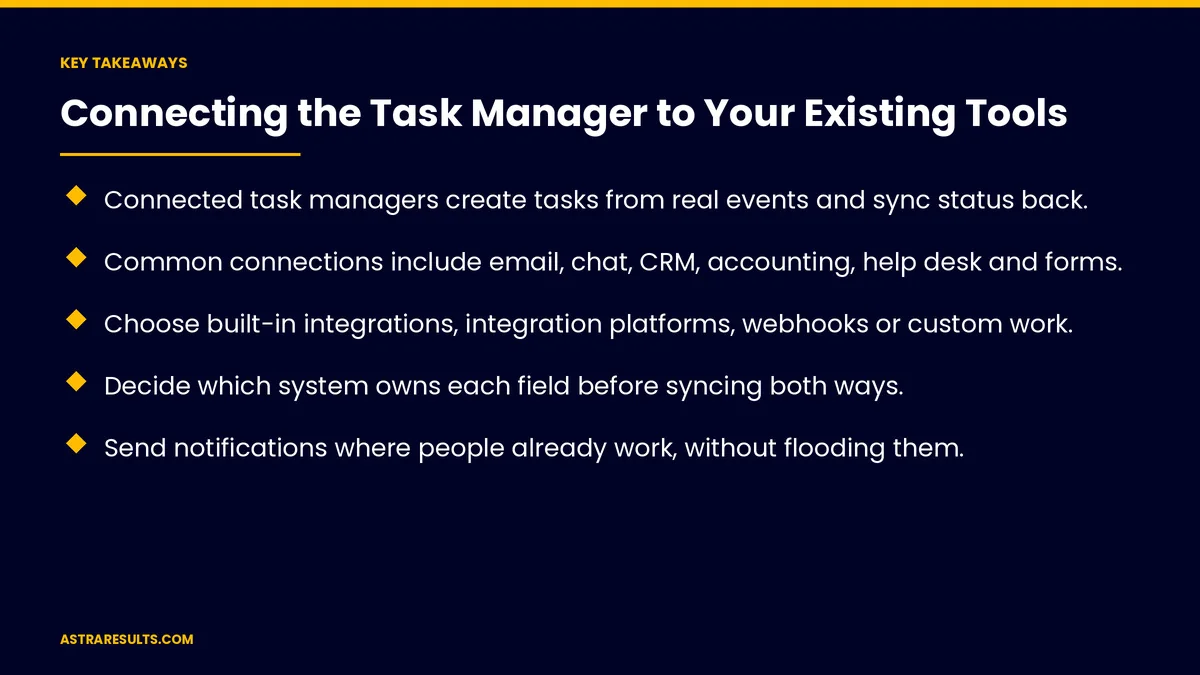
- Connected task managers create tasks from real events and sync status back.
- Common connections include email, chat, CRM, accounting, help desk and forms.
- Choose built-in integrations, integration platforms, webhooks or custom work.
- Decide which system owns each field before syncing both ways.
- Send notifications where people already work, without flooding them.
- Monitor connections and add one tool at a time.
Published: October 13, 2026 | Reading Time: ~9 minutes | Category: AI Task Manager
This guide covers connecting a task manager to existing tools: why connect, common tools, connection methods, two-way sync rules, mapping fields, avoiding duplicates, notifications, security, monitoring, rollout and what to measure. Put plainly: connect the tools where work begins, decide which system owns each field and roll out one connection at a time.
In This Playbook
- Why connect
- Common tools
- Connection methods
- Two-way sync rules
- Map the fields
- How do you avoid duplicate tasks from connected tools?
- Notifications
- How much access should each connection have?
- Monitoring
- Rollout
- What to measure
- The first three months
Why connect
Tasks start from real events. A form, a deal or a ticket, as covered in task manager triggers.
Status flows back. Finished tasks update the CRM or help desk.
No double entry. One update, everywhere it's needed.
Common tools
Email. Forward or flag an email to create a task.
Calendar. Due dates and meetings in one view.
Team chat. Create and update tasks from conversations.
CRM. Deals and contacts trigger follow-ups.
Accounting. Overdue invoices start collection tasks.
Help desk and forms. Requests become assigned work.
Connection methods
Built-in integrations. Fastest when available.
Integration platforms. Connect many tools without code, as weighed in integration platforms vs custom API work.
Webhooks. Instant messages between systems, as covered in webhooks explained.
Custom connections. For unusual systems or complex rules.
Two-way sync rules
One owner per field. Due dates in the task manager, deal values in the CRM.
Clear direction. Which changes flow which way.
Conflict rules. What happens when both sides change at once.
Plan before building. As covered in planning an integration.
Map the fields
People. The same person matched across systems.
Status. "Done" in one tool means "closed" in another.
Dates and priorities. Translated consistently.
Clean data first. As covered in clean inputs first.
How do you avoid duplicate tasks from connected tools?
One task per event. Even if the event arrives twice.
Link records. Each task tied to its source record.
Merge rules. For tasks created in two places.
Notifications
Where people work. Chat for quick updates, email for summaries.
Only what matters. Too many alerts teach people to ignore them.
Waiting work surfaced. As covered in work that never stalls.
How much access should each connection have?
Least access. Each connection reads and writes only what it needs, as covered in API security.
Respect permissions. Sensitive tasks stay private, as covered in task manager security.
Monitoring
Silence alerts. When a connection stops sending.
Error logs. Failed syncs flagged quickly.
Monthly review. As covered in when integrations break.
Rollout
One tool at a time. Start with the biggest source of work.
Pilot with one team. Fix problems before expanding.
Train briefly. Show where tasks come from and where updates go.
What to measure
Double entry removed. Hours saved.
Tasks created automatically. Share of all tasks.
Sync errors. And time to fix.
Duplicate tasks. Should be near zero.
Cycle time. From request to done, as in AI task management.
The first three months
Days 1–30: map
List tools where work begins, decide which system owns each field and choose a connection method for the first tool.
Days 31–60: connect and pilot
Connect the first tool, set duplicate and notification rules and pilot with one team.
Days 61–90: expand and monitor
Add the next tools one at a time, turn on silence alerts and error logs and track time saved and sync errors.
How Astra connects task managers
Astra Results Marketing connects task managers to the tools teams already use. We map where work begins, set clear sync and ownership rules, prevent duplicates and noise and monitor every connection.
Engagements begin with a workflow review through our AI task manager team.
Related reading
Frequently asked questions
Why connect a task manager to other tools?
So tasks start from real events, status flows back and nobody enters the same update twice.
Which tools should we connect first?
The tool where most work begins, often email, the CRM, the help desk or forms.
How do connections work?
Through built-in integrations, integration platforms, webhooks or custom connections.
What is two-way sync?
Changes flowing in both directions, with clear rules about which system owns each field.
How do we avoid too many notifications?
Send only what matters, in the tools people already use, with summaries by email.
What should we measure?
Hours of double entry removed, tasks created automatically, sync errors, duplicates and cycle time.
Ready for a task manager that works with your other tools? Astra Results Marketing connects your task manager to email, chat, CRM, accounting and help desk tools with clear sync rules, no duplicates and monitored connections. ▸ CALL (786) 321-2866 · ▸ REQUEST YOUR CONSULTATION





