 Rated 5 star on

Automation Failures: What Breaks and How to Catch It
Quick answer
Business automations usually break when inputs change, connections expire or outside systems change. Silent failures, where nothing errors and nothing arrives, do the most damage. Alert on silence as well as errors. Check inputs before each run and compare daily totals between systems. Give every automation an owner, a fix-it guide and a way to stop it.
Every automation eventually breaks. A form gets a new field, a password expires or another company changes how its system works. The worst failures are silent: nothing errors, nothing arrives and nobody notices until a customer calls asking where their invoice went. Knowing what breaks, and watching for it, turns weeks of damage into a quick fix.
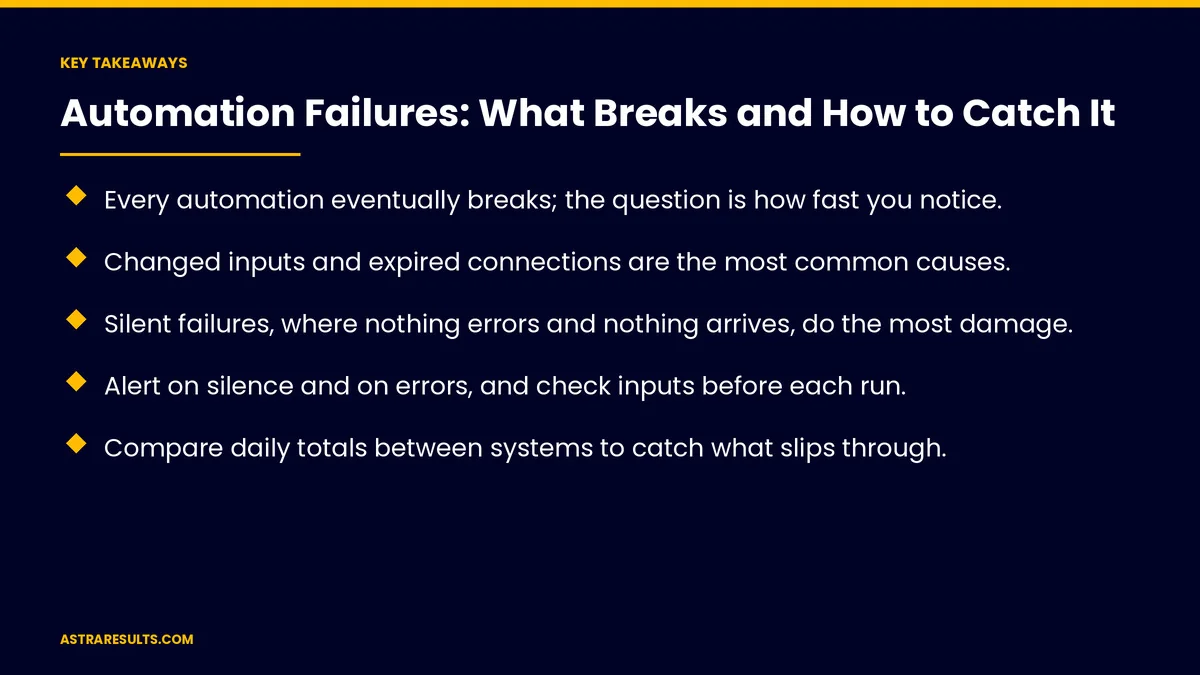
Key Takeaways
- Every automation eventually breaks; the question is how fast you notice.
- Changed inputs and expired connections are the most common causes.
- Silent failures, where nothing errors and nothing arrives, do the most damage.
- Alert on silence and on errors, and check inputs before each run.
- Compare daily totals between systems to catch what slips through.
- Give every automation an owner, a fix-it guide and a way to stop it.
Published: October 9, 2026 | Reading Time: ~9 minutes | Category: AI Automation Solutions
This guide covers automation failures: changed inputs, failed connections, silent stops, duplicates and partial runs, AI misreads, workarounds and process changes, then how to catch them with alerts, checks, logs and owners, and how to recover. Put plainly: expect failures, watch for silence as well as errors and give every automation an owner.
In This Playbook
- How do changed inputs break an automation?
- Why do automation connections suddenly fail?
- Silent stops
- Duplicates and partial runs
- AI misreads
- Workarounds and process changes
- Alerts on errors and silence
- Checks before each run
- What should an automation's run history record?
- Exception queues
- Owners and stop switches
- Recovery
- What to measure
- The first three months
How do changed inputs break an automation?
New or renamed fields. A form or spreadsheet changes shape.
Different formats. Dates or phone numbers entered a new way.
Clean inputs help. As covered in clean inputs first.
Why do automation connections suddenly fail?
Expired sign-ins. Passwords and access keys run out.
Outside changes. Another company updates its system.
Usage limits. Too many requests in a short time.
Silent stops
Nothing errors. The automation simply stops receiving work.
Nothing arrives. Orders, leads or invoices never show up.
Often the costliest. Days pass before anyone notices.
Duplicates and partial runs
Retries create doubles. The same order processed twice.
Runs stop halfway. Some steps done, others not.
Design for safe retries. Each item processed once, even if sent twice, as covered in webhooks explained.
AI misreads
Wrong details pulled out. From documents or emails.
Confident mistakes. As covered in hallucinations.
Checks after AI. Rules confirm what AI reads.
Workarounds and process changes
People go around it. Handling some cases by hand without telling anyone.
The process changes. But the automation doesn't.
Map it again. As covered in the process layer and fixing the process first.
Alerts on errors and silence
Error alerts. When a run fails.
Silence alerts. When nothing arrives for longer than normal, as covered in when integrations break.
Sent to the owner. Not a shared inbox nobody reads.
Checks before each run
Required data present. Before anything goes out.
Values in normal ranges. Amounts and dates that make sense.
Stop and flag. Rather than guess.
What should an automation's run history record?
Run history. What ran, when and with what result.
Daily totals compared. Orders in the store versus orders in accounting.
Gaps flagged. Before month-end.
Exception queues
Failed items go to people. With the reason shown.
Nothing waits silently. As covered in work that never stalls.
Owners and stop switches
One owner per automation. Named and reachable.
A fix-it guide. Common failures and what to do.
A way to stop it. As covered in agent security.
Recovery
Fix the cause. Not just the symptom.
Backfill missed items. Process what was skipped.
A short review. What happened and what changes.
Examples include accounts payable automation, staffing agency automation and nonprofit automation.
What to measure
Success rate. Runs completed without errors.
Time to detect. From failure to alert.
Time to fix. From alert to recovery.
Items missed. And backfilled.
Repeat failures. Fewer over time.
The first three months
Days 1–30: inventory
List every automation, name an owner for each and record how each one could fail.
Days 31–60: add watching
Turn on error and silence alerts, add checks before runs and compare daily totals between systems.
Days 61–90: prepare to recover
Write fix-it guides, set up exception queues and stop switches and track time to detect and fix.
How Astra keeps automation running
Astra Results Marketing builds automation that expects failures. We add error and silence alerts, checks before each run, daily total comparisons and exception queues, and give every automation an owner and a fix-it guide.
Engagements begin with an automation review through our AI automation solutions team.
Related reading
Frequently asked questions
Why do business automations fail?
Usually because inputs change, connections expire or outside systems change, often without an error message.
What is a silent failure?
When an automation stops receiving or sending work without any error, so nothing arrives and nobody notices.
How do we catch silent failures?
Alert when nothing arrives for longer than normal, and compare daily totals between systems.
How do we prevent duplicates?
Design each step so an item is processed once even if it's sent twice, and check for doubles.
Who should own an automation?
One named person, with a fix-it guide and a way to stop it if needed.
What should we measure?
Success rate, time to detect, time to fix, items missed and repeat failures.
Ready for automation you can trust to tell you when it breaks? Astra Results Marketing adds alerts, checks, daily comparisons and owners to your automations so failures are caught in hours, not weeks. ▸ CALL (786) 321-2866 · ▸ REQUEST YOUR CONSULTATION





