 Rated 5 star on

Task Manager Triggers: What Starts the Work
Quick answer
Triggers start work automatically, so nobody has to remember to create the task. They fire on events, schedules, conditions, messages or a manual start. Each one needs a template with an owner, a due date and the details required. Create one task per event to avoid noise. Escalate stalled tasks and check for triggers that stop firing.
In most businesses, work starts because someone remembers to start it. A deal closes and nobody sets up onboarding. An invoice goes overdue and nobody follows up. A machine hits its service hours and nobody schedules maintenance. Triggers fix this: they create the right task, for the right person, at the right moment, without anyone having to remember.
Key Takeaways
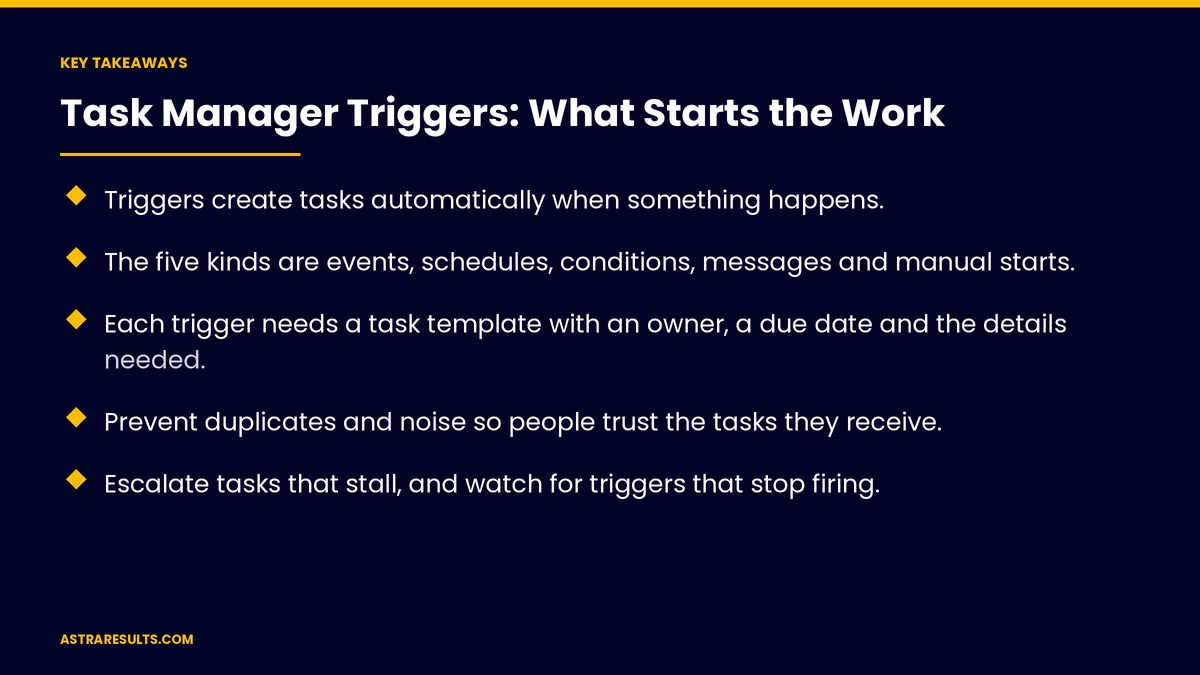
- Triggers create tasks automatically when something happens.
- The five kinds are events, schedules, conditions, messages and manual starts.
- Each trigger needs a task template with an owner, a due date and the details needed.
- Prevent duplicates and noise so people trust the tasks they receive.
- Escalate tasks that stall, and watch for triggers that stop firing.
- Measure missed work, completion time and false triggers.
Published: October 24, 2026 | Reading Time: ~8 minutes | Category: AI Task Manager
This guide covers task manager triggers: the five kinds of triggers, designing each one, avoiding duplicates and noise, escalation, testing, watching for failures, examples by business function, security and what to measure. Put plainly: let events, schedules and conditions start the work, so nothing depends on memory.
In This Playbook
- The five kinds of triggers
- Design each trigger
- How do you keep triggers from creating duplicate tasks?
- Escalation
- Test triggers
- Watch for failures
- Examples by business function
- Security
- What to measure
- The first three months
The five kinds of triggers
Events. Something happens: a form is submitted, a deal is won, an order is placed or a payment arrives. Many systems send these instantly, as covered in webhooks explained.
Schedules. Daily, weekly or monthly tasks, and reminders before deadlines.
Conditions. A task stalls for days, a status changes or a number crosses a line, such as low stock.
Messages. An email to a shared inbox, a chat request or meeting notes turned into tasks, as in meeting notes to action items.
Manual starts. A button that launches a saved template.
Design each trigger
A task template. Title, steps and checklist.
An owner. By role, team or rule.
A due date rule. Such as two business days after the trigger.
The details attached. Customer, order or record links.
Part of the whole process. As designed in the process layer.
How do you keep triggers from creating duplicate tasks?
One task per event. Even if the event is sent twice.
Sensible limits. Group small alerts into one daily task.
Only what someone will act on. Unneeded tasks teach people to ignore all tasks.
Escalation
Stalled tasks. Reminders, then a manager alert.
Urgent triggers. Higher priority and faster due dates.
Clear rules. Who gets told and when.
Test triggers
Run test events. Before turning triggers on.
Check the task. Right owner, due date and details.
Start with one trigger. Then add more, as covered in delegating to software.
Watch for failures
Triggers can stop firing. When a connection breaks or a field changes.
Silence checks. Alert when an expected trigger hasn't fired, as covered in when integrations break.
Review monthly. Which triggers fire and which don't.
Examples by business function
Sales. Deal won starts an onboarding checklist; an outbound reply creates a call task, as in AI outbound vs cold calling.
Service. An urgent ticket creates a same-day task.
Finance. An overdue invoice creates a follow-up task.
People. A new hire starts an onboarding checklist.
Maintenance. Machine hours or meter readings start a service task, as in maintenance crew task management.
Security
Tasks inherit access rules. Sensitive details visible only to the right people, as covered in task manager security.
Limit what triggers can see. Only the data each task needs.
What to measure
Missed work. Things that should have happened but didn't.
Completion time. From trigger to done.
False triggers. Tasks created by mistake.
Stalled tasks. And escalations, as covered in task management KPIs.
Triggers firing as expected. Monthly review.
The first three months
Days 1–30: find the gaps
List work that depends on someone remembering, and choose the first trigger with the clearest payoff.
Days 31–60: build and test
Build task templates with owners, due dates and details, test with sample events and add duplicate and noise controls.
Days 61–90: expand and watch
Add more triggers one at a time, set escalation and silence checks and review missed work and false triggers.
How Astra sets up task triggers
Astra Results Marketing designs task triggers that start the right work automatically. We find work that depends on memory, build templates with owners and due dates, prevent duplicates and noise and watch for triggers that stop firing.
Engagements begin with a workflow review through our AI task manager team.
Related reading
Frequently asked questions
What is a task trigger?
A rule that creates a task automatically when something happens, on a schedule, when a condition is met or when a message arrives.
What kinds of triggers are there?
Events, schedules, conditions, messages and manual starts from saved templates.
What should each triggered task include?
A clear title and steps, an owner, a due date rule and links to the customer, order or record involved.
How do we stop triggers from creating too many tasks?
Create one task per event, group small alerts and trigger only work someone will act on.
What if a trigger stops working?
Set silence checks that alert when an expected trigger hasn't fired, and review triggers monthly.
Where should we start?
With one trigger for work that's often missed today, such as onboarding after a sale or overdue invoice follow-ups.
Ready for work that starts itself? Astra Results Marketing sets up task triggers with clear templates, owners and due dates, prevents noise and duplicates and watches for triggers that stop firing. ▸ CALL (786) 321-2866 · ▸ REQUEST YOUR CONSULTATION





