 Rated 5 star on

Work That Never Stalls Waiting to Be Chased
Quick answer
Work stops stalling when every wait has a name, a time limit and an owner. Most stalled work is waiting on an approval, a client or parts. Label each waiting state and set a limit before a nudge goes out. Track dependencies, escalate from reminder to manager and fix the causes of repeat stalls.
Most work doesn't fail; it waits. A quote waits for a manager's approval, a job waits for parts, a proposal waits for a client's answer. Nobody notices until a customer calls asking what happened. The fix is naming every kind of wait, setting a limit on each and letting the system nudge before work goes cold.
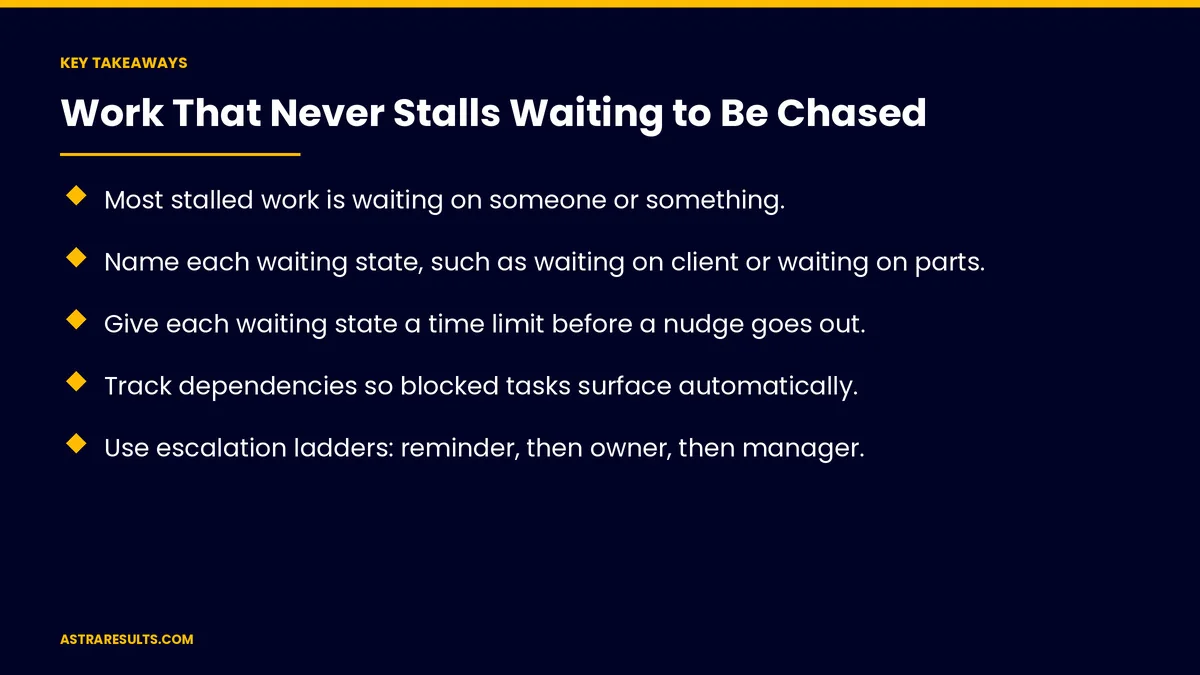
Key Takeaways
- Most stalled work is waiting on someone or something.
- Name each waiting state, such as waiting on client or waiting on parts.
- Give each waiting state a time limit before a nudge goes out.
- Track dependencies so blocked tasks surface automatically.
- Use escalation ladders: reminder, then owner, then manager.
- Fix the causes of repeat stalls, not just the stalls themselves.
Published: October 29, 2026 | Reading Time: ~8 minutes | Category: AI Task Manager
This guide covers keeping work from stalling: why work stalls, naming waiting states, time limits, dependencies, owners for every wait, escalation ladders, boards that show stalls, fixing repeat stalls and what to measure. Put plainly: name the wait, set the limit and let the system escalate before anyone has to chase.
For choosing what to automate first, see delegating to software; for what starts work, see task manager triggers.
In This Playbook
- Why work stalls
- Name the waiting states
- How long should work sit in a waiting state?
- Track dependencies
- An owner for every wait
- Escalation ladders
- Boards that show stalls
- How do you find the cause of repeat stalls?
- Customer-facing waits
- What to measure
- The first three months
Why work stalls
Waiting on approval. A manager is busy.
Waiting on a client. Answers, documents or payment.
Waiting on parts or vendors. Deliveries and quotes.
Waiting on another task. One step can't start until another finishes.
Nobody owns the wait. Everyone assumes someone else is following up.
Name the waiting states
Specific statuses. "Waiting on client," "waiting on approval," "waiting on parts."
Not just "in progress." Vague statuses hide stalls.
Easy to set. One tap when work pauses.
Part of process design. As covered in the process layer.
How long should work sit in a waiting state?
A limit for each state. Two days for approvals, five for client documents.
A nudge at the limit. Automatic, polite and specific.
Different limits for urgent work. Hours, not days.
Track dependencies
Link related tasks. "Install" waits on "parts received."
Surface blocked work. When a dependency is late, so is everything after it.
Clear the path. Alert the owner of the blocking task.
Maintenance example. Parts and work orders, as in maintenance crew task management.
An owner for every wait
Someone follows up. Even when the wait is on a client.
Named, not "the team." One person per stalled item.
Visible to everyone. Who's waiting on whom.
Escalation ladders
Step one. A reminder to the person or client being waited on.
Step two. An alert to the task owner.
Step three. A note to a manager.
Clear rules. Who gets told at each step, and when.
Boards that show stalls
A stall view. Everything past its limit, oldest first.
By owner and by client. Where stalls cluster.
Weekly review. Five minutes to clear the oldest items.
How do you find the cause of repeat stalls?
Look for patterns. The same approval or vendor every week.
Change the process. Raise an approval limit, add a backup approver or switch vendors.
Suggestions from the data. As in the future of automation.
Customer-facing waits
Tell customers what you're waiting on. "We're waiting for your insurance approval."
Ask once, then remind. Clear, friendly follow-ups.
Reply fast when they answer. As in community management.
What to measure
Time in waiting states. By type.
Stalls past the limit. Count and age.
Escalations. How many reach a manager.
Cycle time. From start to done, as covered in task management KPIs.
Repeat stall causes fixed. Over time.
The first three months
Days 1–30: name the waits
List the common reasons work pauses, create specific waiting states and assign an owner to every wait.
Days 31–60: limits and ladders
Set time limits for each state, turn on nudges and escalation ladders and link dependent tasks.
Days 61–90: review and fix
Use a stall board weekly, find repeat stalls and change the processes behind them.
How Astra keeps work moving
Astra Results Marketing sets up task management that keeps work from stalling. We name waiting states, set time limits, track dependencies, build escalation ladders and help fix the repeat stalls behind slow work.
Engagements begin with a workflow review through our AI task manager team.
Related reading
Frequently asked questions
Why does work stall?
Usually because it's waiting on an approval, a client, a vendor or another task, and nobody owns the follow-up.
What are waiting states?
Specific statuses such as "waiting on client" or "waiting on parts" that show why work has paused.
How do time limits help?
When a waiting state passes its limit, the system sends a nudge, so nobody has to remember to chase.
What is an escalation ladder?
A sequence of follow-ups: first a reminder, then an alert to the owner, then a note to a manager.
How do we handle waits on customers?
Tell them what you're waiting on, remind them politely and reply fast when they answer.
How do we stop the same stalls from repeating?
Look for patterns and change the process behind them, such as approval limits, backup approvers or vendors.
Ready for work that keeps moving on its own? Astra Results Marketing sets up waiting states, time limits, dependencies and escalation ladders so work moves forward without anyone chasing by hand. ▸ CALL (786) 321-2866 · ▸ REQUEST YOUR CONSULTATION





