 Rated 5 star on

Customer Apps vs Staff Apps: Different Rules
Quick answer
Customer apps aim to attract and keep users, while staff apps aim to save time and reduce errors. Customer apps go through public app stores; staff apps can be distributed privately. Staff should sign in with company accounts. Measure customer apps by retention and ratings, and staff apps by task time and errors.
A customer app and a staff app can share the same code, but they play by different rules. Customers choose whether to download and keep an app; staff use what the business gives them. Customers expect polish; staff need speed and tools that work in a warehouse or truck. Mixing them up pleases nobody.
Key Takeaways
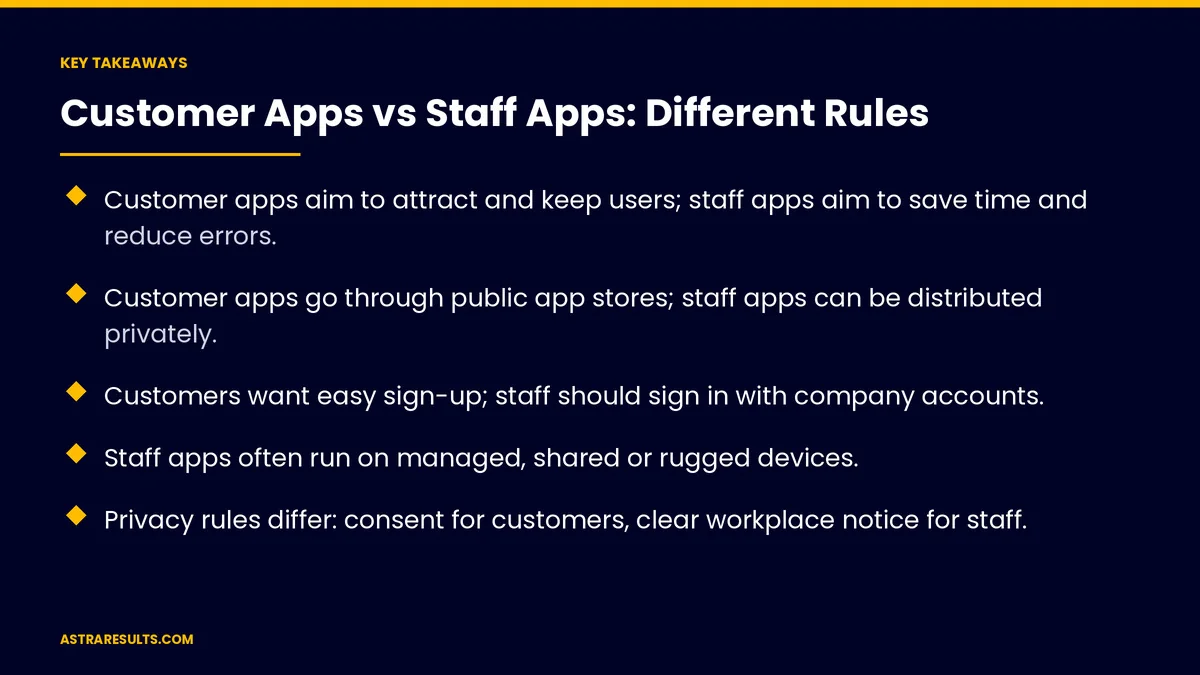
- Customer apps aim to attract and keep users; staff apps aim to save time and reduce errors.
- Customer apps go through public app stores; staff apps can be distributed privately.
- Customers want easy sign-up; staff should sign in with company accounts.
- Staff apps often run on managed, shared or rugged devices.
- Privacy rules differ: consent for customers, clear workplace notice for staff.
- Measure retention for customer apps and task speed and accuracy for staff apps.
Published: October 16, 2026 | Reading Time: ~9 minutes | Category: Mobile App Development
This guide compares customer apps and staff apps: goals, distribution, sign-in, devices, design, privacy, payments, support, updates and what to measure. Put plainly: design customer apps to win and keep people, design staff apps to save time, and apply the right rules to each.
In This Playbook
- Goals
- How are customer apps and staff apps distributed?
- How should customers and staff sign in to an app?
- Devices
- Design
- Privacy
- Payments
- Support
- Updates
- When one app serves both
- What to measure
- The first three months
Goals
Customer apps. Attract users, drive purchases or bookings and bring people back, as in loyalty apps.
Staff apps. Finish tasks faster with fewer mistakes.
Different success. Retention and revenue versus time saved and accuracy.
How are customer apps and staff apps distributed?
Customer apps. Public listings in Apple's App Store and Google Play.
Staff apps. Private distribution through Apple Business Manager or managed Google Play, or a web app.
Store review applies. Even private apps follow platform rules.
How should customers and staff sign in to an app?
Customers. Fast sign-up, passkeys or social sign-in and easy recovery.
Staff. Company accounts, so access ends when someone leaves.
Roles. Staff see only what their job needs.
Devices
Customers. Any phone, any age, any screen size.
Staff. Often company-managed, shared or rugged devices, as covered in enterprise mobile apps.
Mixed personal phones. Common in staffing and field work, as in staffing apps.
Design
Customer apps. Polished, on-brand and easy to learn, as covered in app onboarding.
Staff apps. Fewer taps, large buttons, offline mode and quick repeat tasks.
Field conditions. Gloves, sunlight and noise, as in logistics driver apps.
Privacy
Customers. Consent, accurate store privacy disclosures and permission before sharing data with third-party AI.
Staff. Clear notice about any location or activity tracking, limited to work hours.
Company data. Kept separate on personal devices.
Payments
Customer apps. Store payment rules may apply to digital goods, as covered in in-app payments.
Staff apps. Usually no payments, or company systems only.
Support
Customers. In-app help and quick answers, as in AI support inside the app.
Staff. Training, quick guides and an internal help desk.
Updates
Customer apps. Users update when they choose, so support older versions for a while.
Staff apps. Updates pushed to managed devices on a schedule.
Test first. With real users, as covered in beta testing.
When one app serves both
Separate roles in one app. Possible, but rules and design must fit each group.
Often clearer as two apps. When goals and devices differ widely.
Choosing a partner is covered in choosing a mobile app development partner and, for iPhone, what to ask before hiring an iOS partner.
What to measure
Customer apps. Downloads that stay, active users, purchases and ratings.
Staff apps. Task time, errors, adoption and offline success.
Both. Crash-free users and support requests.
The first three months
Days 1–30: define the audience
Decide who the app serves, set success measures and choose public or private distribution and the sign-in method.
Days 31–60: design for the setting
Design for customer polish or staff speed, plan devices, privacy notices and support and test with real users.
Days 61–90: launch and measure
Launch through the right channel, track the matching measures and plan updates for that audience.
How Astra builds customer and staff apps
Astra Results Marketing builds customer apps and staff apps with the right rules for each. We set the right goals, choose public or private distribution, design for customers or field conditions and handle sign-in, devices and privacy correctly.
Engagements begin with an app planning review through our mobile app development team.
Related reading
Frequently asked questions
What's the difference between a customer app and a staff app?
Customer apps aim to attract and keep users; staff apps aim to save time and reduce errors. Distribution, sign-in, devices and privacy rules differ too.
Do staff apps need to be in the public app store?
No. They can be distributed privately through Apple Business Manager, managed Google Play or as web apps.
How should staff sign in?
With company accounts, so access ends when someone leaves, and with roles that limit what each person sees.
Can one app serve both customers and staff?
Sometimes, with separate roles. When goals and devices differ widely, two apps are usually clearer.
What privacy rules apply to staff apps?
Clear notice about any tracking, limited to work hours, and company data kept separate on personal devices.
How do we measure each type?
Customer apps by retention, purchases and ratings; staff apps by task time, errors and adoption.
Ready for an app built for the people who will use it? Astra Results Marketing builds customer apps that win and keep users and staff apps that save time, with the right distribution, sign-in, design and privacy for each. ▸ CALL (786) 321-2866 · ▸ REQUEST YOUR CONSULTATION





