 Rated 5 star on


Integrating AI Into a Mobile App
Quick answer
Add AI to a mobile app by choosing features that save users time, such as smarter search or summaries. AI can run on your server, on the phone or both. Never put AI service keys inside the app. Follow Apple's permission rule and Google Play's reporting rule. Track speed and cost per request.
Many businesses want AI in their apps: smarter search, recommendations, photo recognition, voice input or summaries. Adding them to a cross-platform app is easier than ever, but the choices matter. Where the AI runs, how keys are protected, what the app stores require and what each request costs decide whether the feature helps or becomes a problem.
Key Takeaways
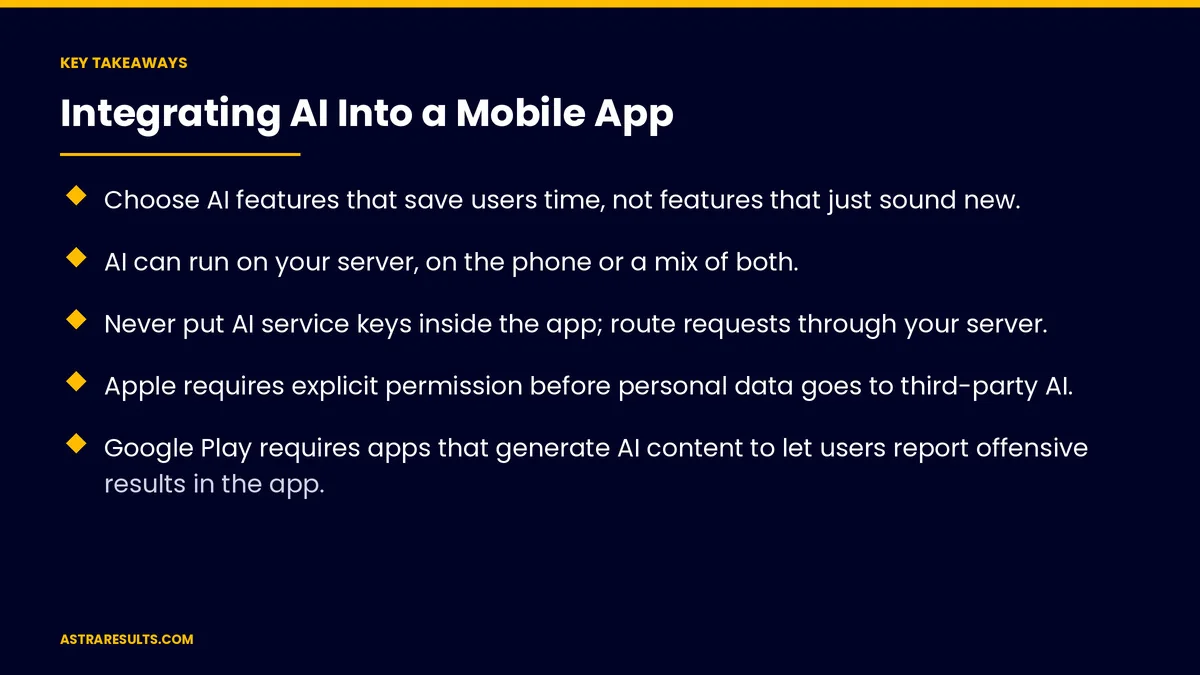
- Choose AI features that save users time, not features that just sound new.
- AI can run on your server, on the phone or a mix of both.
- Never put AI service keys inside the app; route requests through your server.
- Apple requires explicit permission before personal data goes to third-party AI.
- Google Play requires apps that generate AI content to let users report offensive results in the app.
- Track speed, cost per request and accuracy on everyday phones.
Published: October 4, 2026 | Reading Time: ~9 minutes | Category: React Native Development
This guide covers choosing features, server or on-device AI, protecting keys, Apple and Google rules, speed and costs, testing on everyday phones and security. Put plainly: pick features that save users time, keep keys on your server and meet both stores' rules from the start.
For AI help and support inside the app, see iPhone app + AI engagement.
In This Playbook
- Choose features that help
- Server or on the phone
- Is it safe to ship AI service keys inside an app?
- Apple and Google rules
- Speed and costs
- Test on everyday phones
- Security
- Keep it working
- What to measure
- The first three months
Choose features that help
Smarter search. Understanding what users mean, not just exact words.
Recommendations. Products, content or next steps.
Photo recognition. Scanning items, documents or damage.
Voice input. Hands-free entry.
Summaries. Long text turned into key points.
Start with one. The feature that saves users the most time.
Server or on the phone
On a server. Larger models, easier updates, but needs a connection.
On the phone. Newer iPhones and Android phones offer built-in models for some tasks, keeping data on the device.
A mix. Simple tasks on the phone, harder ones on the server.
Offline needs. On-device AI keeps working without signal, as in logistics driver apps.
Is it safe to ship AI service keys inside an app?
Never ship keys in the app. Anyone can extract them.
Route through your server. The app calls your server; your server calls the AI service.
Limit and monitor. Usage caps per user and alerts for unusual spikes.
Apple and Google rules
Apple. Apps must clearly disclose and get explicit permission before sharing personal data with third-party AI.
Google Play. Apps that generate content with AI must let users report or flag offensive results without leaving the app.
Store reviews. Explain AI features in review notes, as covered in Google Play review and policy basics.
Privacy labels. Update store disclosures when AI features change.
Speed and costs
Show progress. Stream results or show a clear loading state.
Cost per request. Every server call costs money; cache repeated answers.
Smaller models for simple tasks. Faster and cheaper.
Make the case first. As in the business case for NLP.
Test on everyday phones
Budget and older devices. On-device features vary by phone.
Slow connections. Server features must handle weak signal.
Speed where it matters. As mapped in performance where it matters.
Security
Guard against tricks. Hidden instructions and data requests, as covered in GenAI security.
Minimal data. Send only what each request needs.
App security basics are covered in mobile app security basics.
Keep it working
Model updates. Test before switching versions.
Library updates. As covered in React Native maintenance.
One codebase. AI features ship to both platforms together, as in one team, two app stores.
What to measure
Feature use. How many users try and keep using it.
Accuracy. Results users accept without edits.
Speed. Time to result on typical phones.
Cost per request. And per active user.
Reports and complaints. Offensive or wrong results flagged.
The first three months
Days 1–30: choose and plan
Pick one AI feature that saves users time, decide server, on-device or both and design permission and reporting screens.
Days 31–60: build safely
Route requests through your server, add usage limits, stream results and test on budget phones and slow connections.
Days 61–90: launch and measure
Launch to a small group, track use, accuracy, speed and cost per request and review reports before expanding.
How Astra integrates AI into apps
Astra Results Marketing adds AI features to cross-platform apps. We choose features that save users time, run AI on servers, phones or both, keep keys off the device, meet Apple and Google rules and measure accuracy, speed and cost.
Engagements begin with an AI feature review through our React Native app development team.
Related reading
Frequently asked questions
What AI features work well in mobile apps?
Smarter search, recommendations, photo recognition, voice input and summaries, chosen for the time they save users.
Should AI run on the phone or on a server?
Both can work. On-device AI keeps data on the phone and works offline; server AI handles larger tasks. Many apps use a mix.
Can we put an AI service key inside the app?
No. Keys inside apps can be extracted. Route requests through your own server.
What does Apple require for AI features?
Clear disclosure and explicit permission before personal data is shared with third-party AI.
What does Google Play require?
Apps that generate content with AI must let users report or flag offensive results without leaving the app.
How do we control AI costs?
Cache repeated answers, use smaller models for simple tasks and set usage limits per user.
Ready to add AI features users value? Astra Results Marketing integrates AI into cross-platform apps with keys kept on your server, Apple and Google rules met and speed, accuracy and cost measured from day one. ▸ CALL (786) 321-2866 · ▸ REQUEST YOUR CONSULTATION





