 Rated 5 star on

School Apps for Every Family's Device
Quick answer
A school app should work on every family's phone, including older and shared ones. A cross-platform app reaches iPhone and Android families from one codebase. Offer the languages families speak at home. Follow FERPA, and COPPA for apps aimed at children under 13. Public schools also face accessibility deadlines. Closure alerts and low data use matter too.
A school app only works if every family can use it. Some parents have the newest iPhone; others share an old Android phone with limited data. Many speak Spanish, Haitian Creole or another language at home. Schools also face strict privacy and access rules. An app built for all of that reaches every family.
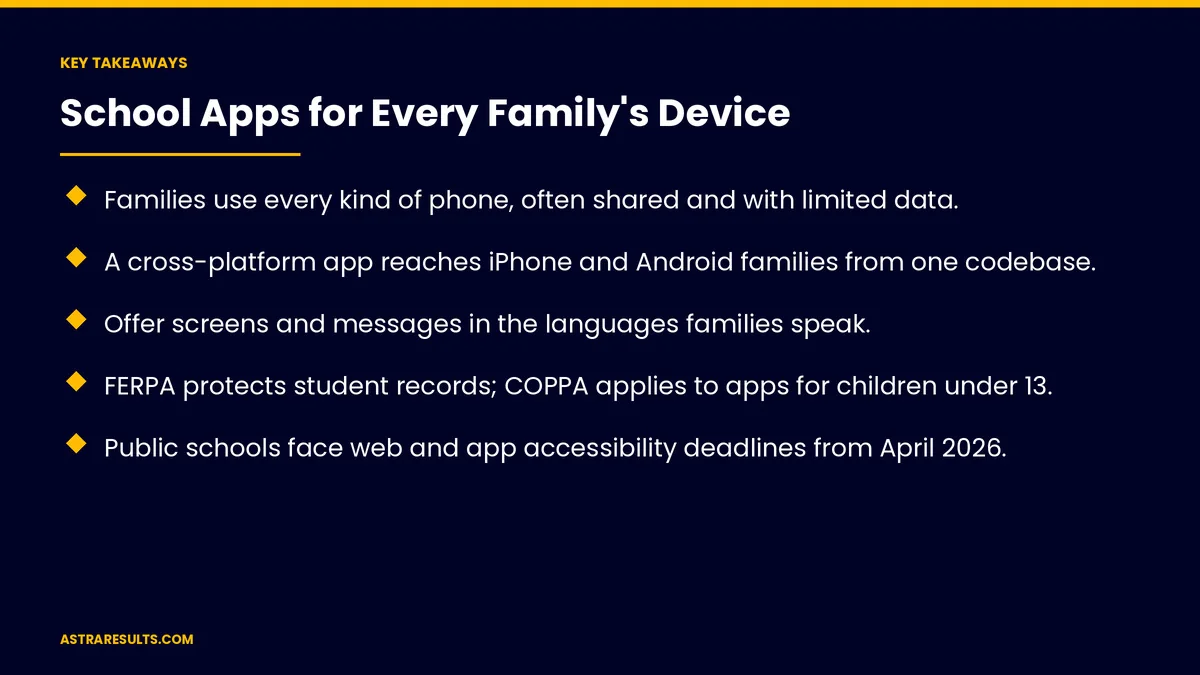
Key Takeaways
- Families use every kind of phone, often shared and with limited data.
- A cross-platform app reaches iPhone and Android families from one codebase.
- Offer screens and messages in the languages families speak.
- FERPA protects student records; COPPA applies to apps for children under 13.
- Public schools face web and app accessibility deadlines from April 2026.
- Closure alerts, family accounts and low data use matter as much as features.
Published: October 19, 2026 | Reading Time: ~9 minutes | Category: Cross-Platform Apps
This guide covers school apps for every family: any device, multiple languages, the features families use, student privacy rules, accessibility requirements, emergency and closure alerts, family accounts, low data use, testing and what to measure. Put plainly: build for the oldest phone in the family, speak every family's language and protect student data by default.
This is general information, not legal advice. Review privacy and accessibility obligations with counsel.
In This Playbook
- Which phones should a school app be tested on?
- Multiple languages
- Features families use
- Student privacy rules
- Accessibility requirements
- What should school closure alerts cover?
- Family accounts
- Low data use
- Testing
- Beyond the app
- What to measure
- The first three months
Which phones should a school app be tested on?
Old and new phones. Test on budget Android phones and older iPhones.
Shared phones. Several family members on one device.
One codebase for both platforms. As covered in cross-platform apps.
A web option. For families who won't download an app.
Multiple languages
Screens and messages. Not just a translated welcome page.
Common languages. In Miami-Dade, often Spanish and Haitian Creole.
Written well. By fluent people, as covered in bilingual websites.
Language follows the family. Each account chooses its language.
Features families use
Messages from teachers and the office. In one place, with common questions answered as in school engagement.
Calendar and events. With reminders.
Attendance and absences. Report an absence in a few taps.
Grades and assignments. Where the school allows.
Forms and permissions. Signed on the phone.
First use made easy. As covered in app onboarding.
Student privacy rules
FERPA. Protects student records at schools that get federal funds.
COPPA. Covers apps aimed at kids under 13 that collect personal details, and usually requires a parent's consent.
Minimal data. Collect only what's needed.
Vendor agreements. Written terms for any company that touches student data.
Security basics are covered in mobile app security basics.
Accessibility requirements
A federal rule. In 2024, the Justice Department told state and local governments, public schools included, to make sites and apps usable by everyone.
Deadlines. April 2026 for larger entities and April 2027 for smaller ones.
The standard. WCAG 2.1 level AA.
In practice. Screen reader support, captions, readable text and keyboard access.
What should school closure alerts cover?
Instant notices. Closures, early dismissals and emergencies.
Hurricane season. Closures and reopening updates in every language.
Backup channels. Texts and emails for families without the app.
Family accounts
Several children, one account. Each child's information in one place.
More than one guardian. Each with their own sign-in.
Custody arrangements. Access set by the school's records.
Staff apps are separate. As weighed in customer apps vs staff apps.
Low data use
Small download. Limited storage is common.
Light screens. Fewer large images and videos.
Offline viewing. Recent messages and calendars available without signal.
Lessons from mixed-device apps are covered in staffing apps.
Testing
Real families. Different devices, languages and comfort with technology, as covered in beta testing.
Accessibility checks. With screen readers and keyboard navigation.
Alert drills. Test closure messages before you need them.
Beyond the app
Social media for families. As covered in school social media.
The long-term case. As weighed in the business case for one codebase.
What to measure
Families active. Share of families using the app.
Use by language. Whether every group is reached.
Alert delivery. Messages received on time.
Absence reports and forms completed. In the app.
Accessibility issues found and fixed. Over time.
The first three months
Days 1–30: plan
Survey families' devices and languages, list core features and review privacy, vendor and accessibility obligations with counsel.
Days 31–60: build and test
Build messages, calendar, absences and alerts in every needed language, and test with real families and screen readers.
Days 61–90: launch and measure
Launch with backup text and email channels, run a closure alert drill and track family use by language.
How Astra builds school apps
Astra Results Marketing builds cross-platform school apps that every family can use. We test on older and shared phones, write in families' languages, protect student data, meet accessibility standards and set up reliable closure alerts.
Engagements begin with a family app plan through our cross-platform app development team.
Related reading
Frequently asked questions
Why build a school app cross-platform?
Families use both iPhones and Android phones, often older or shared ones. One codebase reaches them all.
Which languages should a school app support?
The languages families speak at home. In Miami-Dade, that often includes Spanish and Haitian Creole.
What privacy rules apply to school apps?
FERPA protects student education records, and COPPA applies to apps directed to children under 13. Review obligations with counsel.
Do school apps have to be accessible?
Public schools face a 2024 federal rule requiring accessible websites and apps, meeting WCAG 2.1 AA, from April 2026 for larger entities and April 2027 for smaller ones.
How should closure alerts work?
Instant notifications in every language, with text and email backups for families without the app.
How do we include families with limited data?
Keep the download small, use light screens and let families view recent messages offline.
Ready for a school app every family can use? Astra Results Marketing builds school apps for every phone and language, with student privacy, accessibility and reliable closure alerts built in. ▸ CALL (786) 321-2866 · ▸ REQUEST YOUR CONSULTATION





