 Rated 5 star on


Document Processing at Scale with AI
Quick answer
At scale, the hard parts of AI document processing are intake, sorting, review and records. Bring every channel into one queue. Sort documents by type before pulling out details. Use confidence checks to decide what goes straight through. Send uncertain results to people with the reason shown, and keep an audit trail.
Reading a few documents with AI is easy. Reading thousands a day, reliably, is a different job. At scale, the hard parts are intake, sorting, deciding which results to trust and keeping records. Done well, document processing becomes a steady flow instead of a backlog.
Key Takeaways
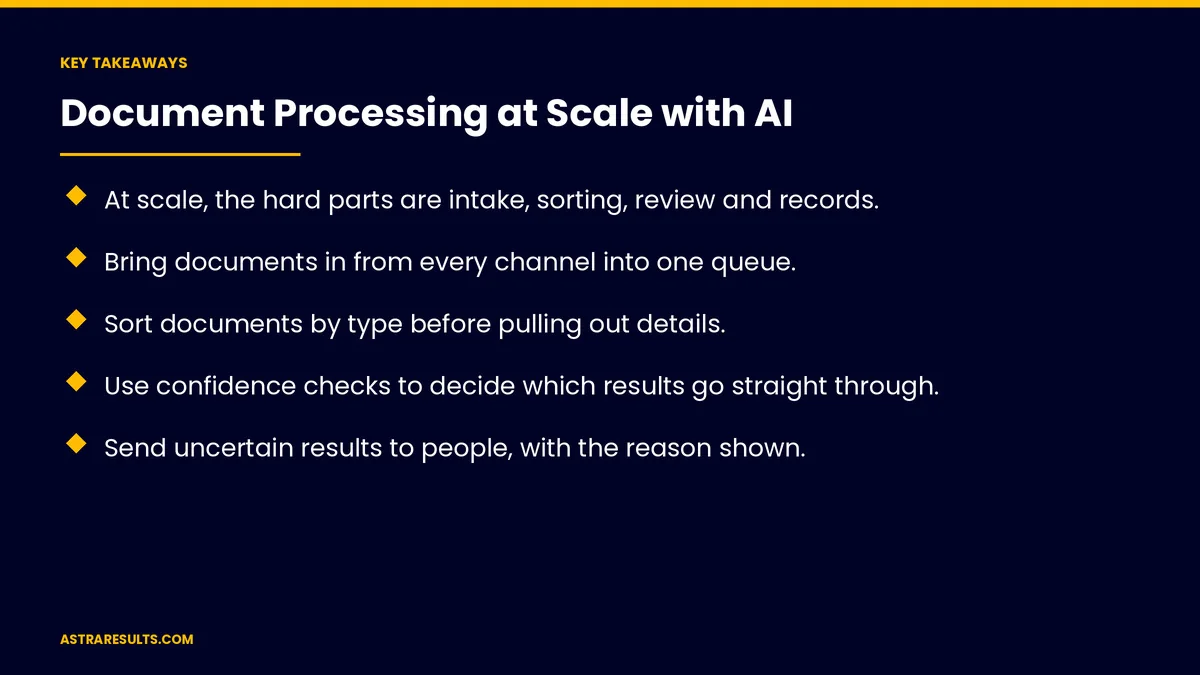
- At scale, the hard parts are intake, sorting, review and records.
- Bring documents in from every channel into one queue.
- Sort documents by type before pulling out details.
- Use confidence checks to decide which results go straight through.
- Send uncertain results to people, with the reason shown.
- Keep an audit trail of every document and decision.
Published: October 1, 2026 | Reading Time: ~8 minutes | Category: Natural Language Processing
This guide covers document processing at scale: intake from every channel, sorting by type, pulling out details, confidence checks, human review, keeping up with volume, handling errors, audit trails, security and what to measure. Put plainly: trust confident results, send the rest to people and record every step.
For what document projects cost, see what NLP projects cost by use case.
In This Playbook
- Where should documents enter an AI processing system?
- Sorting by type
- Pulling out details
- Confidence checks
- Which documents still need human review?
- Keeping up with volume
- Handling errors
- Audit trails
- Security
- Where it fits
- What to measure
- The first three months
Where should documents enter an AI processing system?
Email, uploads, scans and portals. All into one queue.
Duplicates caught. The same document sent twice.
Clean inputs. As covered in clean inputs first.
Sorting by type
Invoices, orders, claims and forms. Each type handled its own way.
Unknown types. Sent to people to classify.
Pulling out details
Key fields by type. Amounts, dates, parties and items.
Examples include purchase order reading and shipping documents.
Confidence checks
Confidence scores. How sure the system is about each field.
Thresholds. High confidence goes straight through; low goes to review.
Rule checks too. Totals add up, dates make sense.
Which documents still need human review?
Only what needs it. Uncertain or unusual documents.
Reason shown. Which field is uncertain and why.
Corrections teach the system. Fewer reviews over time.
Keeping up with volume
Peaks planned for. Month-end, season and storm surges.
Speed tracked. Time from arrival to done.
Backlog alerts. When the queue grows too long.
Handling errors
Failed documents flagged. Not lost.
Silent failures caught. As covered in automation failures.
Retries without duplicates. Each document processed once.
Audit trails
Every document recorded. When it arrived and what happened.
Every decision recorded. Automatic or by a person.
Easy to search. For audits and disputes.
Security
Sensitive documents protected. Access by role.
Hidden instructions in documents. As covered in GenAI security.
Retention rules. Keep what's required, delete the rest.
Where it fits
Across the order flow. As in manufacturer AI from quote to ship.
Claims and feedback. As in warranty claims analysis.
The basics are covered in NLP for business.
What to measure
Documents processed per day. And at peaks.
Straight-through rate. Share needing no review.
Accuracy. Checked by sampling.
Time to done. From arrival to finished.
Backlog. Documents waiting.
The first three months
Days 1–30: intake and sorting
Bring every channel into one queue, sort documents by type and set the fields to pull out for each.
Days 31–60: confidence and review
Set confidence thresholds and rule checks, send uncertain results to people and record corrections.
Days 61–90: scale and audit
Plan for peaks, add backlog alerts and audit trails and track straight-through rate and time to done.
How Astra runs document processing at scale
Astra Results Marketing builds AI document processing that runs at volume. We bring every channel into one queue, sort and read documents, trust confident results, send the rest to people and keep a full audit trail.
Engagements begin with a document review through our natural language processing team.
Related reading
Frequently asked questions
What's hard about document processing at scale?
Intake from many channels, sorting by type, deciding which results to trust, review and keeping records.
What are confidence checks?
Scores showing how sure the system is about each field, with thresholds deciding what goes straight through.
Do people still review documents?
Yes, the uncertain and unusual ones, with the reason shown and corrections recorded.
How do we handle busy periods?
Plan for peaks, track speed and set backlog alerts.
Why keep audit trails?
To show what happened to every document and decision, for audits and disputes.
What should we measure?
Documents per day, straight-through rate, accuracy, time to done and backlog.
Ready to turn a document backlog into a steady flow? Astra Results Marketing builds document processing that trusts confident results, sends the rest to people and keeps a full audit trail. ▸ CALL (786) 321-2866 · ▸ REQUEST YOUR CONSULTATION





