 Rated 5 star on


Automation + Data Engineering: Clean Inputs First
Quick answer
Clean your data before you automate, because automation spreads bad data faster than people. Common problems are duplicates, missing fields, mixed formats and stale records. Check data where it's entered, with required fields and dropdowns. Pick one source of truth per data type, with an owner. Check inputs before each run and send failures to an exception queue.
Automation does exactly what it's told, fast and at scale. Feed it duplicate customers, missing fields and dates in three formats, and it sends the wrong invoices, books the wrong appointments and creates more cleanup than it saves. Reliable automation starts by fixing the data that flows into it.
Key Takeaways
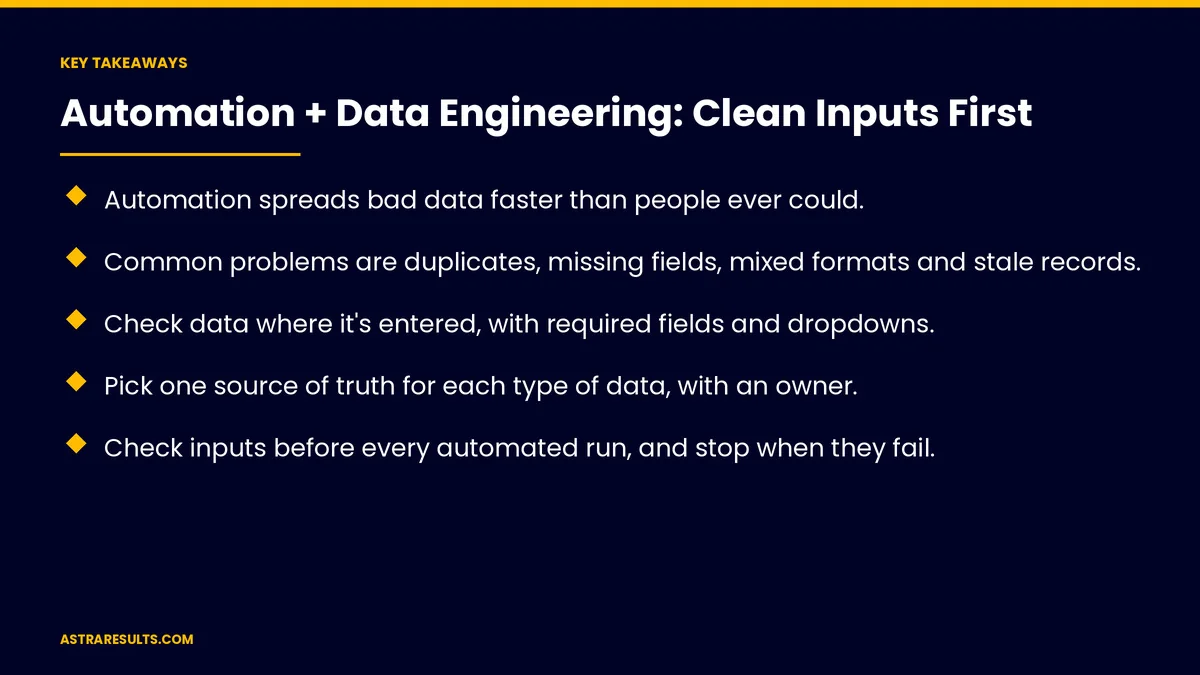
- Automation spreads bad data faster than people ever could.
- Common problems are duplicates, missing fields, mixed formats and stale records.
- Check data where it's entered, with required fields and dropdowns.
- Pick one source of truth for each type of data, with an owner.
- Check inputs before every automated run, and stop when they fail.
- Send failed inputs to an exception queue instead of guessing.
Published: October 3, 2026 | Reading Time: ~8 minutes | Category: AI Automation Solutions
This guide covers common data problems, checks at entry, standard formats, merging duplicates, one source of truth, cleaning pipelines, checks before runs and exception queues. Put plainly: fix the data at the source, check it before every run and send exceptions to people.
In This Playbook
- Common data problems
- Check data at entry
- Standard formats
- How should duplicate customer records be merged?
- One source of truth
- Pipelines that clean
- What should be checked before each automated run?
- Exception queues
- Using AI on messy inputs
- Examples
- What to measure
- The first three months
Common data problems
Duplicates. The same customer entered three times.
Missing fields. No email, no ZIP code, no order number.
Mixed formats. Dates, phone numbers and names written different ways.
Free text. Notes where a dropdown should be.
Stale data. Old addresses and closed accounts.
Many sources of truth. CRM, spreadsheet and accounting disagree.
Check data at entry
Required fields. The form won't submit without them.
Dropdowns and pickers. Instead of free text.
Format checks. Valid emails, phone numbers and ZIP codes.
Better forms are covered in website forms that reach the right person.
Standard formats
One date format. Across every system.
Phone numbers and addresses. Stored the same way.
Names and codes. Consistent spelling and capitalization.
How should duplicate customer records be merged?
Match on several fields. Name, email, phone and address.
People confirm close calls. Not every match is certain.
Prevent new ones. Check for existing records at entry, as in staffing data.
One source of truth
One system per type of data. Customers in the CRM, invoices in accounting.
Others read from it. Not separate copies.
An owner for each. Someone responsible for its quality.
Pipelines that clean
Clean as data moves. Standardize, merge and fill gaps automatically.
Log changes. What was fixed, and how.
The basics are covered in data pipelines explained.
What should be checked before each automated run?
Required data present. Before an invoice, booking or message goes out.
Values make sense. Amounts, dates and quantities in normal ranges.
Stop when checks fail. Don't guess.
Exception queues
Failed inputs go to a person. With the reason shown.
Fix and return. Corrected data continues through the process.
Learn from patterns. Common exceptions point to entry problems, as covered in the process layer.
Using AI on messy inputs
Read documents and emails. Turn them into structured data, as in purchase order reading.
Rules check the result. AI reads, rules decide, as weighed in GenAI vs traditional automation.
Examples
Invoices. Vendor names and amounts checked before payment, as in accounts payable automation.
Leads. Complete contact details before routing.
Inventory. Counts checked before reorders.
What to measure
Data quality scores. Completeness and freshness, as covered in data KPIs.
Duplicate rate. Before and after.
Exceptions. Count and common causes.
Automation success rate. Runs completed without errors.
Manual fixes. Hours spent correcting data.
The first three months
Days 1–30: audit
Check the data feeding one automation for duplicates, gaps and mixed formats, and name a source of truth and owner for each type.
Days 31–60: fix the source
Add checks at entry, standardize formats, merge duplicates and build pipelines that clean.
Days 61–90: guard the runs
Add checks before every automated run, set up an exception queue and track data quality and success rates.
How Astra cleans inputs for automation
Astra Results Marketing fixes the data behind automation. We audit inputs, add checks at entry, standardize and merge records, name sources of truth and owners and add checks and exception queues before every run.
Engagements begin with a data and automation review through our AI automation solutions team.
Related reading
Frequently asked questions
Why does automation fail on messy data?
Because it follows instructions exactly and at scale, so duplicates, gaps and mixed formats become wrong invoices, bookings and messages.
What are the most common data problems?
Duplicates, missing fields, mixed formats, free text where structure is needed, stale records and conflicting sources.
Where should data be fixed?
At the source: forms with required fields, dropdowns and format checks, plus pipelines that clean data as it moves.
What is a source of truth?
The one system that holds the official version of a type of data, with an owner responsible for it.
What should happen when inputs fail?
The automation should stop and send the item to an exception queue for a person to fix.
Can AI help with messy data?
Yes. AI can read documents and emails into structured data, with rules checking the result.
Ready for automation built on clean data? Astra Results Marketing fixes the data behind your automation, checks inputs before every run and routes exceptions to people, so automation saves time instead of creating cleanup. ▸ CALL (786) 321-2866 · ▸ REQUEST YOUR CONSULTATION





