 Rated 5 star on

School iPad Apps: Classroom and Admin
Quick answer
A custom iPad app can bring classroom and front office tasks into one place. Teachers get quick attendance, checks and progress notes. Offices handle visitors, early pickups and nurse visits. Federal law protects student records. Manage shared iPads centrally with sign-in per user and remote wipe, and connect to the student information system.
Many schools already have iPads in classrooms and offices, but the apps on them don't always fit how the school works. Teachers juggle several tools, and offices still use paper for visitors and nurse visits. A custom iPad app can bring these together, with student privacy first.
Key Takeaways
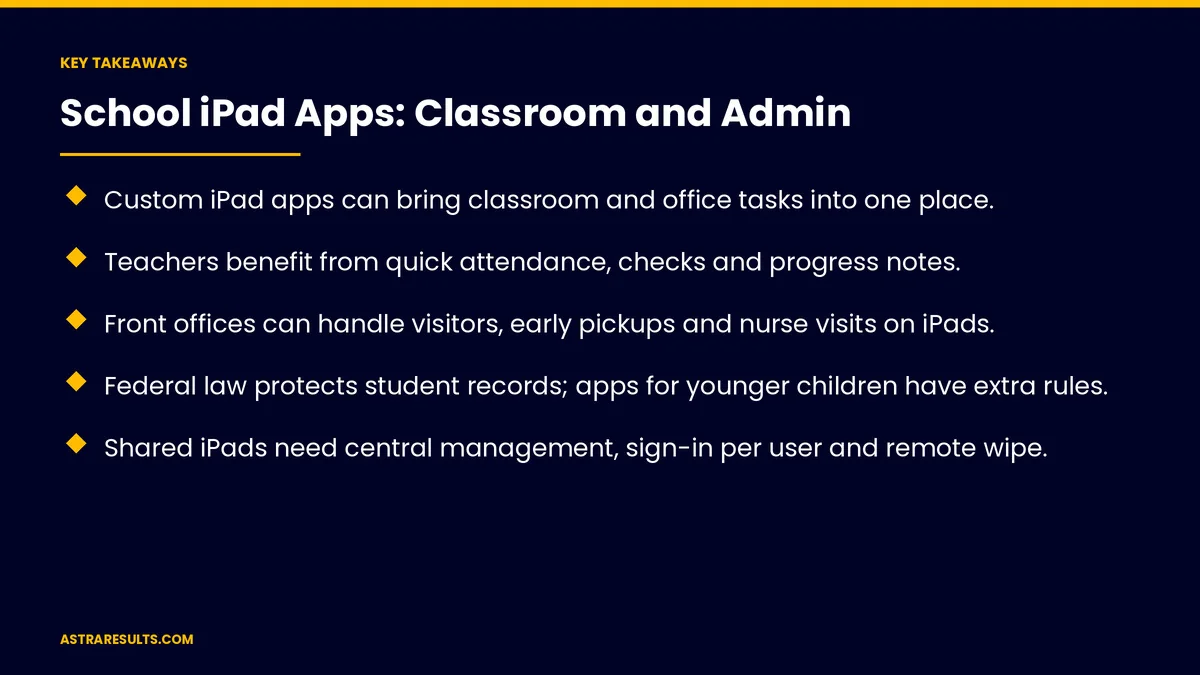
- Custom iPad apps can bring classroom and office tasks into one place.
- Teachers benefit from quick attendance, checks and progress notes.
- Front offices can handle visitors, early pickups and nurse visits on iPads.
- Federal law protects student records; apps for younger children have extra rules.
- Shared iPads need central management, sign-in per user and remote wipe.
- Connect to the school's student information system instead of retyping.
Published: October 26, 2026 | Reading Time: ~8 minutes | Category: iPad App Development
This guide covers school iPad apps: classroom tools, attendance and quick checks, front office tasks, health and nurse workflows, student privacy, managed and shared devices, accessibility, connecting school systems and what to measure. Put plainly: fit the app to how teachers and staff work, protect student data and manage every device centrally.
This is general information, not legal advice. Review student privacy rules with counsel.
In This Playbook
- Classroom tools
- Attendance and quick checks
- Front office tasks
- Health and nurse workflows
- Student privacy
- How should a school manage shared iPads?
- Accessibility
- Connecting school systems
- Is a custom app right?
- What to measure
- The first three months
Classroom tools
Lesson materials. Organized by class and unit.
Quick checks. Short questions with instant results.
Progress notes. Teacher observations in seconds.
The larger screen, as covered in iPad apps for business.
Attendance and quick checks
Attendance in a tap. Synced to the school's system.
Late arrivals. Recorded when students walk in.
Small-group tracking. Who worked on what.
Front office tasks
Visitor sign-in. With badges and approved-list checks, as in iPad kiosk apps.
Early pickups. Verified against approved adults.
Late passes. Printed or sent to teachers.
Health and nurse workflows
Nurse visits. Logged quickly and privately.
Medication schedules. Reminders for staff.
Parent notices. Sent through approved channels.
Student privacy
Student records are protected. Federal law limits who can see education records.
Younger children. Extra rules apply to apps that collect data from children under 13.
Minimal data. Only what the task needs.
Strong protection. As covered in Swift security and privacy by design.
How should a school manage shared iPads?
Central management. Apps, updates and settings pushed to every iPad.
Sign-in per user. Shared iPads stay private.
Remote lock and wipe. For lost devices, as covered in enterprise mobile apps.
Accessibility
Larger text and VoiceOver. For every student and staff member.
Languages. As covered in bilingual mobile apps.
Connecting school systems
Student information system. Rosters and attendance synced.
Parent communication. As in school engagement and school apps.
The website too. As in school websites parents use.
Is a custom app right?
Ready-made tools may fit. For common classroom needs.
Custom fits unique workflows. As weighed in is an iPad app right for your operation.
What to measure
Time on attendance. Minutes per class.
Office paperwork. Paper forms replaced.
Visitor check-in time. At the front office.
Teacher use. Daily active users.
Privacy incidents. Should be zero.
The first three months
Days 1–30: listen and protect
Talk with teachers and office staff, list tasks to move onto iPads and review student privacy rules with counsel.
Days 31–60: build and manage
Build attendance, quick checks and front office tasks, set up central device management and connect the student information system.
Days 61–90: pilot and measure
Pilot with a few classrooms and the front office, then track time saved, use and privacy incidents.
How Astra builds school iPad apps
Astra Results Marketing builds custom iPad apps for schools. We fit classroom and office tasks to how staff work, protect student data, manage shared devices centrally and connect to your student information system.
Engagements begin with an app planning session through our iPad app development team.
Related reading
Frequently asked questions
What can a school iPad app do?
Classroom tasks like attendance, quick checks and progress notes, plus office tasks like visitor sign-in, early pickups and nurse visits.
How is student data protected?
Federal law protects education records, apps for younger children have extra rules and apps should collect only what's needed.
How should shared iPads be managed?
Centrally, with sign-in per user, pushed updates and remote lock and wipe.
Should the app connect to other school systems?
Yes, to the student information system for rosters and attendance, so nothing is retyped.
Do schools need a custom app?
Not always. Ready-made tools may fit common needs; custom fits unique workflows.
What should we measure?
Time on attendance, paper forms replaced, visitor check-in time, teacher use and privacy incidents.
Ready for iPad apps that fit how your school works? Astra Results Marketing builds school iPad apps for classrooms and offices with student privacy, central device management and system connections built in. ▸ CALL (786) 321-2866 · ▸ REQUEST YOUR CONSULTATION





