 Rated 5 star on

Home Services Android Apps for Field Teams
Quick answer
Android suits home services field teams because it offers rugged, affordable devices and strong central management. Manage every phone centrally with remote lock and wipe. Use locked-down modes to keep phones on work apps. Scan parts to cut billing errors. The app must work offline and last a full day.
HVAC, plumbing and electrical technicians work in attics, crawl spaces and basements, with dirty hands and weak signal. Many companies equip them with Android phones because of the choice of rugged, affordable devices. The app has to survive the job: work offline, scan parts and last all day.
Key Takeaways
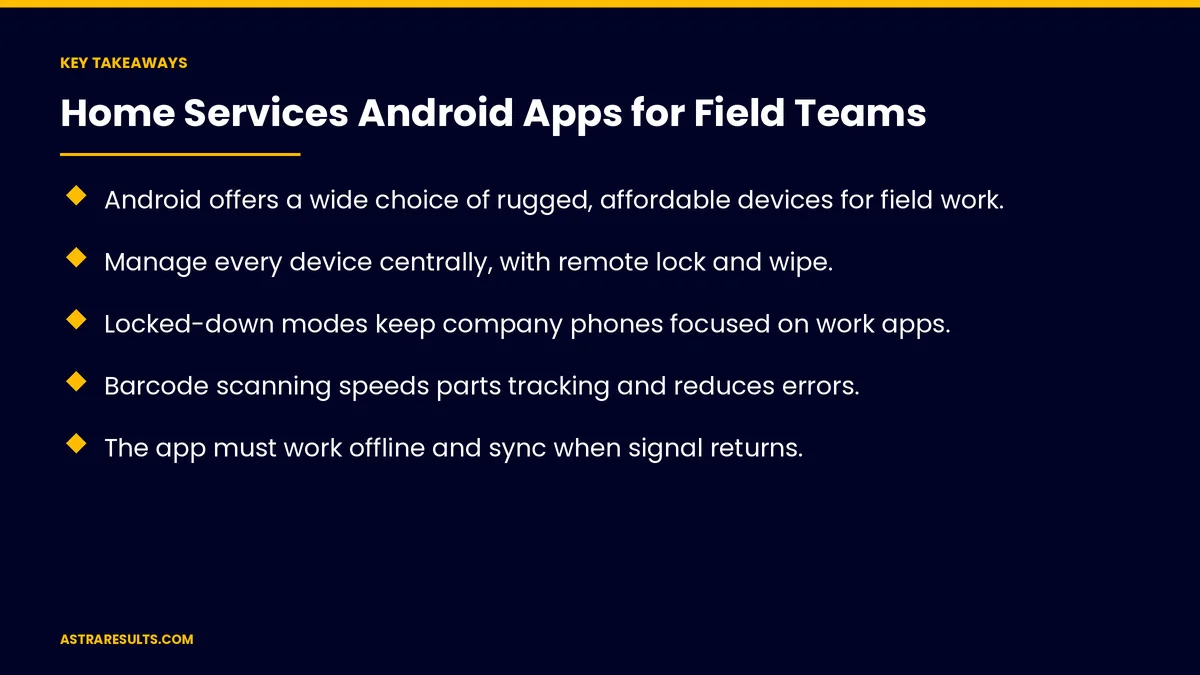
- Android offers a wide choice of rugged, affordable devices for field work.
- Manage every device centrally, with remote lock and wipe.
- Locked-down modes keep company phones focused on work apps.
- Barcode scanning speeds parts tracking and reduces errors.
- The app must work offline and sync when signal returns.
- Plan for battery life across a full day of jobs.
Published: October 9, 2026 | Reading Time: ~8 minutes | Category: Android App Development
This guide covers Android apps for home services field teams: choosing rugged devices, managing devices centrally, the technician's day in the app, scanning parts, working offline, photos and signatures, battery life, security and what to measure. Put plainly: choose tough devices, manage them centrally and build an app that works anywhere the job goes.
For the full field service system, see custom software for field service companies.
In This Playbook
- What makes a phone rugged enough for field work?
- Managing devices centrally
- Locked-down modes
- The technician's day in the app
- Scanning parts
- Why must field service apps work offline?
- Photos and signatures
- Battery life
- Security
- What to measure
- The first three months
What makes a phone rugged enough for field work?
Drops, dust and water. Devices built for job sites.
Gloves and sunlight. Screens that work in real conditions.
Long support. Devices that receive security updates for years.
Managing devices centrally
Company-owned phones. Fully managed, with apps and settings pushed remotely.
Personal phones. Work profiles keep business data separate.
Remote lock and wipe. For lost or stolen devices, as covered in enterprise mobile apps.
Locked-down modes
Work apps only. Single-app or limited-app modes for shared devices.
No distractions. Fewer apps, fewer problems.
The technician's day in the app
Today's jobs. In order, with addresses and notes.
Customer history. Past visits and equipment.
Weather changes. Reschedules sent to the app, as in scheduling around weather.
Storm surges. As in storm-surge intake.
Scanning parts
Barcode scanning. With the camera or a built-in scanner.
Parts used per job. Recorded as work happens.
Van stock updated. Reorders when parts run low.
Why must field service apps work offline?
Attics and basements. Signal often drops.
Everything saved on the phone. Jobs, notes and photos.
Sync when signal returns. No lost work, as in maintenance Android apps.
Photos and signatures
Before and after photos. Proof of the problem and the fix.
Customer signatures. On the screen.
Payment at the door. Secure card payments, as covered in integrating payment processors.
Battery life
A full day of jobs. Plan for heavy use.
Efficient apps. Location and sync tuned to save power, as covered in performance tuning.
Chargers in every van. Simple and essential.
Security
Permissions limited. Only what the app needs, as covered in Android security.
Customer data protected. Encrypted on the device.
Driver apps follow the same rules, as in logistics driver apps.
What to measure
Jobs per technician per day. Before and after.
Parts recorded correctly. Fewer billing errors.
Lost work from offline gaps. Should be zero.
Device downtime. Broken or lost phones.
Invoice time. From job done to invoice sent.
The first three months
Days 1–30: devices
Choose rugged devices with long update support, set up central management and decide on company-owned or personal phones.
Days 31–60: the app
Build jobs, offline work, parts scanning, photos, signatures and payments, tuned for battery life.
Days 61–90: roll out
Pilot with a few technicians, fix issues, roll out to all vans and track jobs per day and invoice time.
How Astra builds field team Android apps
Astra Results Marketing builds Android apps for home services field teams. We help choose rugged devices, manage them centrally and build apps that work offline, scan parts and last all day.
Engagements begin with a field app planning session through our Android app development team.
Related reading
Frequently asked questions
Why use Android for field technicians?
Android offers a wide choice of rugged, affordable devices and strong central management.
How should company phones be managed?
Centrally, with apps and settings pushed remotely, locked-down modes and remote lock and wipe.
Can the app work without signal?
Yes. Jobs, notes and photos save on the phone and sync when signal returns.
How does parts scanning help?
It records parts used per job, keeps van stock accurate and reduces billing errors.
How do we handle battery life?
Choose devices with strong batteries, tune the app to save power and keep chargers in every van.
What should we measure?
Jobs per technician, parts accuracy, lost work, device downtime and invoice time.
Ready for field apps that keep up with your technicians? Astra Results Marketing builds Android field apps on rugged, centrally managed devices that work offline, scan parts and last all day. ▸ CALL (786) 321-2866 · ▸ REQUEST YOUR CONSULTATION





