 Rated 5 star on

Android Security: Permissions, Storage, Updates
Quick answer
Secure an Android app by asking only for permissions it needs, when it needs them. Use the photo picker and app-specific storage instead of broad file access. Protect keys and tokens with the Android Keystore. Treat integrity checks as help, with the server still deciding. Keep Play's data safety form accurate and test on older devices.
Android apps run on thousands of devices, including older phones without updates. That variety makes security a design decision, not an afterthought. The basics are clear: ask only for the permissions you need, store data safely, protect secrets with Android's built-in tools and keep the app current with Google Play's rules.
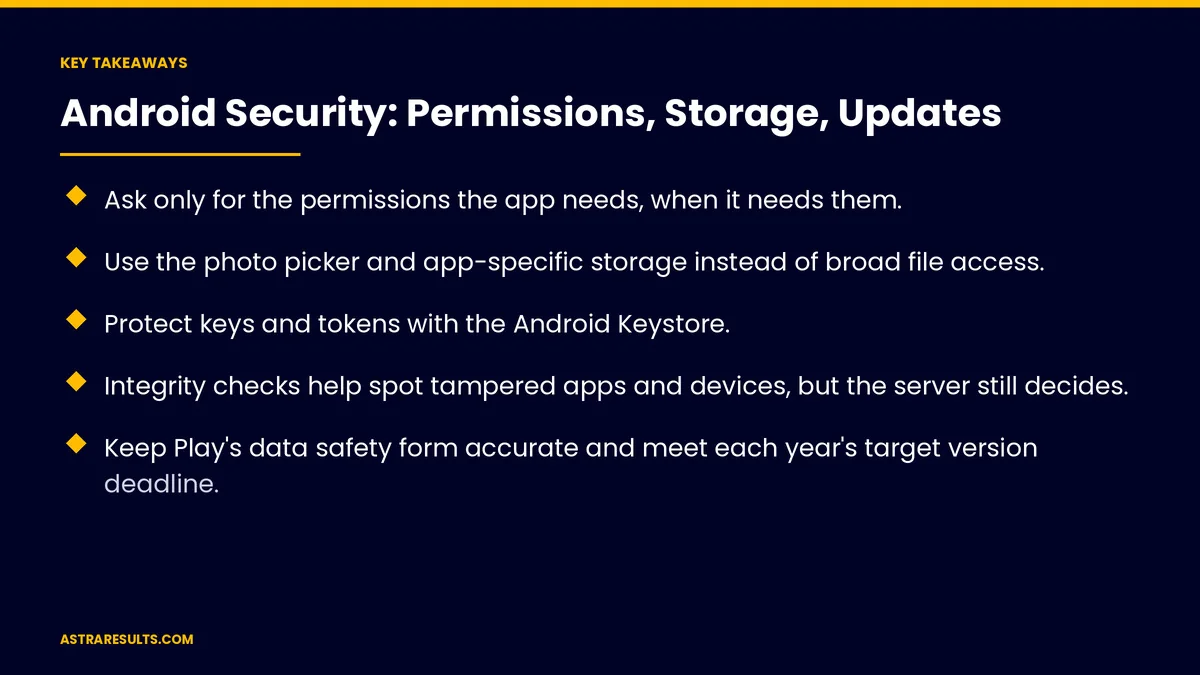
Key Takeaways
- Ask only for the permissions the app needs, when it needs them.
- Use the photo picker and app-specific storage instead of broad file access.
- Protect keys and tokens with the Android Keystore.
- Integrity checks help spot tampered apps and devices, but the server still decides.
- Keep Play's data safety form accurate and meet each year's target version deadline.
- Test on older and budget devices, not just new phones.
Published: October 3, 2026 | Reading Time: ~9 minutes | Category: Android App Development
This guide covers Android app security: permissions, storage, the Keystore, sign-in, secure connections, integrity checks, server checks, Play's data safety rules, staying current, managed devices and what to measure. Put plainly: ask for less, store less, protect what you keep and update on schedule.
For iPhone, see Swift security and privacy by design; for cross-platform basics, see mobile app security basics.
In This Playbook
- Permissions
- Storage
- The Keystore
- What sign-in methods should an Android business app use?
- Secure connections
- Integrity checks
- Who should decide access: the Android app or the server?
- Play's data safety rules
- Staying current
- Managed devices
- What to measure
- The first three months
Permissions
Only what's needed. Every extra permission adds risk and scares users.
At the right moment. Ask when the feature is used, not at launch.
Explain why. A short message before the system prompt.
Background location needs a declared reason. As covered in Google Play review and policy basics.
Storage
App-specific storage. Private to your app.
The photo picker. Instead of access to every photo.
Encrypt sensitive data. Especially documents and personal details.
Clear data on sign-out. Nothing left behind on shared devices.
The Keystore
Protect keys and tokens. Android's secure storage for cryptographic keys.
Hardware-backed where available. Harder to extract.
No service keys in the app. Requests go through your server.
What sign-in methods should an Android business app use?
Strong sign-in. Passkeys, biometrics or company accounts.
Short sessions for sensitive apps. Re-check identity for important actions.
Secure connections
Encrypted connections only. No plain-text traffic.
Certificate checks. Stricter for high-risk apps.
Integrity checks
Spot tampering. Google's integrity tools help detect modified apps and untrusted devices.
Signals, not verdicts. Use them alongside server checks.
Who should decide access: the Android app or the server?
The server decides access. Every request checked for the right user, as covered in API security.
Never trust the app alone. Apps can be modified.
Play's data safety rules
Data safety form. What's collected, shared and why.
Keep it accurate. Update when tools or features change.
Third-party tools count. Their data collection must be disclosed too.
Staying current
Target version deadlines. Google Play requires apps to target a recent Android version, updated each year; check the current deadline.
Library updates. Security fixes applied quickly, as covered in dependency updates.
Older devices. Test on phones that no longer get system updates.
Managed devices
Company phones. Fully managed, with remote lock and wipe, as covered in enterprise mobile apps.
Personal phones. Work profiles keep business data separate, as in staffing Android apps.
Field apps. As in logistics driver apps.
What to measure
Permissions requested. Fewer over time.
Secrets in secure storage. All of them.
Open security issues. By severity.
Play policy warnings. Should be zero.
Target version. Met before each deadline.
The first three months
Days 1–30: review
List every permission and where data is stored, and check the data safety form and target version.
Days 31–60: tighten
Remove unneeded permissions, move secrets to the Keystore, encrypt sensitive data and add integrity and server checks.
Days 61–90: keep current
Update libraries, test on older devices, correct the data safety form and set a yearly target version routine.
How Astra secures Android apps
Astra Results Marketing builds Android apps with security designed in. We limit permissions, store data safely, protect secrets with the Keystore, add integrity and server checks and keep apps current with Google Play's rules.
Engagements begin with an app security review through our Android app development team.
Related reading
Frequently asked questions
Which permissions should an Android app ask for?
Only the ones it needs, at the moment a feature needs them, with a short explanation first.
Where should an Android app store sensitive data?
In app-specific storage, encrypted, with keys and tokens protected by the Android Keystore.
What are integrity checks?
Google tools that help detect modified apps and untrusted devices. Use them with server checks, not instead of them.
What is the data safety form?
Google Play's required disclosure of what data an app and its tools collect, share and why.
How often must Android apps be updated?
Google Play requires targeting a recent Android version each year. Check the current deadline and plan ahead.
Why test on older devices?
Many users run phones that no longer get system updates, so the app must stay secure on them too.
Ready for an Android app that's secure by design? Astra Results Marketing limits permissions, protects data with the Keystore, adds integrity and server checks and keeps your app current with Google Play's rules. ▸ CALL (786) 321-2866 · ▸ REQUEST YOUR CONSULTATION





