 Rated 5 star on

iPhone App + AI Engagement: Support Inside the App
Quick answer
AI support inside an iPhone app answers questions without users leaving the app. Base answers on your own help content, not the open web. Account help needs the same access rules as the app. Apple requires disclosure and explicit permission before sharing personal data with third-party AI. Make handoff to a person easy.
When app users get stuck, many leave the app to search, email or call, and some never come back. An AI assistant inside the app can answer on the spot: how to change a booking or where an order is. Done well, it cuts support calls. Done carelessly, it gives wrong answers or shares data without permission.
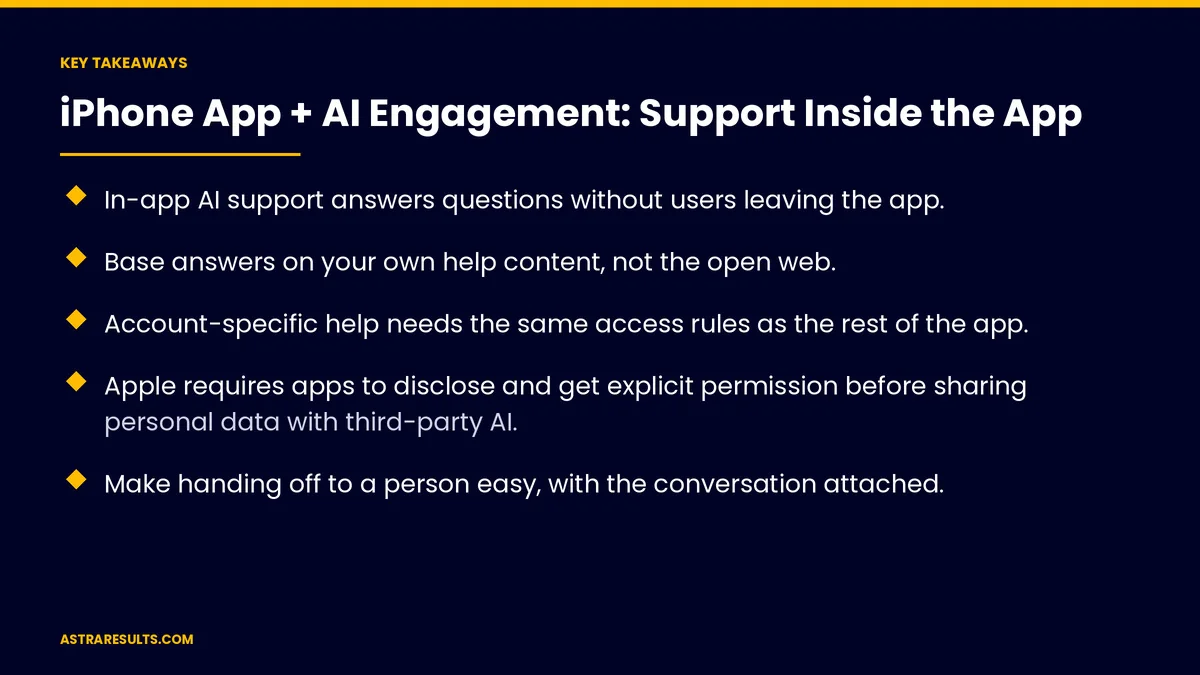
Key Takeaways
- In-app AI support answers questions without users leaving the app.
- Base answers on your own help content, not the open web.
- Account-specific help needs the same access rules as the rest of the app.
- Apple requires apps to disclose and get explicit permission before sharing personal data with third-party AI.
- Make handing off to a person easy, with the conversation attached.
- Measure questions resolved, handoffs and support contacts avoided.
Published: October 9, 2026 | Reading Time: ~9 minutes | Category: iPhone App Development
This guide covers what in-app AI can answer, using your own help content, account help, Apple's AI data rule, on-device options, handoff to people, design and security. Put plainly: answer from your own content, ask permission before data leaves the phone and keep people one tap away.
In This Playbook
- What in-app AI support can answer
- Where should an in-app AI assistant get its answers?
- Account-specific help
- Apple's rule on sharing data with AI
- On-device options
- How can app users reach a person from AI support?
- Design
- Security
- Examples
- What to measure
- The first three months
What in-app AI support can answer
How-to questions. Using features, settings and accounts.
Policy questions. Returns, cancellations and hours.
Account questions. Orders, bookings and payments, with permission.
Troubleshooting. Common problems and fixes.
Where should an in-app AI assistant get its answers?
Your help articles and policies. The assistant answers from them, not the open web.
Keep content current. Outdated help means wrong answers.
Show sources. Link to the help article behind each answer.
Say "I don't know." Rather than guess.
Account-specific help
Same access rules. Users see only their own orders and bookings.
Read before act. Showing an order is safer than changing one.
Confirm changes. Cancellations or updates confirmed by the user.
Apple's rule on sharing data with AI
Disclosure and explicit permission. Apple's App Review Guidelines require apps to clearly disclose when personal data will be shared with third-party AI and get explicit permission first.
Before the data leaves. Ask in the app, before the first request.
Specific, not vague. Say what's shared and with whom.
A privacy policy line isn't enough. Permission happens in the app.
On-device options
Some tasks can stay on the phone. Apple's on-device model frameworks handle certain features without sending data out.
Less data shared. On-device processing is widely read as outside the sharing rule, though Apple hasn't defined every case.
Cloud for harder questions. With permission.
Keeping up with Apple changes is covered in Swift app maintenance.
How can app users reach a person from AI support?
One tap to a person. Chat, call or email.
Conversation attached. So users don't repeat themselves.
Clear hours. When a person will reply.
The same idea on the web is covered in AI inbound intake.
Design
Easy to find. A help button on key screens.
Suggested questions. Common topics as quick taps.
Short answers. With steps and links.
First-time help. As in app onboarding.
Security
Guard against tricks. Hidden instructions and data requests, as covered in GenAI security.
Minimal data. Share only what each answer needs.
App security basics are covered in mobile app security basics.
Examples
Tenant apps. Maintenance and rent questions, as in property management iPhone apps.
Ordering apps. Order status and menu questions.
Booking apps. Rescheduling and policies.
What to measure
Questions resolved. Without a person.
Handoff rate. And reasons.
Accuracy. Answers checked against help content.
Support contacts avoided. Calls and emails.
Engagement. Users who stay in the app after asking, as tracked in iPhone app analytics.
The first three months
Days 1–30: content and consent
Update help content, decide which questions the assistant can answer and design the in-app permission screen for any data sent to third-party AI.
Days 31–60: build and test
Build answers from your content, add account-specific help with access rules and set up one-tap handoff with the conversation attached.
Days 61–90: launch and measure
Launch to a small group, check accuracy, track resolved questions and handoffs and expand.
How Astra adds AI support to iPhone apps
Astra Results Marketing adds AI support inside iPhone apps. We answer from your help content, apply the same access rules as the app, design Apple-compliant permission screens and make handoff to people easy.
Engagements begin with an app support review through our iPhone app development team.
Related reading
Frequently asked questions
What can AI support inside an app do?
Answer how-to and policy questions, help with orders and bookings with permission, troubleshoot common problems and hand off to people.
Where should answers come from?
Your own help articles and policies, kept current, with links to the source behind each answer.
What does Apple require for AI features?
Apple's App Review Guidelines require apps to clearly disclose when personal data will be shared with third-party AI and get explicit permission first.
Can AI support run on the phone itself?
Some features can, using Apple's on-device model frameworks, which keeps data on the phone. Harder questions may need cloud services with permission.
How do users reach a person?
With one tap, by chat, call or email, with the conversation attached.
How do we measure success?
Questions resolved, handoff rate, accuracy, support contacts avoided and engagement after asking.
Ready to add AI support inside your app? Astra Results Marketing builds in-app AI support that answers from your content, follows Apple's consent rules and hands off to people with one tap. ▸ CALL (786) 321-2866 · ▸ REQUEST YOUR CONSULTATION





