 Rated 5 star on

Modernizing Legacy Software Without Downtime
Quick answer
You can modernize legacy software without downtime by replacing it part by part while the old system keeps running. Run old and new side by side and compare their results. Move data in checked batches with a way to roll back. Retire the old system only after every function has moved.
Many businesses still run on software built decades ago, often a system only one person understands. It works, mostly, but it can't connect to newer tools and every change feels risky. Replacing it all at once can stop the business for days. Replacing it part by part, while the old system keeps running, avoids that.
Key Takeaways
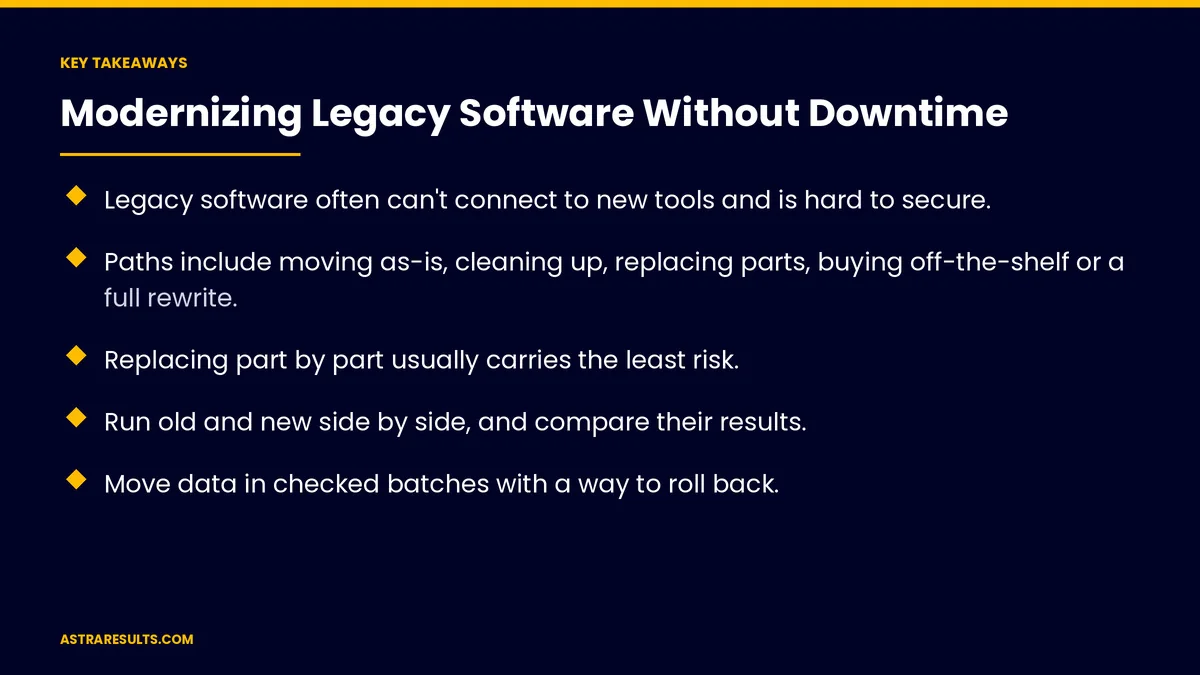
- Legacy software often can't connect to new tools and is hard to secure.
- Paths include moving as-is, cleaning up, replacing parts, buying off-the-shelf or a full rewrite.
- Replacing part by part usually carries the least risk.
- Run old and new side by side, and compare their results.
- Move data in checked batches with a way to roll back.
- Retire the old system only after every function has moved.
Published: October 16, 2026 | Reading Time: ~9 minutes | Category: Custom Software
This guide covers the risks of staying put, five paths forward, replacing part by part, running old and new together, moving data, hidden rules, switching users and retiring the old system. Put plainly: replace the old system one piece at a time, prove each piece works and keep the business running throughout.
For growing a young product, see from MVP to product.
In This Playbook
- The risks of staying put
- Five paths forward
- Where should a part-by-part replacement start?
- Run old and new side by side
- Moving data safely
- What hidden rules do old systems contain?
- Switching users over
- Training
- Retiring the old system
- What to measure
- The first three months
The risks of staying put
Security gaps. Old software may no longer get fixes.
No vendor support. Problems wait for the one person who knows the system.
Can't connect. New tools and integrations don't fit.
Slower work. Workarounds and manual steps pile up, as in replacing spreadsheets.
Five paths forward
Move as-is. Shift the system to newer hosting without changes.
Clean up. Improve the code while keeping the system.
Replace part by part. New modules take over one function at a time.
Buy off-the-shelf. If standard software now fits, as weighed in when off-the-shelf stops fitting.
Full rewrite. Starting over, usually the riskiest path.
Where should a part-by-part replacement start?
Start with one function. Often the most painful or most limiting.
Route that function to the new system. The old system handles everything else.
Repeat. Until nothing is left in the old system.
Plan with a short discovery. As covered in custom software discovery.
Run old and new side by side
Both systems working. During the transition.
Compare results. The same inputs should give the same outputs.
Keep data in sync. Changes in one appear in the other.
Secure the connections. As covered in API security.
Moving data safely
Clean first. Fix duplicates and errors before moving.
Move in batches. Check each batch against the source.
Keep a way back. Roll back if a batch fails.
Monitor the sync. As covered in when integrations break.
What hidden rules do old systems contain?
Old systems hide business rules. Calculations and exceptions nobody wrote down.
Interview users. Ask what they do and why.
Compare outputs. Differences reveal rules the new system missed.
Write them down. As covered in writing a software spec.
Switching users over
One group at a time. Start with a small team.
Switch on per group. Turn new functions on for some users first.
Quiet hours. Make larger switches when activity is low.
A rollback plan. Switch back quickly if something breaks.
Training
Short sessions. Focused on what changed.
Quick guides. For common tasks.
Champions. A few users who help others.
Retiring the old system
Confirm every function has moved. Nothing left behind.
Archive data. Keep records you're required to keep.
Shut down safely. Remove access and turn off servers.
Own the new code. As covered in owning your code.
What to measure
Downtime. Should be close to zero.
Functions moved. Against the plan.
Mismatched results. Found during side-by-side runs.
Data errors. After each batch.
Costs. Against plan, as covered in what custom software costs over five years.
The first three months
Days 1–30: understand
Map what the old system does, interview users, list hidden rules and choose the path and the first function to replace.
Days 31–60: build and compare
Build the first new module, run it side by side with the old system and compare results until they match.
Days 61–90: switch and continue
Move one group of users, migrate that function's data in checked batches and plan the next function.
How Astra modernizes legacy software
Astra Results Marketing modernizes old business software without stopping work. We map what the old system does, replace it part by part, run old and new side by side, move data in checked batches and retire the old system only when everything has moved.
Engagements begin with a legacy system review through our custom software team.
Related reading
Frequently asked questions
Why modernize software that still works?
Because old systems often can't connect to new tools, are hard to secure and depend on one or two people who understand them.
Can we modernize without downtime?
Usually, by replacing the system part by part and running old and new side by side until each part is proven.
Is a full rewrite a good idea?
Rarely as a first choice. Full rewrites carry the most risk; replacing part by part is usually safer.
How do we move the data safely?
Clean it first, move it in checked batches and keep a way to roll back.
What are hidden rules?
Calculations and exceptions built into old software that nobody documented. Interviews and side-by-side comparisons reveal them.
When can we turn off the old system?
Only after every function has moved, data is archived as required and users have switched over.
Ready to modernize without stopping the business? Astra Results Marketing replaces legacy software part by part, runs old and new side by side, moves data safely and retires the old system only when everything works. ▸ CALL (786) 321-2866 · ▸ REQUEST YOUR CONSULTATION





