 Rated 5 star on

When Integrations Break: Monitoring and Alerts
Quick answer
Integrations usually fail quietly, so you need checks that notice before customers do. Expired logins, vendor changes and renamed fields are common causes. Count successes and failures for each connection. Alert when expected data stops arriving. Compare record counts between systems daily, and keep failed messages so you can replay them.
Integrations rarely fail with a crash. They fail quietly. A login expires, a vendor changes its system or someone renames a field in the CRM, and orders stop syncing, leads stop arriving or invoices stop reaching accounting. Nobody notices until a customer complains or the month-end numbers don't add up. Monitoring catches those failures in minutes instead of weeks.
Key Takeaways
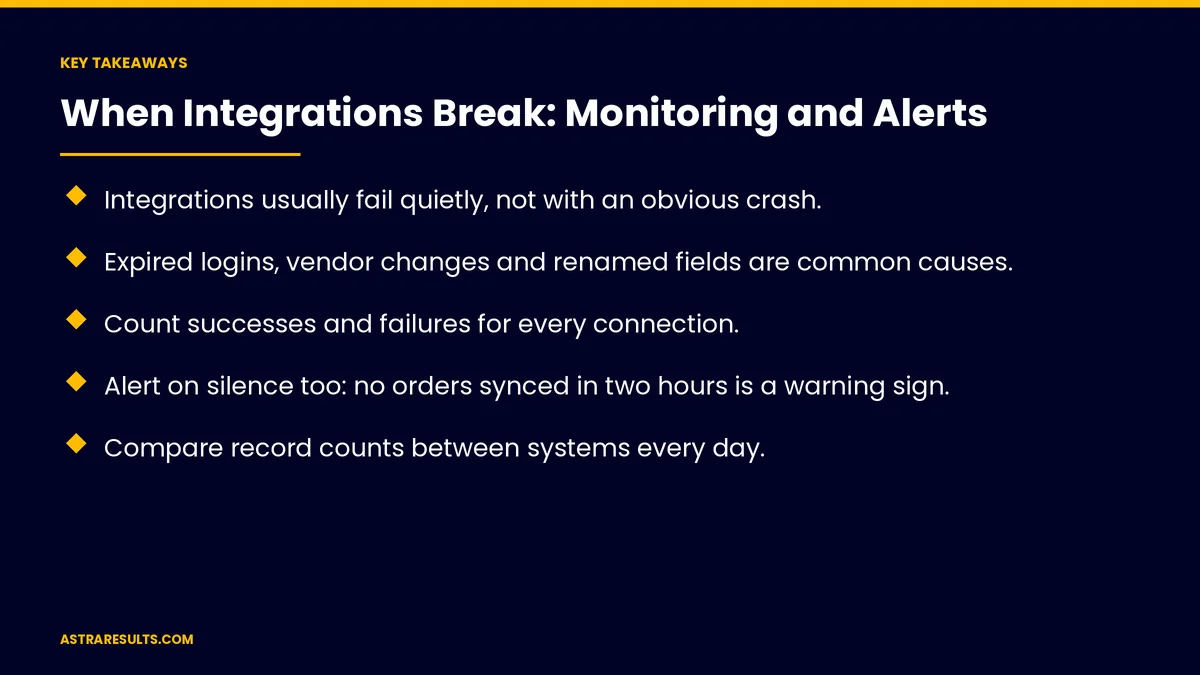
- Integrations usually fail quietly, not with an obvious crash.
- Expired logins, vendor changes and renamed fields are common causes.
- Count successes and failures for every connection.
- Alert on silence too: no orders synced in two hours is a warning sign.
- Compare record counts between systems every day.
- Keep failed messages so they can be replayed after the fix.
Published: October 21, 2026 | Reading Time: ~8 minutes | Category: API Integration
This guide covers integration monitoring: why connections break quietly, the checks that catch failures, alerts with clear owners, a response plan, replaying failed data, preventing repeat failures and what to measure. Put plainly: watch for errors and for silence, and fix failures before the missing data piles up.
In This Playbook
- Why do integrations fail without anyone noticing?
- Checks that catch failures
- Alerts with clear owners
- A response plan
- Replay failed data
- Prevent repeat failures
- Common examples
- What to measure
- The first three months
Why do integrations fail without anyone noticing?
Expired logins and access tokens. Connections stop until someone reconnects.
Vendor changes. Systems update or retire older connection methods.
Usage limits. Too many requests at once get blocked.
Changed data. A renamed field or new format breaks the mapping, as covered in planning an integration.
A receiving system that's down. Messages fail while it's offline, as covered in webhooks explained.
Checks that catch failures
Success and failure counts. For every integration, every hour.
Silence checks. Alert when nothing arrives that should: "no orders synced in two hours during business hours."
Daily matching. Compare record counts between systems, such as orders in the store versus orders in accounting.
Error logs. Readable messages saying what failed and why.
Expiry reminders. Before logins and tokens expire.
Vendor notices. Status pages and change announcements.
Alerts with clear owners
One owner per integration. Someone responsible for fixing it.
Severity levels. Payments and orders are urgent; weekly reports can wait.
The right channel. Text or chat for urgent failures, email for warnings.
Alongside site monitoring. As covered in uptime monitoring.
A response plan
Check the cause. Login, vendor change, limit or data problem.
Fix and test. With a small sample before full volume.
Tell affected teams. Sales, accounting or support.
Assign follow-up tasks. Reminders for each fix step, as in delegating to software.
Write it down. What broke and how it was fixed.
Replay failed data
Keep failed messages. Hold them in a queue instead of losing them.
Replay after the fix. So missing orders, leads or invoices arrive.
Check for duplicates. Replays shouldn't create double records.
Prevent repeat failures
Change control. Tell the integration owner before renaming fields or changing workflows.
Test vendor updates. In a test environment when possible.
Choose maintained tools. As weighed in integration platforms vs custom API work.
Track data quality. As covered in data KPIs.
Common examples
Booking to CRM. New bookings stop appearing, as in connecting your CRM to your booking system.
Store to accounting. Sales stop reaching the books, as in QuickBooks integrations.
Forms to sales. Leads stop reaching the team.
What to measure
Failure rate. By integration.
Time to detect. From failure to alert.
Time to fix. From alert to recovery.
Records out of sync. Found by daily matching.
Messages replayed. And duplicates prevented.
The first three months
Days 1–30: list and count
List every integration, its owner and what it moves. Start counting successes and failures and add expiry reminders.
Days 31–60: alerts and matching
Add silence checks and daily record matching, route alerts by severity and keep failed messages for replay.
Days 61–90: plan and prevent
Write the response plan, set change-control rules for field changes and track failure rate and time to detect.
How Astra monitors integrations
Astra Results Marketing monitors the integrations businesses depend on. We count successes and failures, alert on silence, match records daily, route alerts to clear owners and keep failed data so it can be replayed after the fix.
Engagements begin with an integration health review through our API integration team.
Related reading
Frequently asked questions
Why do integrations stop working?
Common causes are expired logins, vendor system changes, usage limits, renamed fields or changed formats, and a receiving system that's down.
How do we know an integration has failed?
Count successes and failures, alert when expected data stops arriving and compare record counts between systems every day.
What is a silence check?
An alert when something that should happen doesn't, such as no orders syncing for two hours during business hours.
What happens to data during a failure?
With a good setup, failed messages are held and replayed after the fix, with checks to prevent duplicates.
Who should get integration alerts?
The owner of each integration, by text or chat for urgent failures and email for warnings.
How do we prevent repeat failures?
Tell integration owners before changing fields or workflows, test vendor updates and track data quality.
Ready to catch integration failures before data goes missing? Astra Results Marketing monitors your integrations, alerts on errors and silence, matches records daily and replays failed data so orders, leads and invoices keep flowing. ▸ CALL (786) 321-2866 · ▸ REQUEST YOUR CONSULTATION





