 Rated 5 star on


Redesign vs Rebuild Your Website
Quick answer
A website needs a redesign when the platform works but the site looks dated or converts poorly. It needs a rebuild when the platform is outdated, insecure, slow or too hard to change. A step-by-step redesign can improve key pages first. Protect rankings with redirects, and build accessibility in from the start.
When a website stops working, owners face one question: refresh it or start over? A redesign changes the look and layout on the same platform. A rebuild replaces the platform and code underneath. Choosing wrong costs money: a redesign can't fix a failing foundation, and a rebuild is wasted on a site needing only a new look.
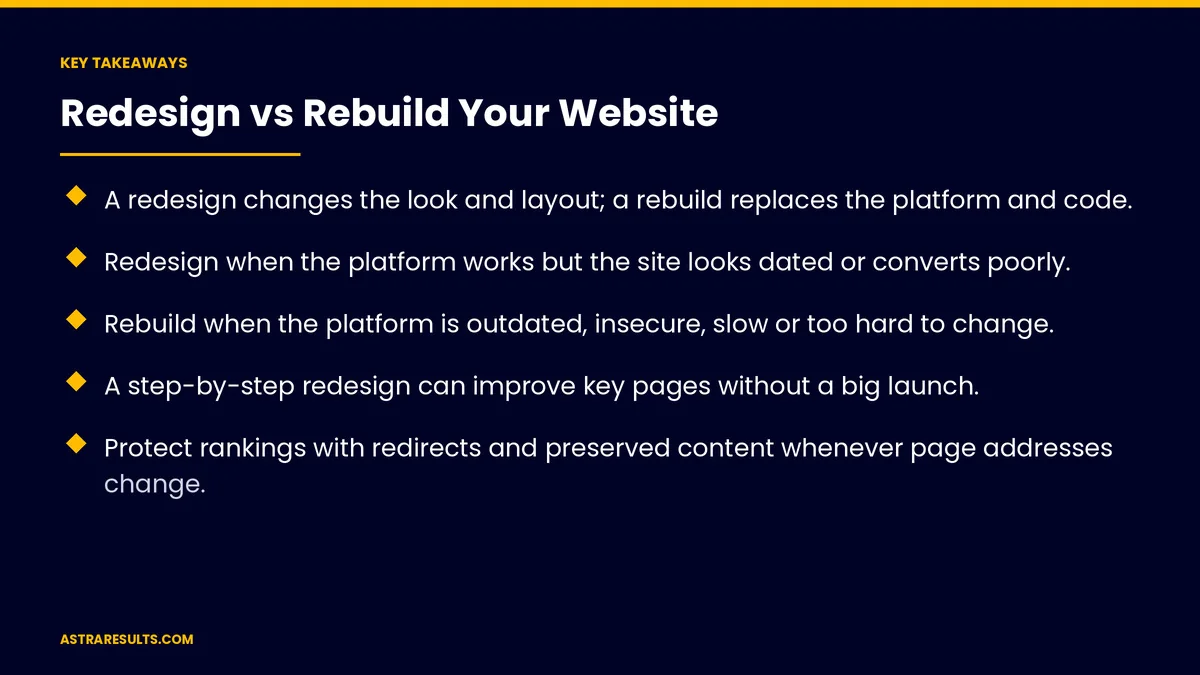
Key Takeaways
- A redesign changes the look and layout; a rebuild replaces the platform and code.
- Redesign when the platform works but the site looks dated or converts poorly.
- Rebuild when the platform is outdated, insecure, slow or too hard to change.
- A step-by-step redesign can improve key pages without a big launch.
- Protect rankings with redirects and preserved content whenever page addresses change.
- Accessibility is easier to build in than to fix later.
Published: October 17, 2026 | Reading Time: ~9 minutes | Category: UI/UX Web Design
This guide covers how to decide between redesigning and rebuilding a website: what each means, the signs that point to each, a step-by-step middle path, protecting search rankings, building in accessibility and planning the work. Put plainly: redesign when the foundation is sound, rebuild when it isn't.
In This Playbook
- Redesign or rebuild: what each means
- Signs a redesign is enough
- Signs a rebuild is needed
- A step-by-step middle path
- Protecting search rankings
- Building in accessibility
- How should a website redesign project start?
- What to measure
- The first three months
Redesign or rebuild: what each means
Redesign. New visuals, layouts, navigation and content on the same platform and code.
Rebuild. A new platform or codebase, often with a new design too.
Both can change a lot. The difference is what's underneath, not how different it looks.
Start with the goal. More leads, easier editing, better speed or a fresh brand.
Signs a redesign is enough
The platform is supported. Updates and security patches are current.
Pages load fast enough. Speed problems are minor or easy to fix.
Editing works. Your team can update content without a developer.
The site looks dated. Or doesn't match the brand anymore.
Conversions are weak. Layouts, messages and calls to action need work, as covered in conversion-focused design.
Signs a rebuild is needed
Unsupported platform. The software no longer gets updates or security patches.
Security problems. Repeated hacks or outdated plugins that can't be replaced.
Slow and fragile. Pages load slowly and small changes break things.
Hard to edit. Every change needs a developer. Editing rules are covered in website content management.
Can't connect. New tools, booking systems or CRMs won't integrate.
Accessibility can't be fixed in place. The code makes basic fixes impractical.
Flexible content needs. A more modern setup may help, as weighed in headless CMS for business sites.
A step-by-step middle path
Redesign key pages first. Homepage, top services and contact.
Test as you go. Measure each change before the next.
Rebuild later if needed. With better data on what works.
Lower risk. No single big launch where everything changes at once.
Protecting search rankings
List every page. With its traffic and links before changing anything.
Keep valuable content. Don't delete pages that bring visitors and leads.
Redirect changed addresses. Every old page points to its new one, as covered in moving hosts or domains.
Keep titles and headings strong. And check internal links.
Watch search reports after launch. Fix errors quickly.
Building in accessibility
A common benchmark. Many organizations aim for WCAG 2.1 or 2.2 Level AA.
Easier during a rebuild. Structure, color contrast and keyboard navigation can be planned from the start.
Redesigns help too. Fix contrast, headings, image descriptions and form labels.
Test with real tools. Screen readers and keyboard-only navigation.
How should a website redesign project start?
Audit first. Analytics, content, technical health and what visitors do.
Set measurable goals. Leads, conversion rate, speed or editing time.
Know the costs and timeline. As covered in what a business website costs and website development timelines.
Plan content early. Content is often the slowest part.
What to measure
Conversion rate. Before and after.
Leads and sales. From the website.
Page speed. On mobile especially.
Search traffic. In the months after launch.
Editing time. How long updates take your team. More measures are covered in website KPIs.
The first three months
Days 1–30: audit and decide
Review analytics, content, platform health, speed, security and accessibility. Compare against the signs for redesign and rebuild, set goals and choose a path.
Days 31–60: plan and protect
List every page with its traffic and links, plan redirects for any changed addresses and decide what content stays, changes or goes. Design key pages first.
Days 61–90: launch and measure
Launch the redesign, rebuild or first set of pages. Check redirects, search reports, speed and accessibility, and compare conversions and leads with the baseline.
How Astra helps with redesigns and rebuilds
Astra Results Marketing helps businesses decide whether to redesign or rebuild their websites. We audit the platform, content, speed, security and accessibility, recommend the right path and plan the work to protect search rankings.
We design for conversion and accessibility, and measure results after launch. Engagements begin with a website audit through our UI/UX design team.
Related reading
Frequently asked questions
What's the difference between a redesign and a rebuild?
A redesign changes the look, layout and content on the same platform. A rebuild replaces the platform and code underneath, often with a new design too.
When is a redesign enough?
When the platform is supported, pages load fast enough and your team can edit easily, but the site looks dated or converts poorly.
When do we need a rebuild?
When the platform no longer gets updates, security problems keep returning, pages are slow and fragile, editing needs a developer or new tools won't connect.
Will a new website hurt our search rankings?
It can if pages disappear or addresses change without redirects. List every page, keep valuable content and redirect changed addresses to protect rankings.
Should accessibility be part of the project?
Yes. Many organizations aim for WCAG 2.1 or 2.2 Level AA. It's easier to build in during a rebuild, and redesigns can fix many common issues.
Can we redesign in stages?
Yes. Redesigning key pages first, testing as you go and rebuilding later if needed lowers risk.
Ready to know whether to redesign or rebuild? Astra Results Marketing audits your website's platform, content, speed and accessibility, recommends the right path and plans the work to protect your rankings. ▸ CALL (786) 321-2866 · ▸ REQUEST YOUR CONSULTATION





