 Rated 5 star on

Retiring Old App Versions Without Losing Users
Quick answer
Retire old app versions with a clear support policy and a fallback, not a sudden cutoff. Publish how many versions you support and for how long. Versioned APIs keep old apps working until their cutoff. Start with gentle update prompts, then require a minimum version. Give notice in English and Spanish, and offer a web fallback.
Every app eventually has users on versions that are years old. Supporting them costs time, blocks new features and can leave security holes open. But forcing everyone to update overnight frustrates customers and can lock out people whose phones can't run the newest version. Doing it well takes a clear policy and a fallback.
Key Takeaways
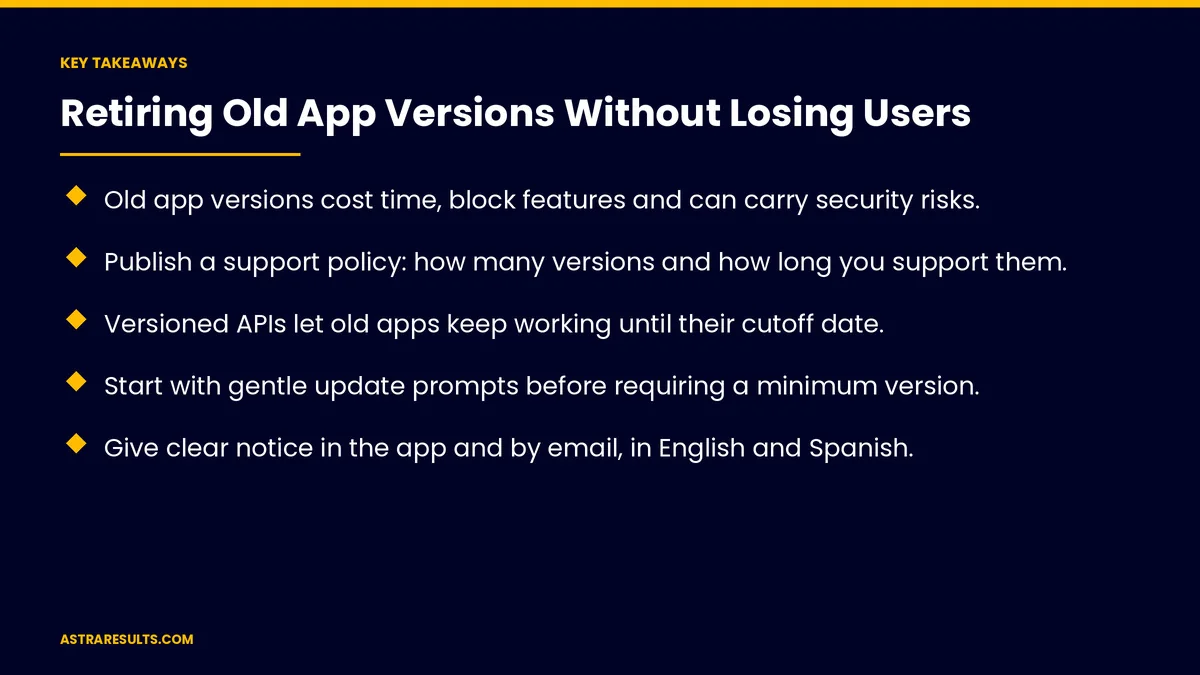
- Old app versions cost time, block features and can carry security risks.
- Publish a support policy: how many versions and how long you support them.
- Versioned APIs let old apps keep working until their cutoff date.
- Start with gentle update prompts before requiring a minimum version.
- Give clear notice in the app and by email, in English and Spanish.
- Offer a web fallback for phones that can't run the new version.
Published: October 20, 2026 | Reading Time: ~8 minutes | Category: App Maintenance
This guide covers retiring old app versions: why retire them, a support policy, versioned APIs, gentle update prompts, a required minimum version, giving notice, phones that can't upgrade, timing, testing and what to measure. Put plainly: set a clear policy, nudge before you require and give everyone a way to keep going.
In This Playbook
- Why retire old versions
- How many app versions should a support policy cover?
- How do versioned APIs keep old apps working?
- Gentle update prompts
- A required minimum version
- Give notice
- Phones that can't upgrade
- Timing
- Testing
- Framework upgrades
- What to measure
- The first three months
Why retire old versions
Security. Old versions may carry known weaknesses, as covered in dependency updates.
Cost. Every supported version needs testing and fixes.
New features. Old versions hold back changes to your systems.
Store and system rules. Apple and Google raise minimum requirements over time, as covered in iOS and Android updates.
How many app versions should a support policy cover?
How many versions. For example, the current one and the two before it.
How long. A set period after each release.
Written down. Shared with your team and partners, as in maintenance contracts.
How do versioned APIs keep old apps working?
Old apps keep working. The server supports older request formats until their cutoff.
One change at a time. New versions added, old ones retired on schedule.
Secured properly. As covered in API security.
Gentle update prompts
A friendly banner. "A new version is available."
Explain the benefit. New features or fixes.
Easy to dismiss. At first.
A required minimum version
When the cutoff arrives. The app asks users to update before continuing.
A clear message. Why, and how to update.
One tap to the store. No hunting.
Give notice
In the app. Weeks before the cutoff.
By email. For users who rarely open the app.
In their language. English and Spanish, as covered in bilingual mobile apps.
Phones that can't upgrade
Older devices. Some can't run the new version.
A web fallback. Key features available in a browser, as weighed in when a mobile website beats an app.
Support contact. For users who need help.
Timing
Avoid busy seasons. Not during holidays or your peak months.
Stagger by version. Oldest first.
Watch support volume. Pause if problems spike.
Testing
Test the update path. From each old version to the current one.
Watch crashes after updates. As covered in crash reports.
Protect ratings. As covered in recovering from a bad release.
Framework upgrades
Bigger changes need more notice. As covered in React Native maintenance.
What to measure
Users on old versions. Share over time.
Update rate after prompts. Gentle and required.
Users lost at cutoff. Should be small.
Support requests. During the transition.
Crash-free users. After updates.
The first three months
Days 1–30: policy
Write the support policy, check which versions users run and confirm the server supports old versions until cutoff.
Days 31–60: nudge
Add gentle update prompts, send notice in the app and by email and prepare the web fallback.
Days 61–90: cut off
Require the minimum version for the oldest releases, watch support and crashes and measure users lost.
How Astra retires old app versions
Astra Results Marketing helps businesses retire old app versions without losing users. We write support policies, version APIs, add gentle prompts and required minimums, send clear notice and keep a fallback for phones that can't upgrade.
Engagements begin with an app health review through our app maintenance team.
Related reading
Frequently asked questions
Why retire old app versions?
They cost time to support, hold back new features and can carry security risks.
How do we avoid losing users?
Nudge with gentle prompts first, give clear notice, require the update only at the cutoff and offer a web fallback.
What is a minimum version?
The oldest version allowed to run. Older versions ask users to update before continuing.
What about phones that can't update?
Offer key features in a web browser and a support contact for help.
When should we cut off old versions?
On a schedule set in your support policy, avoiding busy seasons and starting with the oldest versions.
What should we measure?
Users on old versions, update rates, users lost at cutoff, support requests and crash-free users.
Ready to retire old app versions without the backlash? Astra Results Marketing writes support policies, versions your APIs, nudges users to update and keeps a fallback for phones that can't upgrade. ▸ CALL (786) 321-2866 · ▸ REQUEST YOUR CONSULTATION





