 Rated 5 star on

Dependency Updates and Security Patches
Quick answer
Keep app dependencies current with a list of every library and vulnerability alerts turned on. Patch critical security issues within days. Group routine updates into a monthly release. Test updates and release them in stages. Replace libraries that stop getting updates before a store rule forces a rushed change.
Every app is built on code written by others: frameworks, payment and analytics tools, maps and dozens of smaller libraries. These dependencies get updates for security holes, bugs and new phone software. Skip them and the app becomes harder to update, fails store requirements or carries known weaknesses attackers can use. Update carelessly and something breaks.
Key Takeaways
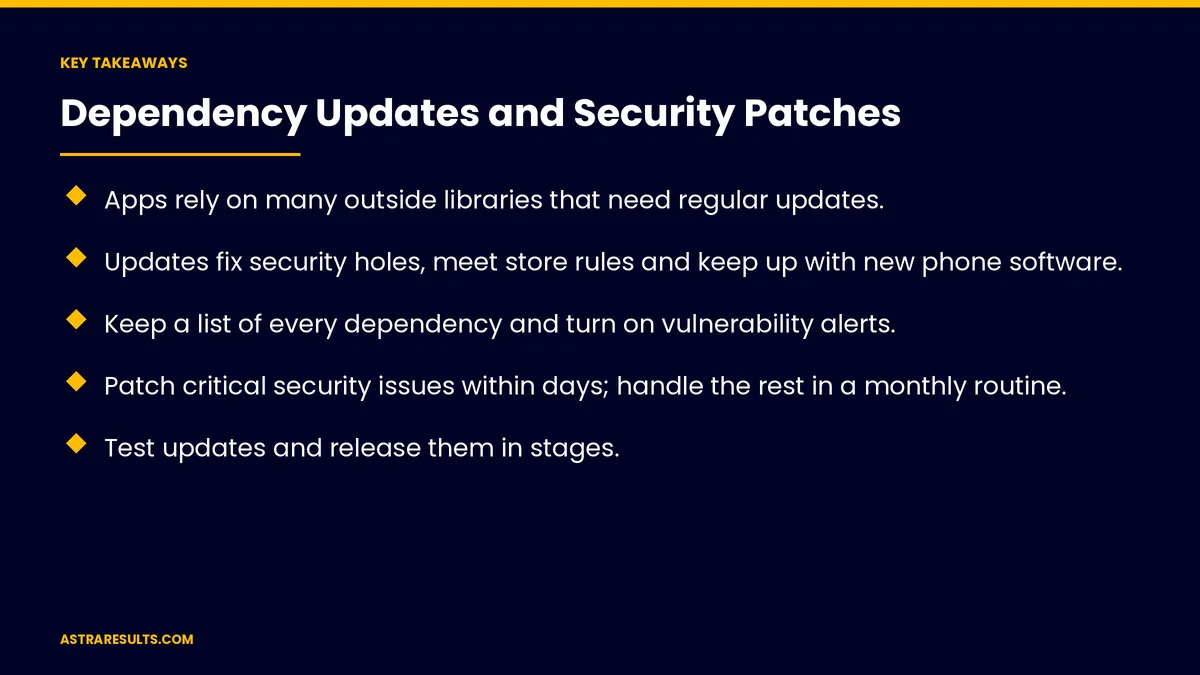
- Apps rely on many outside libraries that need regular updates.
- Updates fix security holes, meet store rules and keep up with new phone software.
- Keep a list of every dependency and turn on vulnerability alerts.
- Patch critical security issues within days; handle the rest in a monthly routine.
- Test updates and release them in stages.
- Replace libraries that are no longer supported, and update privacy disclosures when tools change.
Published: October 9, 2026 | Reading Time: ~8 minutes | Category: App Maintenance
This guide covers dependency updates and security patches: why they matter, keeping a dependency list, vulnerability alerts, setting priorities, a regular routine, testing, staged releases, server libraries, unsupported libraries, privacy disclosures and what to measure. Put plainly: know every library you use, patch critical fixes fast and test every update before it reaches users.
In This Playbook
- Why updates matter
- What should an app's dependency list include?
- Vulnerability alerts
- How quickly should app security patches go out?
- A regular routine
- Test before release
- Release in stages
- Server libraries
- Unsupported libraries
- Privacy disclosures
- What to measure
- The first three months
Why updates matter
Security fixes. Known weaknesses get patched in newer versions.
Store requirements. Apple and Google set minimum tools and target versions, as covered in iOS and Android updates.
New phone software. Old libraries can break on new versions.
Easier future work. Small, regular updates beat one huge catch-up.
What should an app's dependency list include?
Every library and SDK. Name, version and purpose.
App and server. Both sides of the app.
Who added it and why. So unused ones can be removed.
A software bill of materials. A formal list some clients, regulators and investors ask for, as in what investors check.
Vulnerability alerts
Automated alerts. Tools flag libraries with known security issues.
Severity ratings. Critical, high, medium or low.
Watch vendor notices. Payment, analytics and SDK providers announce changes.
How quickly should app security patches go out?
Critical security issues. Patched within days.
Store deadlines. Planned well ahead.
Routine updates. Grouped into a monthly release.
Response times. Agreed in advance, as covered in app maintenance response times.
A regular routine
Monthly review. Check for updates and alerts.
Update in small groups. So problems are easy to trace.
Read release notes. Look for breaking changes.
The same idea for websites is covered in plugin and theme updates and care plan content updates.
Test before release
Automated tests. Core flows checked after every update.
Real devices. Old and new phones.
Framework upgrades. Larger changes, as covered in React Native maintenance and Swift app maintenance.
Release in stages
A small share first. Then everyone.
Watch crash reports. As covered in crash reports.
Roll back if needed. Keep the previous version ready.
Server libraries
The app's server needs updates too. Often more urgently, since it's always online.
AI and payment services. Keep connections current, as in integrating AI into a mobile app.
Unsupported libraries
No updates for months. A warning sign.
Plan replacements. Before a forced change.
Remove what you don't use. Fewer libraries, fewer risks.
Whole systems. When the entire system is outdated, see modernizing legacy software.
Privacy disclosures
SDKs change what they collect. Check with each update.
Update store disclosures. Apple's privacy details and Google's data safety form.
Security basics are covered in mobile app security basics.
What to measure
Outdated libraries. Count over time.
Time to patch critical issues. From alert to release.
Open security alerts. By severity.
Crash-free users after updates. Compared with before.
Store deadlines met. No blocked updates.
The first three months
Days 1–30: list and alert
Build the dependency list for app and server, turn on vulnerability alerts and patch any critical issues.
Days 31–60: catch up
Update outdated libraries in small groups, test on real devices, release in stages and remove unused libraries.
Days 61–90: routine
Set a monthly update routine, plan replacements for unsupported libraries and update privacy disclosures.
How Astra handles dependency updates
Astra Results Marketing keeps app dependencies current and secure. We maintain dependency lists, watch vulnerability alerts, patch critical issues fast, update the rest monthly, test on real devices and release in stages.
Engagements begin with an app health review through our app maintenance team.
Related reading
Frequently asked questions
What are app dependencies?
Outside libraries and tools an app relies on, such as frameworks, payment and analytics tools and maps.
Why do dependencies need updates?
To fix security holes, meet store requirements, work with new phone software and keep future updates manageable.
How fast should security patches go out?
Critical issues within days. Routine updates can be grouped into a monthly release.
How do we avoid breaking the app?
Update in small groups, read release notes, run automated tests, check real devices and release in stages.
What if a library stops getting updates?
Plan a replacement before a store rule or security issue forces a rushed change.
Do updates affect privacy disclosures?
They can. When an SDK changes what it collects, update Apple's privacy details and Google's data safety form.
Ready to keep your app current and secure? Astra Results Marketing maintains dependency lists, patches critical issues fast, updates the rest on a monthly routine and tests every release before it reaches users. ▸ CALL (786) 321-2866 · ▸ REQUEST YOUR CONSULTATION





