 Rated 5 star on

School Websites Parents Use
Quick answer
A school website parents use puts their top tasks first, on phones and in their language. Lead the home page with calendars, closures, forms, lunch and transportation. Show closure alerts at the top of every page. Make forms work on phones and reach the right office. Meet accessibility deadlines and keep every page current.
Most parents visit a school website for a handful of reasons: checking the calendar, seeing if school is closed, finding a form or looking up lunch and bus details. Many school sites bury those under news and old pages. A site built around parents answers in a tap, on a phone, in their language.
Key Takeaways
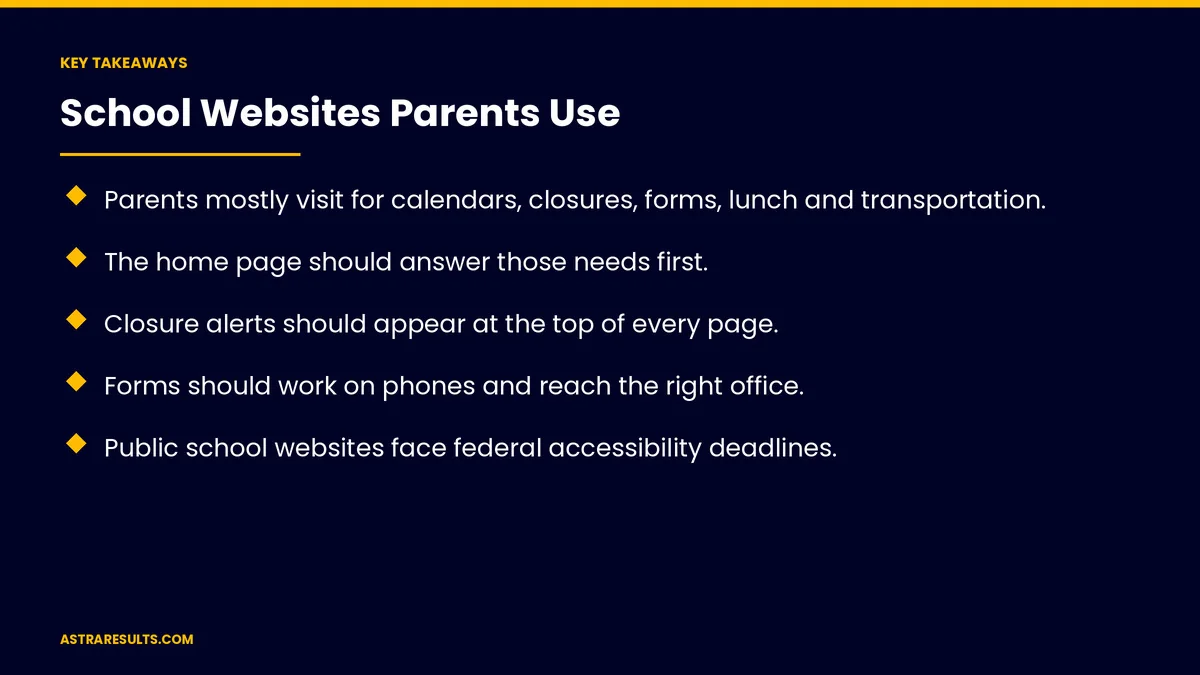
- Parents mostly visit for calendars, closures, forms, lunch and transportation.
- The home page should answer those needs first.
- Closure alerts should appear at the top of every page.
- Forms should work on phones and reach the right office.
- Public school websites face federal accessibility deadlines.
- Offer the languages families speak, and keep every page current.
Published: October 26, 2026 | Reading Time: ~8 minutes | Category: UI/UX Web Design
This guide covers school websites parents use: what parents look for, a home page that answers fast, calendars, closures and alerts, forms, lunch and transportation, languages, accessibility, phones, keeping it current and what to measure. Put plainly: put the calendar, closures and forms first, make every page accessible and keep it current.
In This Playbook
- What parents look for
- What should a school home page show first?
- Calendars
- How should a school website announce closures?
- Forms
- Lunch and transportation
- Languages
- Accessibility
- Phones first
- Keeping it current
- What to measure
- The first three months
What parents look for
The calendar. Holidays, early dismissals and events.
Closures. Weather and emergencies.
Forms. Enrollment, permissions and health forms.
Daily details. Lunch menus, bus routes and pickup times.
Contacts. Who to call about what.
What should a school home page show first?
Top tasks first. Calendar, forms, lunch and transportation.
Short news section. Below the essentials.
Search that works. For everything else.
Calendars
One calendar. Not several out-of-date ones.
Filter by school or grade. For districts and large schools.
Add to phone calendars. One tap to subscribe.
How should a school website announce closures?
A banner on every page. When school is closed or delayed.
Same message everywhere. Website, texts and the app, as in school engagement.
Removed when over. No stale alerts.
Forms
Fill online. On any phone.
Routed to the right office. As covered in website forms that reach the right person.
Confirmations. Parents know it arrived.
Lunch and transportation
This week's menu. Easy to find.
Bus routes and changes. Updated promptly.
Pickup and drop-off rules. Clear and current.
Languages
The languages families speak. English, Spanish, Haitian Creole and more.
Real translations for key pages. Not just an automatic widget, as covered in bilingual websites.
Accessibility
Federal deadlines for public schools. Rules require public school websites to meet a recognized accessibility standard, with deadlines in 2026 and 2027 depending on size.
Screen readers and keyboards. Every page usable.
Accessible documents. PDFs and forms too, not just pages.
Check with counsel. For your deadline and obligations.
Phones first
Most parents visit on phones. Design for small screens.
Fast pages. As covered in landing page speed.
The app connection. As in school apps, with classroom tools as in school iPad apps.
Keeping it current
Clear editing roles. Who updates what, as covered in website content management.
Review dates. Every page checked each term.
Remove old pages. Outdated information confuses parents.
Launching a new site is covered in the website launch checklist.
What to measure
Top tasks completed. Calendar views, form submissions and menu views.
Front office calls. Fewer for questions the site answers.
Search terms. What parents can't find.
Accessibility issues. Found and fixed.
Pages past review date. Kept near zero.
The first three months
Month one: listen and audit
Ask parents and front office staff what they look for, check site search terms and audit accessibility.
Month two: rebuild the essentials
Put calendar, closures, forms, lunch and transportation first, fix accessibility issues and add key translations.
Month three: keep it current
Assign editors, set review dates, remove outdated pages and track calls and top tasks.
How Astra designs school websites
Astra Results Marketing designs school websites around what parents need. We put calendars, closures and forms first, build for phones and accessibility, add the languages families speak and set up editing so pages stay current.
Engagements begin with a website review through our UI/UX web design team.
Related reading
Frequently asked questions
What do parents look for on school websites?
Calendars, closures, forms, lunch menus, bus routes, pickup rules and contacts.
What should the home page show?
Top parent tasks first: calendar, forms, lunch and transportation, with a short news section below.
How should closures be shown?
A banner on every page, matching texts and the app, removed when the closure ends.
Do school websites have accessibility deadlines?
Public schools face federal deadlines in 2026 and 2027 depending on size. Check your deadline with counsel.
Should school websites be translated?
Yes, into the languages families speak, with real translations for key pages.
What should we measure?
Top tasks completed, front office calls, search terms, accessibility issues and pages past review date.
Ready for a school website parents can use? Astra Results Marketing designs school websites with calendars, closures and forms first, accessible pages and the languages your families speak. ▸ CALL (786) 321-2866 · ▸ REQUEST YOUR CONSULTATION





