 Rated 5 star on


Delegating to Software: What to Hand Over First
Quick answer
Hand over repetitive, low-risk tasks that are easy to check first. Reminders, follow-ups and status chasing are the best starting points. Turning meeting notes into tasks comes next. Keep judgment calls and sensitive client decisions with people. Review results weekly and add one task type at a time.
Handing work to an AI task manager feels risky at first. Owners and managers worry about missed details, wrong messages and losing track of what's happening. The answer isn't to delegate everything or nothing. It's to start with the right tasks: repetitive, low-risk work that's easy to check, then expand as trust grows.
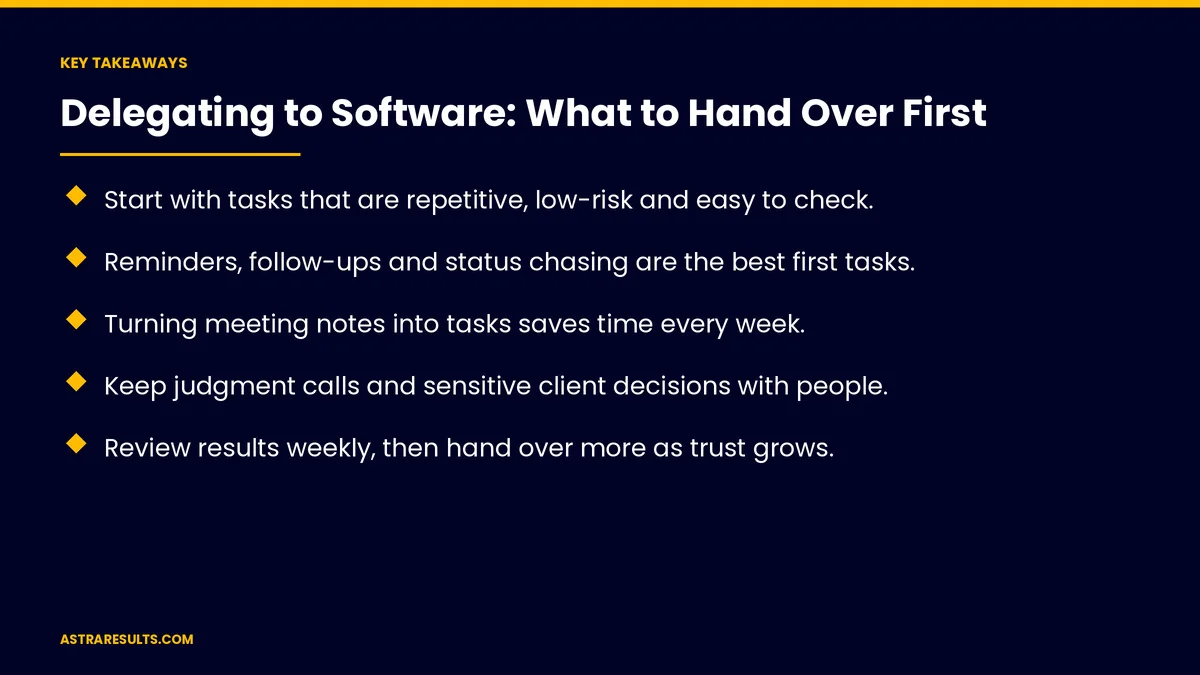
Key Takeaways
- Start with tasks that are repetitive, low-risk and easy to check.
- Reminders, follow-ups and status chasing are the best first tasks.
- Turning meeting notes into tasks saves time every week.
- Keep judgment calls and sensitive client decisions with people.
- Review results weekly, then hand over more as trust grows.
- Measure hours saved and missed deadlines, not just tasks created.
Published: October 18, 2026 | Reading Time: ~8 minutes | Category: AI Task Manager
This guide covers what to delegate to software first: how to pick tasks, the best starting tasks, what to keep for people, setting rules, reviewing results, expanding step by step, security and what to measure. Put plainly: hand over the chasing and the reminding first, and keep the judgment calls.
In This Playbook
- How to pick tasks
- Which tasks should an AI task manager take on first?
- Next tasks
- What to keep for people
- Set the rules
- Review results
- Expand step by step
- Security
- What to measure
- The first three months
How to pick tasks
Repetitive. Happens daily or weekly.
Low risk. A mistake is easy to fix.
Easy to check. You can see quickly whether it was done right.
Clear rules. You could explain it in a few sentences.
Rules or AI? As weighed in GenAI vs traditional automation.
Which tasks should an AI task manager take on first?
Reminders. Deadlines, renewals and recurring duties.
Follow-ups. Nudging teammates and clients when tasks stall.
Status chasing. Asking for updates and collecting them in one place.
Meeting notes to tasks. Action items assigned automatically, as covered in meeting notes to action items.
Recurring checklists. Opening, closing, month-end or maintenance routines, as in maintenance crew task management.
Next tasks
Routing new requests. Assigning incoming work to the right person.
Weekly summaries. What moved, what stalled and what's due.
Scheduling routine work. Placing recurring tasks on calendars.
What to keep for people
Judgment calls. Pricing, priorities and exceptions.
Sensitive client decisions. Complaints, refunds and bad news.
Hiring and performance. People decisions stay with people.
Work without a clear owner. Fix ownership first.
Set the rules
Who gets reminders. And how often.
Tone for messages. Friendly, short and clear.
When to escalate. To a manager after a set number of nudges.
What it can't do. Send to clients without approval, for example.
Review results
Weekly review. Check a sample of messages and tasks.
Fix the rules. When something goes wrong.
Ask the team. Is it helping or annoying?
Expand step by step
Start with your own tasks. Then your team's.
Add one task type at a time. Once the last one works.
Keep a list. What's delegated, what's next and what stays human.
Right size for your team is weighed in is an AI task manager right for a team of five.
Security
Who sees what. Task access matches roles, as covered in task manager security.
Client data. Kept out of tasks unless needed.
What to measure
Hours saved. On reminders, follow-ups and status chasing.
Missed deadlines. Before and after.
Stalled tasks. And how long they stall, as covered in task management KPIs.
Escalations. Tasks that needed a manager.
Team feedback. Helpful or noisy.
The first three months
Days 1–30: start small
List repetitive tasks, pick reminders and follow-ups for your own work and set rules for tone and escalation.
Days 31–60: add the team
Extend reminders and status chasing to the team, add meeting notes to tasks and review results weekly.
Days 61–90: expand and measure
Add routing and weekly summaries, compare missed deadlines and hours saved with the baseline and update the delegation list.
How Astra sets up delegation
Astra Results Marketing helps teams hand the right work to an AI task manager. We pick repetitive, low-risk tasks first, set rules for messages and escalation, review results weekly and expand as trust grows.
Judgment calls stay with people. Engagements begin with a workflow review through our AI task manager team.
Related reading
Frequently asked questions
What should we delegate to an AI task manager first?
Repetitive, low-risk tasks that are easy to check: reminders, follow-ups, status chasing, meeting notes to tasks and recurring checklists.
What should we never delegate?
Judgment calls, sensitive client decisions, hiring and performance decisions, and work without a clear owner.
How do we keep automated messages from annoying people?
Set rules for tone, frequency and escalation, review a sample weekly and ask the team for feedback.
How fast should we expand?
One task type at a time, once the previous one works reliably.
Is it safe to put client information in tasks?
Only when needed, with access matched to roles.
How do we know it's working?
Track hours saved, missed deadlines, stalled tasks and escalations, and ask the team whether it helps.
Ready to stop chasing tasks by hand? Astra Results Marketing sets up AI task management that handles reminders, follow-ups and status chasing first, with clear rules, weekly reviews and judgment calls kept with your team. ▸ CALL (786) 321-2866 · ▸ REQUEST YOUR CONSULTATION





