 Rated 5 star on

What to Ask Before Hiring an iOS Partner
Quick answer
Before hiring an iOS partner, ask questions that test their Apple knowledge, not just their coding. The app should live in your own Apple developer account. Ask how they handle App Review and rejections. Check they know privacy labels, manifests and tracking permission. Confirm real-device testing and a plan for each iOS update.
Plenty of developers can build an iPhone app. Fewer understand Apple's accounts, review process, privacy rules and yearly updates well enough to keep your app approved, compliant and working. The right questions reveal which partners know the Apple side as well as the code, before you sign a contract and discover gaps at launch.
Key Takeaways
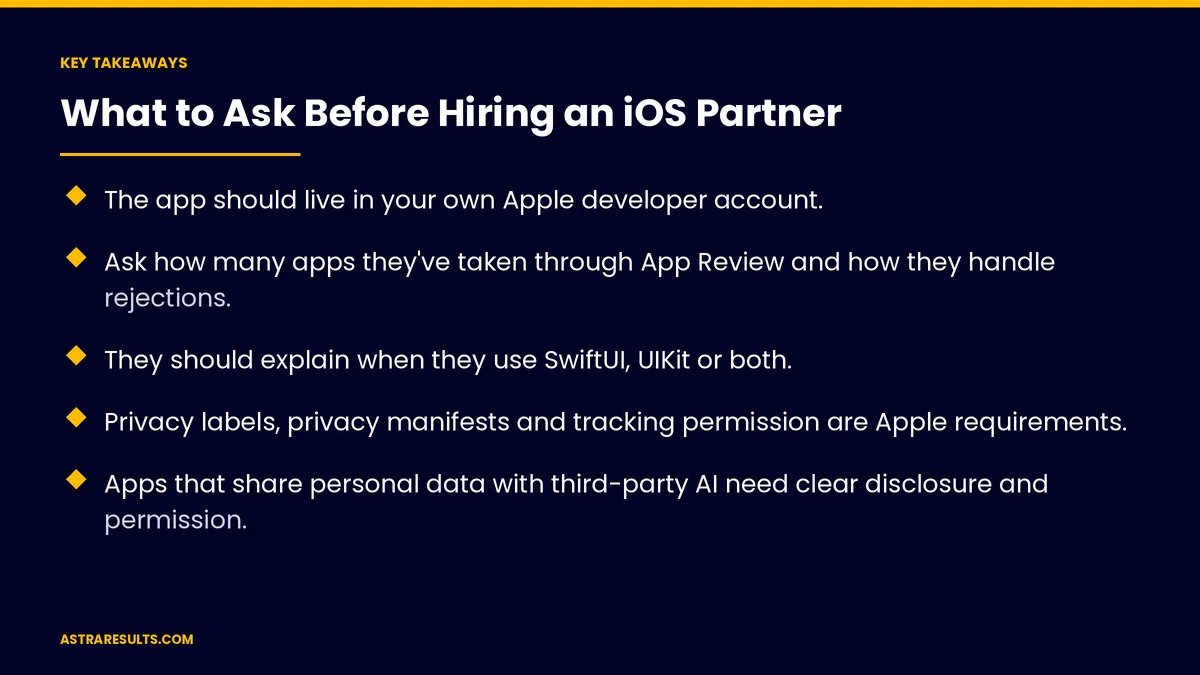
- The app should live in your own Apple developer account.
- Ask how many apps they've taken through App Review and how they handle rejections.
- They should explain when they use SwiftUI, UIKit or both.
- Privacy labels, privacy manifests and tracking permission are Apple requirements.
- Apps that share personal data with third-party AI need clear disclosure and permission.
- Plan for each year's iOS update, testing on real devices and accessibility.
Published: October 27, 2026 | Reading Time: ~9 minutes | Category: iPhone App Development
This guide covers iOS-specific questions to ask a partner: account ownership, App Review, SwiftUI and UIKit, privacy requirements, AI features, testing, accessibility, payments, yearly updates, iPad support, code ownership and proof of work, plus red flags. Put plainly: choose a partner who knows Apple's rules as well as Apple's tools.
For general partner questions, see choosing a mobile app development partner.
In This Playbook
- 1. Whose Apple developer account?
- 2. How do you handle App Review?
- 3. SwiftUI, UIKit or both?
- 4. How do you handle Apple's privacy rules?
- 5. What about AI features?
- 6. How will you test?
- 7. How do you handle accessibility?
- 8. Which payments must go through Apple?
- 9. What happens each year when iOS updates?
- 10. Will it support iPad?
- 11. Who owns the code?
- 12. Can we see your live apps?
- Red flags
- What to measure after hiring
- The first three months with a partner
1. Whose Apple developer account?
Good answer. Yours, in your company's name.
For companies. Apple's organization accounts require a D-U-N-S number.
Red flag. "We'll publish it under our account."
2. How do you handle App Review?
Good answer. Many apps approved, with clear steps for rejections.
Review notes. Test accounts and explanations ready for Apple.
Red flag. No experience with rejections.
3. SwiftUI, UIKit or both?
Good answer. A reasoned choice for your app, as weighed in SwiftUI vs UIKit.
Red flag. One answer for every project.
4. How do you handle Apple's privacy rules?
Privacy labels. Accurate store disclosures.
Privacy manifests. Declarations for the app and many third-party tools, as covered in Swift app maintenance.
Tracking permission. Apple's prompt before tracking users across other companies' apps and sites.
5. What about AI features?
Disclosure and permission. Apple requires clear disclosure and explicit permission before sharing personal data with third-party AI.
Good answer. A plan for consent screens, as in AI support inside the app.
6. How will you test?
Real devices. Older and newer iPhones.
Several iOS versions. The ones your customers use.
TestFlight betas. With real users, as covered in beta testing.
7. How do you handle accessibility?
VoiceOver. Screen reader support.
Dynamic Type. Text that grows with user settings.
Contrast and touch targets. Easy to see and tap.
Public schools have deadlines. As covered in school apps.
8. Which payments must go through Apple?
Digital goods. Usually Apple's in-app purchase system.
Physical goods and services. Usually your own payment system.
Rules change. US rules on linking to outside payments changed in 2025, as covered in in-app payments.
9. What happens each year when iOS updates?
Good answer. Testing betas each summer and updating before release.
A maintenance plan. Costs and timing agreed up front.
10. Will it support iPad?
Good answer. A clear plan, as weighed in iPad + iPhone.
Red flag. A stretched iPhone layout.
11. Who owns the code?
Good answer. You do, in writing, with all credentials, as covered in owning your code.
12. Can we see your live apps?
Good answer. Apps in the App Store you can download and try.
References. Clients you can call.
Red flags
Your app in their account. Ownership problems later.
No privacy plan. Rejections and compliance risk.
No update plan. Broken apps after iOS releases.
Only screenshots. No live apps to try.
What to measure after hiring
Approval time. From submission to release.
Crash-free users. On each iOS version.
Rejections. And how fast they're resolved.
Accessibility issues. Found and fixed.
On-time updates. Before each iOS release.
The first three months with a partner
Days 1–30: set up
Create or confirm your Apple developer account, agree on SwiftUI or UIKit and plan privacy, AI consent and accessibility.
Days 31–60: build and test
Build the first version, test on real devices and iOS versions and run a TestFlight beta.
Days 61–90: submit and plan
Submit to App Review with notes ready, launch and agree on the yearly update plan.
How Astra works as an iOS partner
Astra Results Marketing builds iPhone apps in your Apple developer account. We handle App Review, privacy labels and manifests, AI consent and accessibility, test on real devices and plan for every iOS update.
Engagements begin with an app planning session through our iPhone app development team.
Related reading
Frequently asked questions
Whose Apple account should our app use?
Yours, in your company's name. Apple's organization accounts require a D-U-N-S number.
What Apple privacy rules matter most?
Accurate privacy labels, privacy manifests for the app and many third-party tools and permission before tracking users across other companies' apps.
What does Apple require for AI features?
Clear disclosure and explicit permission before sharing personal data with third-party AI.
How should an iOS partner test our app?
On real older and newer iPhones, across the iOS versions your customers use, with a TestFlight beta.
Do we have to use Apple's payment system?
Usually for digital goods, but rules changed in 2025 for US apps linking to outside payments. Physical goods and services usually use your own payments.
What happens when Apple releases a new iOS?
Your partner should test the betas each summer and update the app before release, under an agreed maintenance plan.
Ready for an iOS partner who knows Apple's rules? Astra Results Marketing builds iPhone apps in your account, handles App Review, privacy and AI consent, tests on real devices and keeps your app current with every iOS update. ▸ CALL (786) 321-2866 · ▸ REQUEST YOUR CONSULTATION





