 Rated 5 star on

SaaS Companion Apps: Scope for Version One
Quick answer
A SaaS companion app's first version should do a few mobile tasks well, not copy the whole web product. Pick mobile moments like alerts, approvals, quick lookups and status checks. Reuse the web app's sign-in, API and permissions. Keep notifications useful and opt-in. Apple can reject apps that simply wrap a website.
Software companies with a web product eventually hear the request: "Do you have an app?" The temptation is to rebuild the entire web product for phones. That takes months and usually produces a cramped copy nobody prefers. A better first version does the few things customers need away from their desk, and does them well.
Key Takeaways
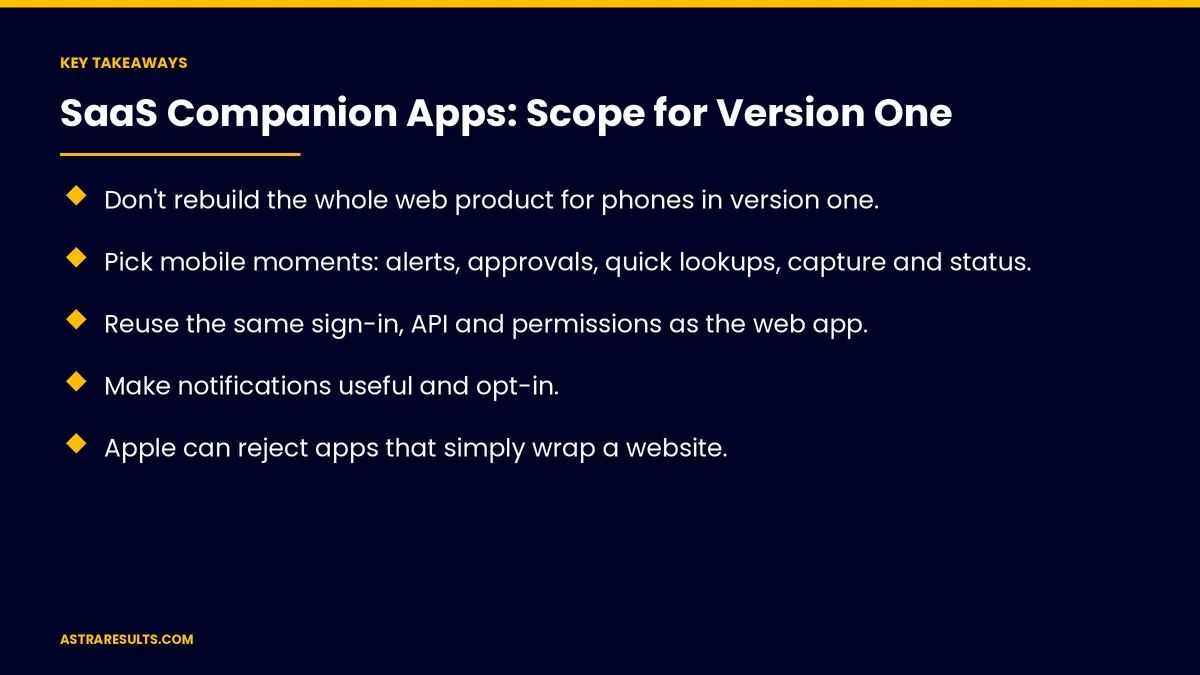
- Don't rebuild the whole web product for phones in version one.
- Pick mobile moments: alerts, approvals, quick lookups, capture and status.
- Reuse the same sign-in, API and permissions as the web app.
- Make notifications useful and opt-in.
- Apple can reject apps that simply wrap a website.
- Measure weekly mobile users and the actions they complete on mobile.
Published: October 27, 2026 | Reading Time: ~8 minutes | Category: React Native Development
This guide covers scoping a SaaS companion app: choosing mobile moments, what to leave out, sign-in, sharing the API, notifications, roles and permissions, offline basics, store rules, testing, a version-two roadmap and what to measure. Put plainly: build the mobile moments, not a copy of the whole web app.
In This Playbook
- Choose mobile moments
- Which web features can a companion app leave out?
- Sign-in
- Share the API
- Notifications
- Roles and permissions
- Offline basics
- Will Apple accept an app that wraps your website?
- Testing
- A version-two roadmap
- What to measure
- The first three months
Choose mobile moments
Alerts. Something needs attention now.
Approvals. Approve or reject in a tap.
Quick lookups. A customer, order or account status.
Capture. Photos, scans or notes from the field.
Status views. Dashboards that fit a phone.
Messages. Replies to customers or teammates.
Which web features can a companion app leave out?
Setup and admin screens. Rarely needed on a phone.
Heavy reports. Better on a big screen.
Rare features. Add later if customers ask.
Small first versions are the theme of MVP development.
Sign-in
Same accounts. No new passwords, shared with any web portal, as in custom portals.
Company single sign-on. For business customers.
Passkeys and biometrics. Fast and secure on phones.
Share the API
One backend. The app uses the same API as the web product.
Secured properly. As covered in API security.
No keys in the app. Requests go through your servers, as covered in integrating AI into a mobile app.
Notifications
Useful, not noisy. Only what needs action or attention.
Opt-in. Customers choose what they receive.
Settings that match the web. One place to manage preferences.
Roles and permissions
Same as the web app. Users see only what their role allows.
Admin controls. Business customers can turn mobile access on or off.
Offline basics
Recent data cached. View the last-loaded items without signal.
Queued actions. Approvals or notes sync when back online.
Will Apple accept an app that wraps your website?
More than a website. Apple can reject apps that simply wrap a web page.
Subscriptions bought on the web. Apple's multiplatform rules may let customers sign in without in-app purchase; check current guidelines.
Payments detail is covered in in-app payments.
Testing
Real customers. A beta with your most mobile users, as covered in beta testing.
Both platforms. One codebase for iPhone and Android, as covered in React Native: one team, two app stores.
A version-two roadmap
Customer requests. What they try to do on mobile and can't.
Usage data. Which moments get used most.
Support questions. Answered faster on mobile, as in support ticket routing.
Longer-term planning is covered in React Native cross-platform strategy.
What to measure
Weekly mobile users. Share of active customers.
Actions completed on mobile. Approvals, replies and captures.
Notification opt-in. And actions taken from notifications.
Retention. Customers with the app versus without.
Store ratings. And review themes, with a plan for recovering from a bad release.
The first three months
Days 1–30: scope
Interview customers about away-from-desk needs, choose three to five mobile moments and confirm sign-in, API and store rules.
Days 31–60: build and beta
Build the moments with shared sign-in, permissions and notifications, then run a beta with mobile-heavy customers.
Days 61–90: launch and plan
Launch in both stores, track weekly mobile users and actions and write the version-two roadmap from real usage.
How Astra scopes SaaS companion apps
Astra Results Marketing builds companion apps for software companies. We choose the mobile moments that matter, reuse your sign-in, API and permissions, follow store rules and plan version two from real usage.
Engagements begin with a mobile scoping session through our React Native app development team.
Related reading
Frequently asked questions
Should our app do everything our web product does?
Not in version one. Focus on mobile moments: alerts, approvals, quick lookups, capture, status and messages.
How should sign-in work?
With the same accounts as the web product, company single sign-on for business customers and passkeys or biometrics on phones.
Can the app use our existing API?
Yes, through your secured backend, with no service keys stored inside the app.
Will Apple accept a simple version of our web app?
Apple can reject apps that simply wrap a website. The app should offer real mobile value.
Do customers have to subscribe through the app store?
Not always. Apple's multiplatform rules may let customers who subscribed on your website sign in. Check current guidelines.
How do we plan version two?
From customer requests, usage data and support questions about what people try to do on mobile.
Ready to scope a companion app your customers will use? Astra Results Marketing builds SaaS companion apps around the mobile moments that matter, reusing your sign-in, API and permissions and planning version two from real usage. ▸ CALL (786) 321-2866 · ▸ REQUEST YOUR CONSULTATION





