 Rated 5 star on


Website Launch Checklist: 30 Things to Check
Quick answer
Run a 30-point checklist before launch, because small oversights quietly cost leads and rankings. Test every form and confirm where it sends. Remove settings that block search engines and redirect old pages. Test on real phones and check speed. Confirm backups and accounts in your name, then watch closely for two weeks.
Launch day is when small oversights become expensive. A form that emails nobody, a staging setting that hides the site from Google or missing redirects can quietly cost leads and rankings for weeks. A checklist catches these before customers do. The 30 checks below are grouped into six areas, so the right person can own each one.
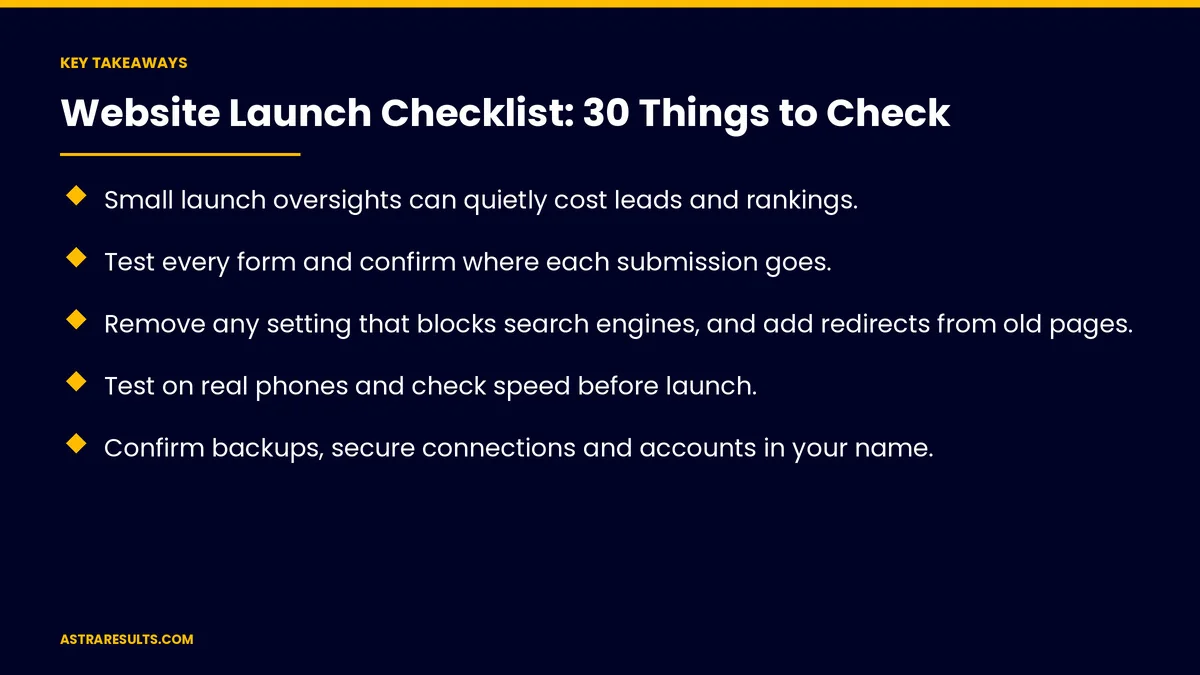
Key Takeaways
- Small launch oversights can quietly cost leads and rankings.
- Test every form and confirm where each submission goes.
- Remove any setting that blocks search engines, and add redirects from old pages.
- Test on real phones and check speed before launch.
- Confirm backups, secure connections and accounts in your name.
- Watch forms, search errors and uptime closely for two weeks after launch.
Published: October 23, 2026 | Reading Time: ~9 minutes | Category: Website Development
This checklist covers content, forms and tracking, search and redirects, speed and mobile, security and hosting, accessibility and legal, plus what to watch after launch. Put plainly: check all 30 before go-live, assign an owner to each area and watch the first two weeks closely.
In This Playbook
- Content (1–5)
- Forms and tracking (6–10)
- Search and redirects (11–15)
- Speed and mobile (16–20)
- Security and hosting (21–25)
- Accessibility and legal (26–30)
- After launch
- Who should own each part of a website launch?
- What to measure
- The launch timeline
Content (1–5)
1. Proofread every page. Spelling, grammar and names.
2. Consistent business details. Name, address, phone and hours match everywhere.
3. No placeholder text or test images. Search the site for leftovers.
4. Every link works. No broken links or wrong pages.
5. Spanish pages complete. Reviewed by fluent people, as covered in bilingual websites.
Forms and tracking (6–10)
6. Every form tested. Submitted and received by the right person, as covered in website forms that reach the right person.
7. Confirmations work. On-screen messages and emails.
8. Analytics recording. Visits show up in reports.
9. Conversions tracked. Forms, bookings and calls, as covered in call tracking.
10. Consent matches tools. Privacy notices reflect the tracking you use.
Search and redirects (11–15)
11. Redirects from old pages. Every old address points to its new home, as covered in redesign vs rebuild.
12. Page titles and descriptions. Unique for every page.
13. Search engines allowed. Remove any setting that blocked the test site.
14. Sitemap submitted. In Google Search Console.
15. Business details marked up. For search engines and AI tools.
Speed and mobile (16–20)
16. Real phones tested. Older and newer models.
17. Images compressed. Sized for the screen.
18. Speed checked. Key pages on mobile, as covered in landing page speed.
19. Tap-to-call and buttons. Easy to tap.
20. Browsers tested. Safari, Chrome and others your visitors use.
Security and hosting (21–25)
21. Secure connections everywhere. Every page loads securely.
22. Backups running. And a restore tested, as covered in hosting choices.
23. Accounts in your name. With strong passwords and two-step sign-in.
24. Software updated. As covered in plugin and theme updates.
25. Uptime monitoring on. As covered in uptime monitoring.
Accessibility and legal (26–30)
26. Alt text on images. Describing what matters.
27. Keyboard and contrast. Pages usable without a mouse and easy to read.
28. Privacy policy and terms. Current and accurate.
29. Consent where required. For cookies and tracking.
30. Required disclosures. License numbers and disclaimers where your industry needs them.
After launch
First week. Test forms again and watch for errors.
First two weeks. Check Search Console for crawl and redirect problems.
First month. Compare leads with the old site.
Ongoing. Report monthly, as in monthly website reports.
Who should own each part of a website launch?
One owner per area. Content, tracking, search, speed, security and legal.
Sign off before go-live. Each area checked and confirmed.
Your partner's role. As covered in how to choose a web design partner.
What to measure
Checklist completion. All 30 confirmed.
Leads after launch. Compared with before.
Search errors. Fixed within days.
Uptime. First month.
Page speed. On phones.
The launch timeline
Two weeks before
Assign owners, check content, forms, tracking and accessibility and prepare redirects.
Launch day
Remove search blocks, turn on redirects, submit the sitemap and test every form again.
Two weeks after
Watch forms, search errors, uptime and leads, and fix problems quickly.
How Astra launches websites
Astra Results Marketing launches websites with a full checklist. We test every form, set redirects, remove search blocks, check speed on real phones, confirm backups and security and watch closely after launch.
Engagements begin with a website planning session through our website development team.
Related reading
Frequently asked questions
What are the most common launch mistakes?
Forms that send to nobody, settings that block search engines, missing redirects and untested phones.
Do we need redirects for a new site?
Yes. Every old page address should point to its new home to protect rankings and links.
How do we know search engines can see the site?
Remove any setting that blocked the test site and submit a sitemap in Google Search Console.
What should we check for security?
Secure connections on every page, working backups, updated software and accounts in your name with two-step sign-in.
What accessibility checks matter at launch?
Alt text on images, keyboard navigation and readable contrast.
What should we watch after launch?
Forms, search errors, uptime and leads, especially in the first two weeks.
Ready for a launch without surprises? Astra Results Marketing launches websites with a 30-point checklist, clear owners for each area and close monitoring after go-live. ▸ CALL (786) 321-2866 · ▸ REQUEST YOUR CONSULTATION





