 Rated 5 star on


Site Architecture for Multi-Location Businesses
Quick answer
A multi-location website needs a clear structure so customers find the nearest location and search engines see which area each one serves. Use simple, consistent location URLs. Add a locations hub with a map and search. Give each location page real local content. Avoid thin city pages, and link locations and services both ways.
A business with five, twenty or fifty locations needs a website that works for every one of them. Customers should find the nearest location in seconds, and search engines should understand which location serves which area. Without a clear structure, sites end up with duplicate pages, buried locations and hundreds of thin service-and-city pages that help nobody.
Key Takeaways
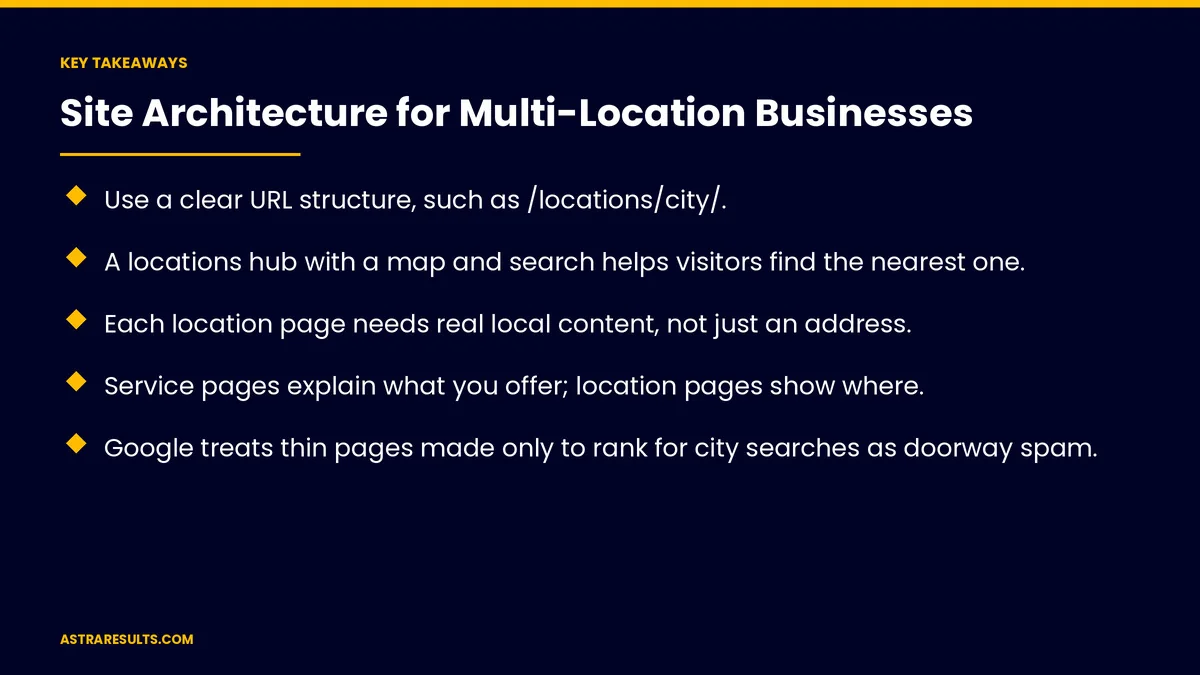
- Use a clear URL structure, such as /locations/city/.
- A locations hub with a map and search helps visitors find the nearest one.
- Each location page needs real local content, not just an address.
- Service pages explain what you offer; location pages show where.
- Google treats thin pages made only to rank for city searches as doorway spam.
- Link locations and services both ways so visitors and search engines can move between them.
Published: October 11, 2026 | Reading Time: ~9 minutes | Category: Website Development
This guide covers URL structure, a locations hub, real location pages, service pages, service and city combinations, doorway pages to avoid, internal links and markup. Put plainly: give every location a real page, connect it to the services it offers and skip thin pages made only for search.
For getting each location named in AI answers, see franchise AI SEO; for many services, see site architecture for companies with many services.
In This Playbook
- URL structure
- A locations hub
- Real location pages
- Service pages
- When does a service and city page make sense?
- What are doorway pages in Google's spam policies?
- Internal links
- Navigation
- Business details and markup
- Languages
- Central and local content
- What to measure
- The first three months
URL structure
Simple and consistent. /locations/miami/ and /locations/doral/.
Services separate. /services/ac-repair/.
Readable. Names, not numbers.
Plan before launch. As covered in website development.
A locations hub
A map and search. By city, ZIP code or current location.
A list of all locations. With addresses and phone numbers.
Clear next steps. Call, book or get directions.
Real location pages
Address, hours and phone. Matching your business profiles.
Local details. Team, photos, parking and areas served.
Services offered there. Not every location offers everything.
Reviews and proof. From that location's customers.
A booking or contact form. Routed to that location, as covered in website forms that reach the right person.
Service pages
What you offer. Explained once, in depth.
Where it's available. Links to the locations that offer it.
Questions answered. As covered in question-shaped headings.
When does a service and city page make sense?
Only where there's real substance. Local pricing, local projects or local rules.
Not one page per city per service. Hundreds of near-identical pages help nobody.
Merge thin pages. Into stronger location or service pages.
What are doorway pages in Google's spam policies?
Google's spam policies name them. Pages made to rank for specific searches that funnel visitors elsewhere.
Common examples. Copies of one page with only the city name changed.
The risk. Lower visibility for the whole site.
Internal links
Location to services. Each location links to what it offers.
Service to locations. Each service links to where it's offered.
Nearby locations. Linked from each location page.
Breadcrumbs. Home, locations, city.
Navigation
Locations in the main menu. Easy to reach on phones.
Fast on phones. As covered in landing page speed.
"Find a location" everywhere. Header or footer.
Remember the choice. Show the visitor's chosen location on later pages.
Business details and markup
Consistent details. Name, address and phone the same everywhere.
Location markup. Each page marked up with its own details.
Linked to the brand. Each location connected to the parent business.
Languages
Spanish location pages. For Spanish-speaking customers, set up correctly, as covered in bilingual websites and bilingual mobile apps.
Language and location together. /es/locations/miami/.
Central and local content
Brand-wide pages from the center. Services and standards.
Local details from each location. Approved centrally, as weighed in centralized vs location-level marketing.
Examples. As in restaurant group SEO.
What to measure
Visits to location pages. By location.
Leads by location. Calls, forms and bookings.
Locations found in search. For local searches.
Thin pages removed or merged. Over time.
Reported monthly, as in monthly website reports.
The first three months
Days 1–30: map
List every location and service, plan the URL structure and find thin or duplicate pages.
Days 31–60: build
Build the locations hub and real location pages, link locations and services both ways and merge thin pages.
Days 61–90: refine
Add markup and Spanish pages, collect local details from each location and track leads by location.
How Astra structures multi-location sites
Astra Results Marketing builds websites for businesses with many locations. We plan clean URLs, build a locations hub and real location pages, connect services and locations, avoid doorway pages and track leads by location.
Engagements begin with a site review through our website development team.
Related reading
Frequently asked questions
How should URLs be structured for many locations?
Simply and consistently, such as /locations/city/ for locations and /services/name/ for services.
What makes a good location page?
Accurate address, hours and phone, local details, services offered there, local reviews and a form routed to that location.
Should we create a page for every service in every city?
No. Create combinations only where there's real local substance. Hundreds of near-identical pages risk being treated as doorway spam.
What are doorway pages?
Pages made to rank for specific searches that funnel visitors elsewhere, often copies with only the city name changed.
How should locations and services link together?
Both ways: locations link to the services they offer, and services link to the locations that offer them.
What should we measure?
Visits and leads by location, local search visibility and thin pages removed or merged.
Ready for a website that works for every location? Astra Results Marketing builds clean multi-location sites with real location pages, connected services and no thin doorway pages. ▸ CALL (786) 321-2866 · ▸ REQUEST YOUR CONSULTATION





