 Rated 5 star on


Store Speed: Themes, Images and Apps That Slow It
Quick answer
Online stores slow down as themes, images and apps pile up, and slow stores sell less. Oversized product images are the most common cause. Heavy themes with many effects load slowly on phones. Remove apps you don't use, since each can add scripts. Load busy collection pages carefully, and check speed after every change.
Online stores slow down gradually. A new theme adds animations, product photos go up straight from the camera, and every few months another app adds a review widget, popup or tracker. No single change feels big, but together they turn a fast store into one that crawls on phones. Shoppers don't wait, and slow stores sell less.
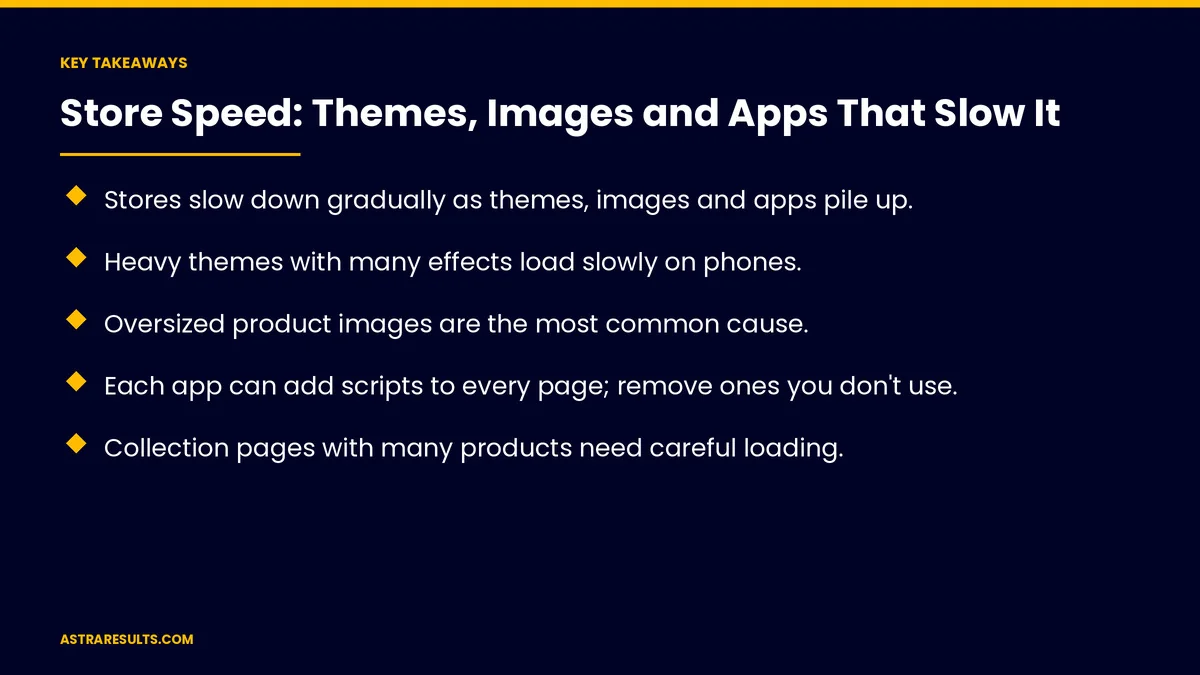
Key Takeaways
- Stores slow down gradually as themes, images and apps pile up.
- Heavy themes with many effects load slowly on phones.
- Oversized product images are the most common cause.
- Each app can add scripts to every page; remove ones you don't use.
- Collection pages with many products need careful loading.
- Check speed after every change and before peak seasons.
Published: October 22, 2026 | Reading Time: ~8 minutes | Category: E-Commerce Stores
This guide covers what slows online stores: heavy themes, oversized images, too many apps, busy collection pages, fonts and video, tracking scripts, peak seasons, checking speed and what to measure. Put plainly: choose a light theme, shrink every image, remove apps you don't need and check speed after every change.
For a single page's speed, see landing page speed.
In This Playbook
- Heavy themes
- Why do product images slow an online store?
- How do store apps slow down every page?
- Busy collection pages
- Fonts and video
- Tracking scripts
- Peak seasons
- Hosting and platform
- Checking speed
- What to measure
- The first three months
Heavy themes
Effects and animations. Look good, load slowly.
Built-in features you don't use. Still load on every page.
Choose light themes. Fast on phones out of the box.
Update carefully. As covered in plugin and theme updates.
Why do product images slow an online store?
Straight from the camera. Far larger than needed.
Resize and compress. Sized for the screen.
Modern formats. Smaller files, same quality.
Load as needed. Images below the screen load later.
Better photos, not bigger files, as covered in product pages that convert.
How do store apps slow down every page?
Every app adds code. Often to every page.
Removed apps can leave code behind. Check after uninstalling.
Keep only what earns its place. As covered in Shopify apps.
Busy collection pages
Many products at once. Load more as shoppers scroll.
Small thumbnails. Not full-size images.
Simple filters. Fast to apply.
Fonts and video
Fewer fonts. One or two styles.
No autoplay video on phones. A still image until tapped.
Tracking scripts
Count them. Analytics, ads and chat.
Remove duplicates. One tag manager, no repeated tags.
Load after the page. Where possible.
Peak seasons
Test before holidays. As covered in Black Friday planning.
Freeze big changes. Weeks before the rush.
Watch uptime. As covered in uptime monitoring.
Hosting and platform
Platform hosting. Usually fast, but themes and apps still matter.
Custom stores. Need good hosting, as covered in hosting choices.
Choosing a platform is weighed in Shopify or custom.
Checking speed
Real phones. Older and budget models.
Key pages. Home, collection, product and cart.
After every change. New app, theme or image set.
What to measure
Speed on phones. Home, collection and product pages.
Conversion rate on mobile. Before and after fixes.
Number of apps and scripts. Fewer over time.
Image weight. Average size per product photo.
Speed through peak seasons. And sales during peaks, as in product page conversion.
The first three months
Days 1–30: find the weight
Test key pages on phones, list every app and script and find the largest images.
Days 31–60: lighten
Compress images, remove unused apps and leftover code, simplify collection pages and reduce fonts.
Days 61–90: keep it fast
Recheck speed, compare mobile conversion and set a rule to check speed after every change.
How Astra speeds up stores
Astra Results Marketing makes online stores fast on phones. We lighten themes, compress images, remove unneeded apps and scripts, tune collection pages and check speed after every change and before every peak season.
Engagements begin with a store speed review through our e-commerce stores team.
Related reading
Frequently asked questions
Why do online stores get slower over time?
Themes, images, apps and tracking scripts pile up, and each adds weight to the pages.
What slows stores down most?
Oversized product images, too many apps and heavy themes with many effects.
Do removed apps still slow a store?
Sometimes. Uninstalled apps can leave code behind, so check after removing them.
How should collection pages load?
With small thumbnails, more products loading as shoppers scroll and simple filters.
When should we check speed?
After every change and before peak seasons, on real phones.
What should we measure?
Speed on key pages, mobile conversion, number of apps and scripts and image size.
Ready for a store that loads fast on every phone? Astra Results Marketing lightens themes, compresses images, removes unneeded apps and checks speed after every change. ▸ CALL (786) 321-2866 · ▸ REQUEST YOUR CONSULTATION





