 Rated 5 star on


iPad + iPhone: One Codebase, Two Devices
Quick answer
One app built from one codebase can serve both iPhone and iPad. Use a single App Store listing, and Universal Purchase lets customers buy once. Layouts should stack on iPhone and use side-by-side columns on iPad. Support Pencil and keyboards where they help. Build separate apps only when each device does a different job.
Many businesses need an app on both iPhone and iPad. Building two separate apps doubles the work, but simply stretching an iPhone app onto an iPad wastes the bigger screen. The better path is one app, built from one codebase, that fits the phone and uses the iPad's space, keyboard and Pencil well.
Key Takeaways
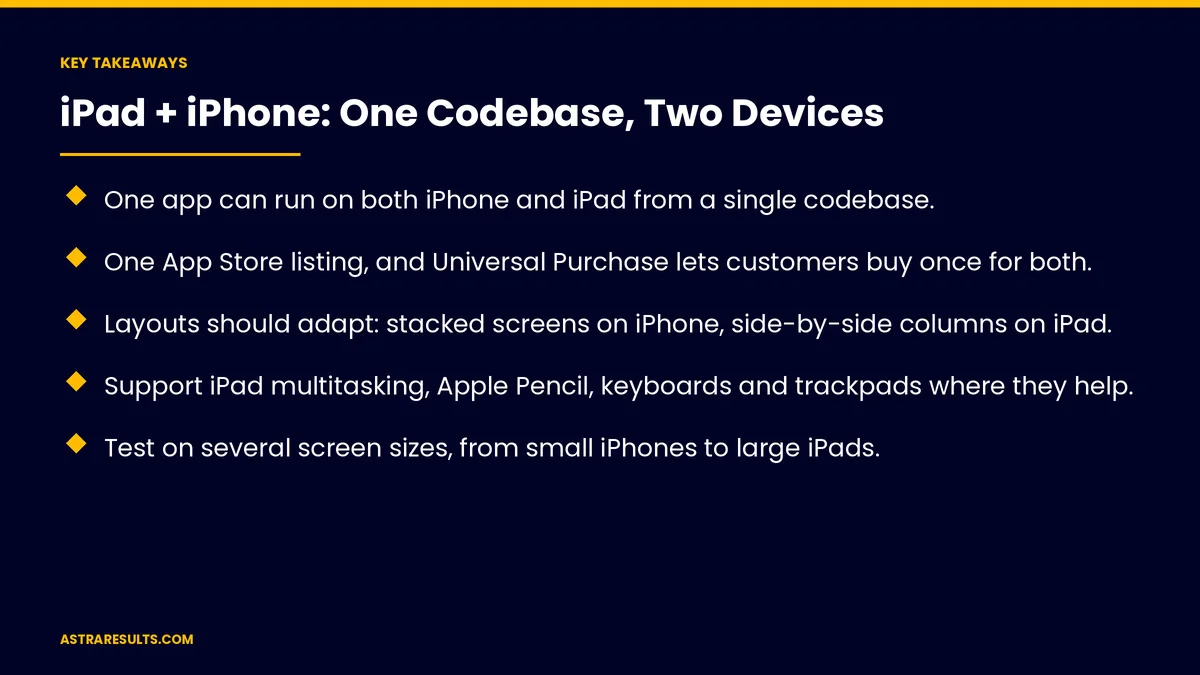
- One app can run on both iPhone and iPad from a single codebase.
- One App Store listing, and Universal Purchase lets customers buy once for both.
- Layouts should adapt: stacked screens on iPhone, side-by-side columns on iPad.
- Support iPad multitasking, Apple Pencil, keyboards and trackpads where they help.
- Test on several screen sizes, from small iPhones to large iPads.
- Separate apps make sense when each device does a very different job.
Published: October 15, 2026 | Reading Time: ~8 minutes | Category: iPad App Development
This guide covers building one Apple app for both devices: one App Store listing, layouts that adapt, iPad multitasking, Pencil, keyboard and trackpad support, shared features, testing, when separate apps make sense and what to measure. Put plainly: build one app, adapt the layout to each screen and add iPad features where they help.
For iPhone and Android together, see the business case for one codebase.
In This Playbook
- One app, one listing
- Layouts that adapt
- iPad multitasking
- Pencil, keyboard and trackpad
- Shared features, device strengths
- Testing
- When do separate iPhone and iPad apps make sense?
- What to measure
- The first three months
One app, one listing
One codebase. Shared code for both devices.
One App Store listing. Easier for customers to find.
Buy once. Universal Purchase lets one purchase cover iPhone and iPad.
Shared data. Accounts and content sync across devices.
Layouts that adapt
iPhone. One screen at a time, stacked.
iPad. Side-by-side columns, such as a list beside the details.
Adaptive design. Apple's modern tools adjust layouts to screen size, as weighed in SwiftUI vs UIKit.
No stretched screens. iPad layouts use the space, not just bigger buttons.
iPad multitasking
Several apps at once. Your app may share the screen.
Resizable windows. Recent iPadOS versions let users resize app windows.
Layouts at every size. From narrow to full screen.
Pencil, keyboard and trackpad
Apple Pencil. Signatures, markup and sketches.
Keyboard shortcuts. For common actions.
Trackpad and mouse. Pointer support for desks.
Drag and drop. Move files and items between apps.
Shared features, device strengths
Same core features. Accounts, orders, bookings and records.
iPhone strengths. Quick tasks on the go.
iPad strengths. Detailed work, forms and reviewing, as covered in iPad apps for business.
Field examples. As in construction iPad apps and proof of delivery apps.
Maps and AR. On both devices, as in real estate Swift apps.
In-app help. On both devices, as in AI support inside the app.
Testing
Several screen sizes. Small and large iPhones, standard and large iPads.
Both orientations. Portrait and landscape on iPad.
Multitasking sizes. Narrow and wide windows.
Input methods. Touch, Pencil, keyboard and trackpad.
When do separate iPhone and iPad apps make sense?
Very different jobs. A staff kiosk app on iPad and a customer app on iPhone.
Locked-down devices. Company iPads managed centrally, as covered in enterprise mobile apps.
Different users. Staff and customers with different needs.
Is an iPad app right at all? As weighed in is an iPad app right for your operation.
What to measure
Use by device. iPhone versus iPad.
Task completion. On each device.
Crash-free users. By device and screen size.
Reviews. Mentions of iPad layout or features.
Build time. For features across both devices.
The first three months
Days 1–30: plan
List core features, decide which screens need iPad layouts and confirm one listing with Universal Purchase.
Days 31–60: build
Build adaptive layouts, add multitasking support and iPad input where it helps, and share data across devices.
Days 61–90: test and launch
Test on several screen sizes, orientations and input methods, launch and track use and completion by device.
How Astra builds iPhone and iPad apps
Astra Results Marketing builds one Apple app for iPhone and iPad. We share the codebase, adapt layouts to each screen, support iPad multitasking, Pencil and keyboards and test across sizes, splitting into separate apps only when the jobs truly differ.
Engagements begin with an app plan through our iPad app development team.
Related reading
Frequently asked questions
Can one app run on both iPhone and iPad?
Yes. One codebase and one App Store listing can serve both, with layouts that adapt to each screen.
Do customers have to buy the app twice?
No. Universal Purchase lets one purchase cover both iPhone and iPad.
Should the iPad version just be a bigger iPhone app?
No. Use the space with side-by-side columns and add iPad features like Pencil and keyboard support where they help.
What is iPad multitasking?
Running apps side by side or in resizable windows. Your layouts should work at every window size.
When should we build separate apps?
When each device does a very different job, such as a staff kiosk on iPad and a customer app on iPhone.
How should we test?
On several screen sizes, both iPad orientations, multitasking window sizes and every input method.
Ready for one app that works beautifully on iPhone and iPad? Astra Results Marketing builds one Apple app with layouts that adapt, iPad multitasking, Pencil and keyboard support and testing across every screen size. ▸ CALL (786) 321-2866 · ▸ REQUEST YOUR CONSULTATION





