 Rated 5 star on


Wholesaler Sites: Catalogs Buyers Can Search
Quick answer
Build a wholesale catalog around how business buyers search, not how retail shoppers browse. Search should handle full and partial part numbers and common misspellings. Filters should match size, material, brand and specs. Signed-in buyers should see their own prices. Show stock and lead times, and offer quick orders and one-click reorders.
Business buyers don't browse like shoppers. They arrive with a part number, a product type or last month's order, and they want to find it, check their price and reorder in minutes. Sites built like retail stores or brochures slow them down. A catalog built around how buyers search keeps them ordering online.
Key Takeaways
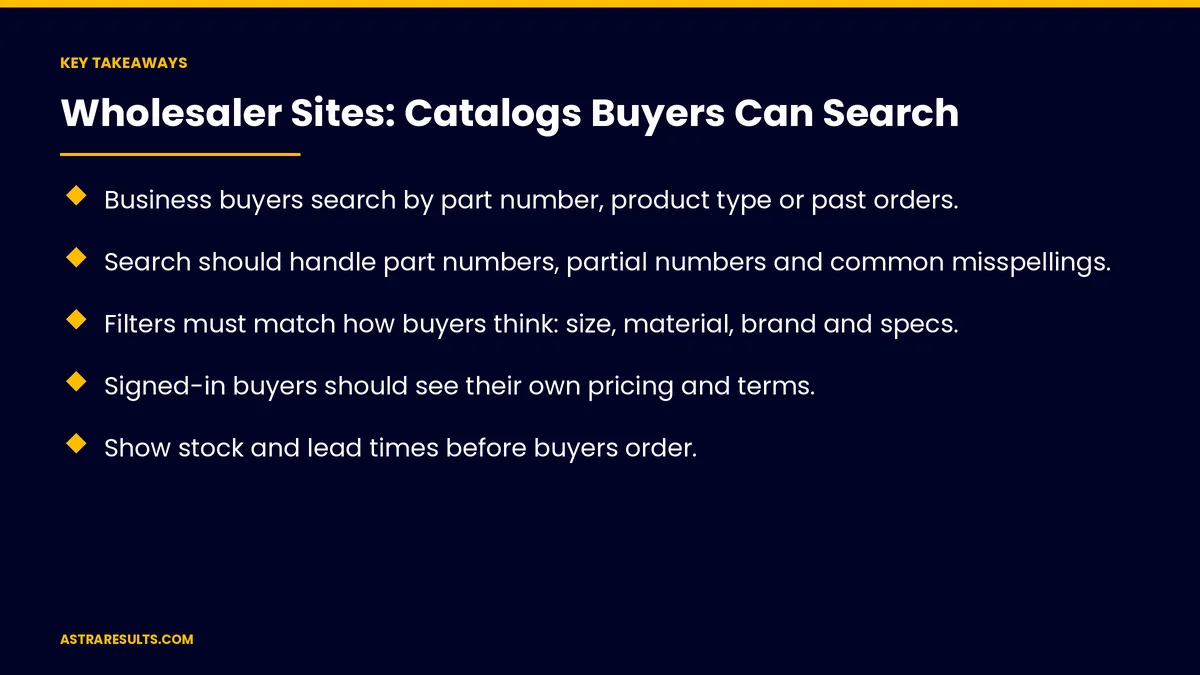
- Business buyers search by part number, product type or past orders.
- Search should handle part numbers, partial numbers and common misspellings.
- Filters must match how buyers think: size, material, brand and specs.
- Signed-in buyers should see their own pricing and terms.
- Show stock and lead times before buyers order.
- Quick order by part number and one-click reorders save buyers the most time.
Published: October 30, 2026 | Reading Time: ~8 minutes | Category: UI/UX Web Design
This guide covers wholesaler catalog design: how business buyers search, part-number search, useful filters, product pages with specs, account pricing, stock and lead times, quick orders and reorders, Spanish catalogs, mobile use and what to measure. Put plainly: make every product findable by number, show each buyer's price and stock and make reordering a few clicks.
For being found in search engines, see wholesaler SEO.
In This Playbook
- How business buyers search
- Part-number search
- Which filters do wholesale buyers actually use?
- Product pages with specs
- Account pricing
- How should a wholesale catalog show stock levels?
- Quick orders and reorders
- Spanish catalogs
- Mobile use
- What to measure
- The first three months
How business buyers search
By part number. The fastest path for repeat buyers.
By product type. "Stainless hinges" or "LED fixtures."
By past orders. "What we ordered last month."
Part-number search
Exact and partial numbers. Results while typing.
Cross-references. Manufacturer and competitor numbers mapped to yours.
Misspellings and spacing. "SS-100" and "SS100" both work.
Which filters do wholesale buyers actually use?
What buyers care about. Size, material, brand, finish and specs.
Fast to apply. Many filters without reloading.
Clear categories. As covered in site architecture for companies with many services.
Product pages with specs
Specifications up front. Dimensions, materials and ratings.
Spec sheets and documents. Downloadable.
Pack sizes and minimums. Clear before ordering.
Product data reused. The same clean details feed Shopping ads.
Clear design, as covered in websites that sell.
Account pricing
Sign in to see your price. Contract and volume pricing.
Terms and credit. Visible in the account.
Questions answered. As in wholesaler account questions.
How should a wholesale catalog show stock levels?
Available now. By warehouse where relevant.
Lead times. For backordered items.
Synced with inventory. As covered in syncing e-commerce, inventory and accounting.
Quick orders and reorders
Quick order by part number. Enter numbers and quantities in one form.
Upload a list. From a spreadsheet.
One-click reorders. From order history.
Reorder reminders. As in reorder prediction.
Purchase orders by email too. As in purchase order reading.
Spanish catalogs
Product names and specs in Spanish. For Latin American and local buyers.
Set up correctly. As covered in bilingual websites.
Mobile use
Buyers on job sites and floors. Search and reorder on phones.
Fast pages. As covered in store speed.
Apps for heavy users. As in wholesaler ordering apps.
What to measure
Search success. Searches that lead to a product view.
Searches with no results. Fixed weekly.
Online order share. Versus phone and email orders.
Reorder rate. From order history.
Time to order. From sign-in to checkout.
The first three months
Days 1–30: search
Review search logs, add part-number and cross-reference search and fix searches with no results.
Days 31–60: filters and pages
Build filters buyers use, add specs and documents to product pages and show stock and lead times.
Days 61–90: ordering
Add account pricing, quick order by part number, list upload and one-click reorders, then track online order share.
How Astra designs wholesaler catalogs
Astra Results Marketing designs wholesaler catalogs around how business buyers search. We build part-number search and useful filters, show account pricing and stock and make reordering fast on any device.
Engagements begin with a catalog review through our UI/UX web design team.
Related reading
Frequently asked questions
How do business buyers search wholesaler catalogs?
By part number, product type or past orders, usually wanting to find and reorder in minutes.
What should part-number search handle?
Exact and partial numbers, manufacturer cross-references and common misspellings or spacing.
Should prices be visible to everyone?
Many wholesalers show account pricing after sign-in, so each buyer sees their own contract and volume prices.
What saves buyers the most time?
Quick order by part number, list upload and one-click reorders from order history.
Do wholesaler catalogs need to work on phones?
Yes. Many buyers search and reorder from job sites and warehouse floors.
What should we measure?
Search success, searches with no results, online order share, reorder rate and time to order.
Ready for a catalog your buyers can search in seconds? Astra Results Marketing designs wholesaler catalogs with part-number search, useful filters, account pricing and fast reorders on any device. ▸ CALL (786) 321-2866 · ▸ REQUEST YOUR CONSULTATION





