 Rated 5 star on


Shopping Ads: Feed Quality Is the Campaign
Quick answer
In Shopping ads, the product feed does the work keywords do in search ads. Write clear, specific titles with brand, product type and key details. Use exact identifiers like GTINs. Show clean product photos without promotional text. Keep feed prices and stock matching your product pages, and fix feed errors quickly.
Shopping ads don't use keywords the way search ads do. Google decides when to show each product based on the information in your product feed: titles, descriptions, identifiers, images, prices and stock. A messy feed means products show for the wrong searches, or not at all. Fixing the feed often does more than any bid change.
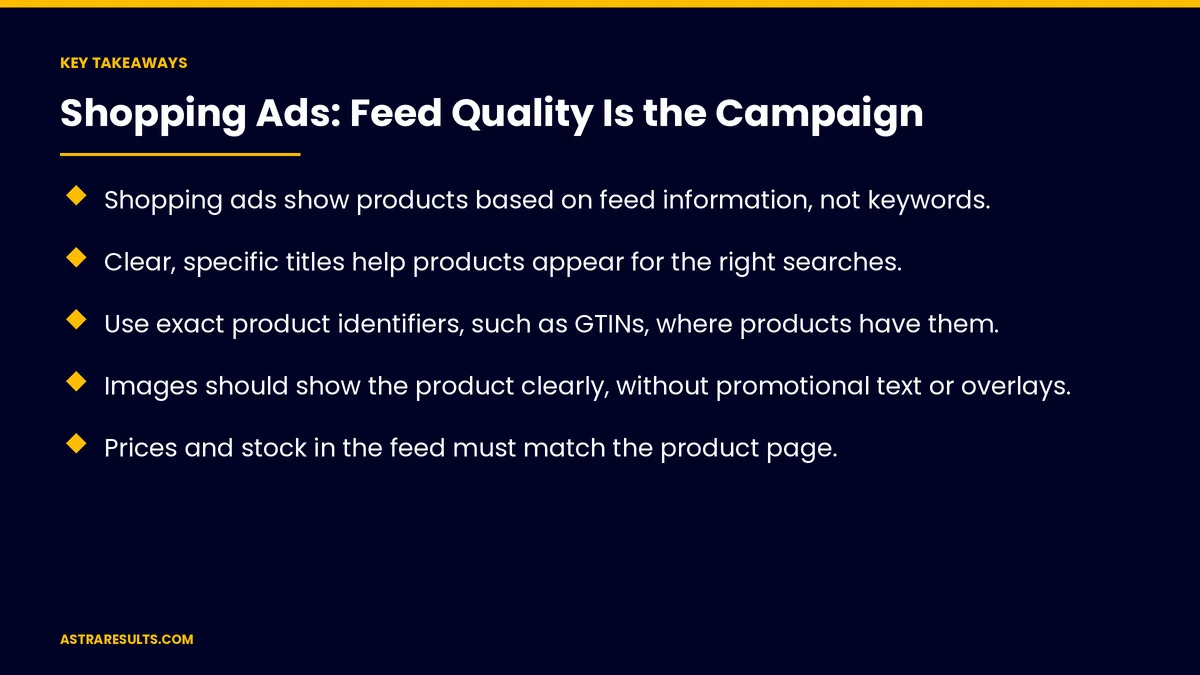
Key Takeaways
- Shopping ads show products based on feed information, not keywords.
- Clear, specific titles help products appear for the right searches.
- Use exact product identifiers, such as GTINs, where products have them.
- Images should show the product clearly, without promotional text or overlays.
- Prices and stock in the feed must match the product page.
- Fix feed errors quickly and keep the feed updated as products change.
Published: October 31, 2026 | Reading Time: ~8 minutes | Category: E-Commerce Marketing
This guide covers product feed quality for Shopping ads: why the feed matters, product titles, descriptions, product identifiers, images, prices and stock that match, categories and attributes, shipping and returns, fixing errors, keeping the feed current and what to measure. Put plainly: write clear titles, use exact identifiers and keep prices and stock matched to your site.
In This Playbook
- Why the feed matters
- How should Shopping ad product titles be written?
- Descriptions
- Product identifiers
- What kind of images work in a Shopping feed?
- Prices and stock that match
- Categories and attributes
- Shipping and returns
- Fixing errors
- Keeping the feed current
- What to measure
- The first three months
Why the feed matters
No keywords. Feed details decide which searches show your products.
Disapprovals stop ads. Errors can remove products from Shopping.
Better data, better matches. Shoppers see the right product.
How should Shopping ad product titles be written?
Specific. Brand, product type and key details.
What shoppers search for. Size, color, material or model.
Most important words first. Titles get cut off in ads.
Descriptions
Accurate and useful. What it is, what it does and who it's for.
No promotional text. Save offers for promotions.
Matching the page. As covered in product pages that convert.
Product identifiers
GTINs where products have them. Barcodes from the manufacturer.
Brand and part numbers. For products without GTINs.
Exact, not guessed. Wrong identifiers cause problems.
What kind of images work in a Shopping feed?
Clear product photos. On a plain or simple background.
No promotional overlays. No added text, badges or watermarks.
High quality. Sharp and well lit, as in product page conversion.
Prices and stock that match
Same price as the page. Including sales.
Same stock status. Out-of-stock products marked or removed.
Synced automatically. As covered in syncing e-commerce, inventory and accounting.
Categories and attributes
Product category. The most specific one that fits.
Attributes. Size, color, gender and age group where relevant.
Variants. Each size or color as its own item, grouped together.
Shipping and returns
Shipping costs and times. Set in Merchant Center to match your site.
Return policy. Clear and consistent, as covered in shipping and returns settings.
Taxes and currencies. As covered in multi-currency and tax settings.
Fixing errors
Check diagnostics weekly. Errors and warnings in Merchant Center.
Fix disapprovals first. Products not showing at all.
Then warnings. Missing details that limit reach.
Keeping the feed current
Automatic updates. Prices and stock synced often.
Before big sales. As covered in Black Friday planning.
Fast pages. Shoppers land on product pages, as covered in store speed.
Marketplaces too. As weighed in marketplace presence.
Bring buyers back. With email and SMS flows.
What to measure
Approved products. Share of the catalog.
Impressions and clicks by product. Which items show and sell.
Conversion rate. From Shopping clicks.
Return on ad spend. By product group.
Feed errors. Fewer over time.
The first three months
Days 1–30: audit
Check diagnostics, list disapprovals and warnings and review titles, identifiers and images for top products.
Days 31–60: fix
Rewrite titles, add exact identifiers, replace images with overlays and sync prices and stock.
Days 61–90: grow
Add categories and attributes across the catalog, check diagnostics weekly and compare results by product group.
How Astra improves Shopping feeds
Astra Results Marketing improves product feeds for Shopping ads. We rewrite titles, add exact identifiers, fix images, sync prices and stock and check diagnostics weekly so more products show for the right searches.
Engagements begin with a feed review through our e-commerce marketing team.
Related reading
Frequently asked questions
Why does feed quality matter for Shopping ads?
Because Shopping ads use feed information, not keywords, to decide when to show each product.
How should product titles be written?
Specific, with brand, product type and key details first, using words shoppers search for.
What are product identifiers?
Codes like GTINs, from the manufacturer's barcode. Use exact ones where products have them.
Can images include sale badges or text?
No. Use clear product photos without promotional text, badges or watermarks.
What happens if feed prices don't match the site?
Products can be disapproved. Keep prices and stock synced with your product pages.
What should we measure?
Approved products, impressions and clicks by product, conversion rate, return on ad spend and feed errors.
Ready for Shopping ads that show the right products? Astra Results Marketing improves your product feed, from titles and identifiers to images and synced prices, so more products appear for the right searches. ▸ CALL (786) 321-2866 · ▸ REQUEST YOUR CONSULTATION





