 Rated 5 star on

Taking Over an App Another Agency Built
Quick answer
Take over an app by moving every account and key into your business's name before new work starts. Get the full code with its history, the signing key details and access to servers, domains and services. Change passwords and secrets right after. Then audit the app and spend the first month on stability, not features.
Businesses switch app agencies over slow updates, rising costs or an agency that closed. The switch itself is where things go wrong. A store account in the old agency's name, a missing signing key or an unknown server password can block updates for weeks. A careful handover protects the app, its users and its ratings.
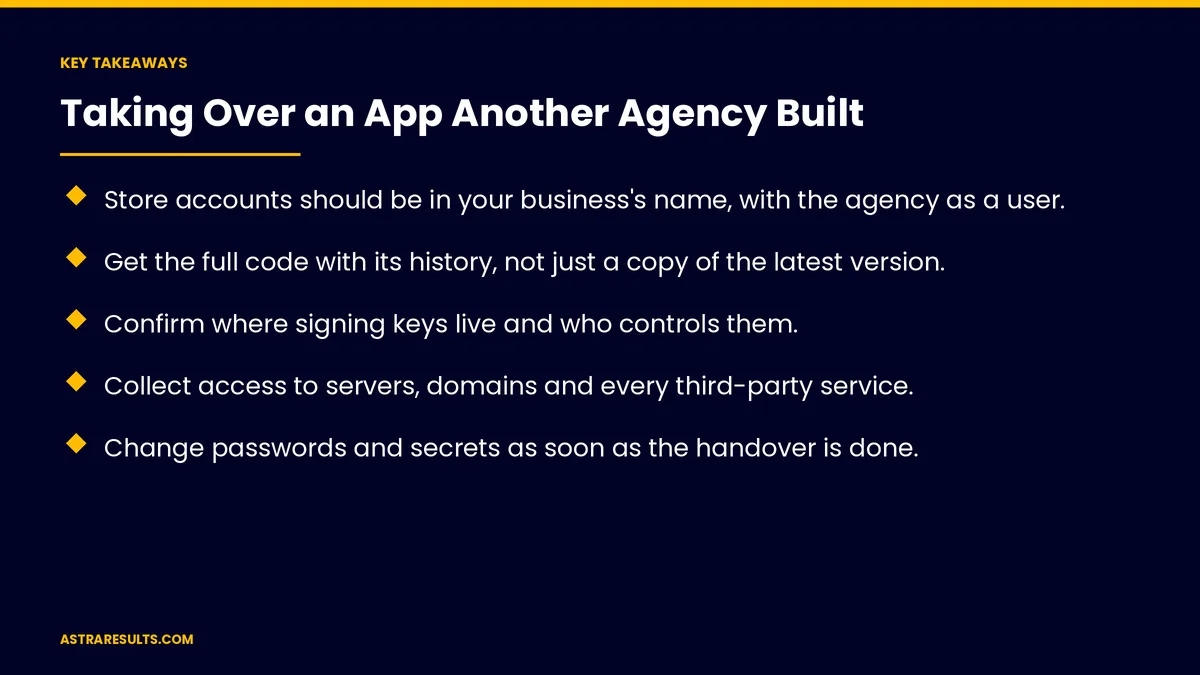
Key Takeaways
- Store accounts should be in your business's name, with the agency as a user.
- Get the full code with its history, not just a copy of the latest version.
- Confirm where signing keys live and who controls them.
- Collect access to servers, domains and every third-party service.
- Change passwords and secrets as soon as the handover is done.
- Audit the app, then spend the first month stabilizing before new features.
Published: October 26, 2026 | Reading Time: ~9 minutes | Category: App Maintenance
This guide covers taking over an app another agency built: store accounts, code, signing keys, servers and domains, third-party services, changing passwords, documentation, the contract, auditing the app, a stable first month and what to measure. Put plainly: get every account, key and line of code in your name first, then stabilize before you change anything.
In This Playbook
- Store accounts
- What code should you get from the old agency?
- Signing keys
- Servers and domains
- Third-party services
- When should passwords and keys change after a handover?
- Documentation
- The contract
- Audit the app
- A stable first month
- Set the new terms
- What to measure
- The first three months
Store accounts
Apple developer account. In your business's name, with the new team added as users.
Google Play Console. Also in your name. If the app sits in the old agency's account, use Google Play's app transfer process.
Check roles. Remove old agency users once the handover is complete.
Ownership from day one is covered in evaluating Android vendors.
What code should you get from the old agency?
Full repository with history. Every branch and change, not a zip of the latest version.
Your account. Move the repository into an account you own.
Build instructions. How to build and release each app.
Signing keys
iPhone apps. Certificates and profiles can be recreated under your Apple account.
Android apps. Google Play app signing usually holds the main key; the upload key can be reset through Google if it's lost.
Know where every key lives. And who can use it.
Servers and domains
Cloud accounts. Hosting, databases and storage in your name.
Domains and DNS. Registrar access and renewal dates.
Backups. Confirm they exist and can be restored.
Third-party services
List every service. Analytics, crash reporting, push notifications, payments, maps and email.
Push notification keys. Needed to keep sending notifications.
Billing. Move subscriptions to your payment method.
Crash reporting. Keep it running through the switch, as covered in crash reports.
When should passwords and keys change after a handover?
Right after handover. Passwords, API keys and access tokens.
Remove old access. Former agency staff on every system.
Security basics are covered in mobile app security basics.
Documentation
What exists. Architecture notes, setup guides and known issues.
What's missing. The new team writes it during the audit.
A handover call. With the old agency, if they'll cooperate.
The contract
Ownership of the code. Check what your contract says.
Handover duties. Some contracts require cooperation and delivery of materials.
Get advice if needed. If the old agency won't hand over what you own.
Audit the app
Outdated libraries. And the effort to update them, as covered in React Native maintenance and Swift app maintenance.
Store deadlines. Target version and privacy rules, as covered in iOS and Android updates.
Security. Server access checks, secrets and data storage.
Crash rate and performance. On the screens that matter, as mapped in performance where it matters.
Tests. What's covered and what isn't.
A stable first month
Make a small release first. Prove the new team can build and publish.
Fix the worst crashes. Before new features.
Meet store deadlines. So updates aren't blocked.
Then plan improvements. Based on the audit.
Set the new terms
Response times and severity levels. As covered in app maintenance response times.
What the contract covers. As covered in maintenance contracts.
What to measure
Handover checklist complete. Every account, key and service.
Time to first release. By the new team.
Crash-free users. Before and after.
Store deadlines met. No blocked updates.
Open issues from the audit. Resolved over time.
The first three months
Days 1–30: secure everything
Move store accounts, code, servers, domains and services into your name, change passwords and secrets, and make a small release to prove the process works.
Days 31–60: audit and stabilize
Audit libraries, security, store deadlines, crashes and tests. Fix the worst crashes and any deadline issues first.
Days 61–90: improve
Plan updates and new features from the audit, set response times and document what the old team left out.
How Astra takes over existing apps
Astra Results Marketing takes over apps from other agencies safely. We move every account, key and service into your name, change passwords and secrets, audit the app and stabilize it before adding features.
Engagements begin with a handover review through our app maintenance team.
Related reading
Frequently asked questions
What do we need from the old agency?
Store accounts, the full code repository, signing key details, server and domain access, every third-party service and any documentation.
What if the app is in the agency's store account?
Use Apple's and Google's app transfer processes to move it into an account your business owns.
What if signing keys are lost?
iPhone certificates can be recreated. On Android, Google Play app signing usually holds the main key, and a lost upload key can be reset through Google.
Should we change passwords after the handover?
Yes, right away: passwords, API keys and access tokens, and remove former agency staff from every system.
Should the new team add features right away?
Not first. Make a small release, fix the worst crashes and meet store deadlines, then plan improvements.
What if the old agency won't cooperate?
Check what your contract says about ownership and handover duties, and get advice if needed.
Ready to take control of your app? Astra Results Marketing takes over apps from other agencies safely, moving every account, key and service into your name, auditing the app and stabilizing it before new work. ▸ CALL (786) 321-2866 · ▸ REQUEST YOUR CONSULTATION





